










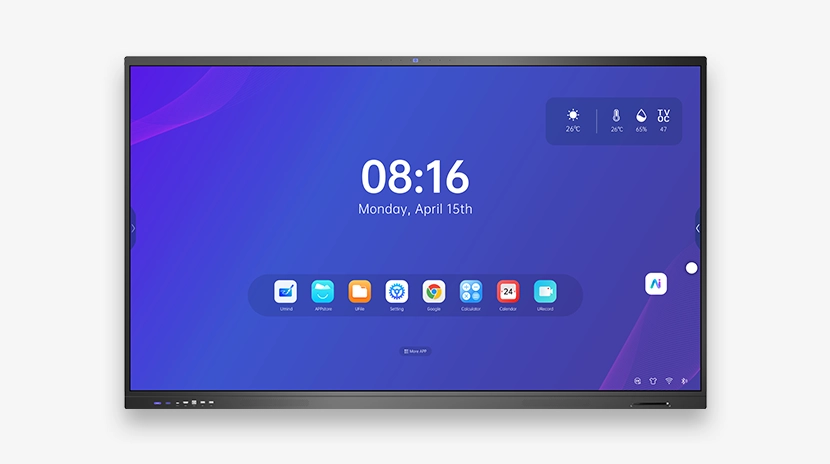


教育用智慧白板 — 2026年完整買家指南

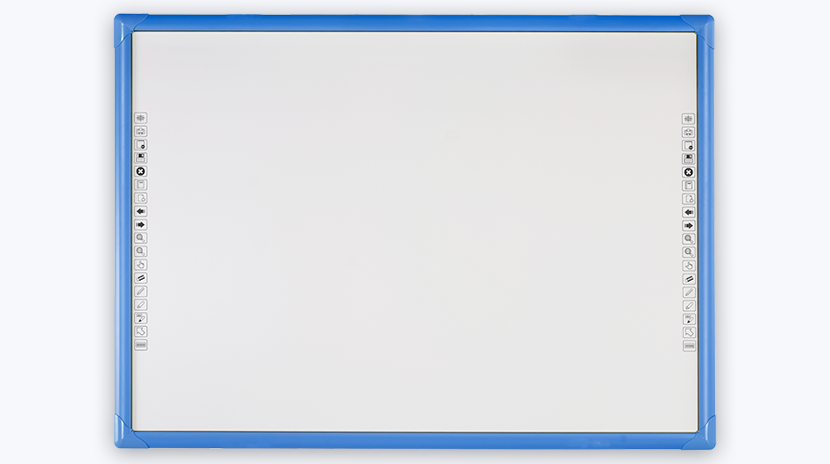
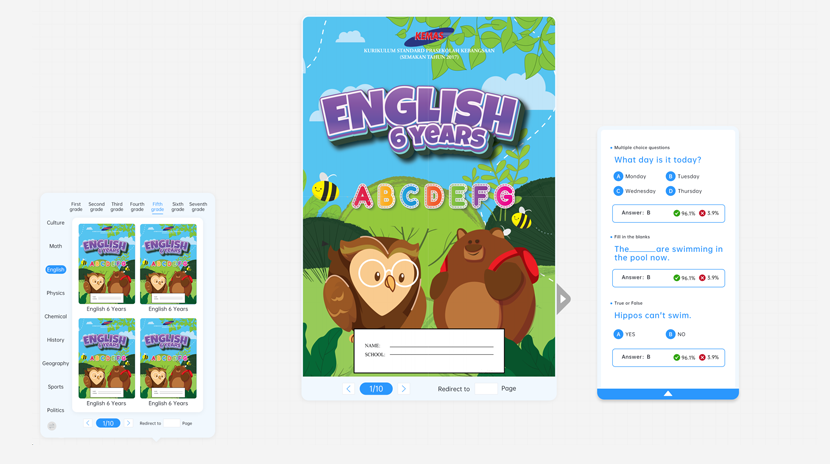
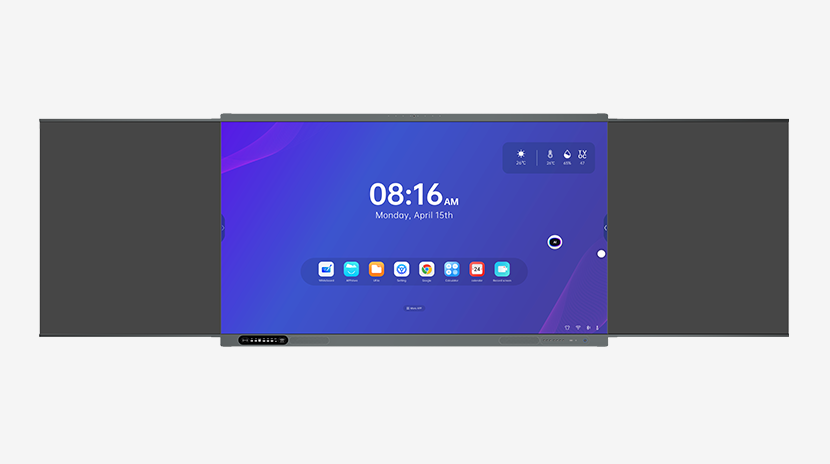
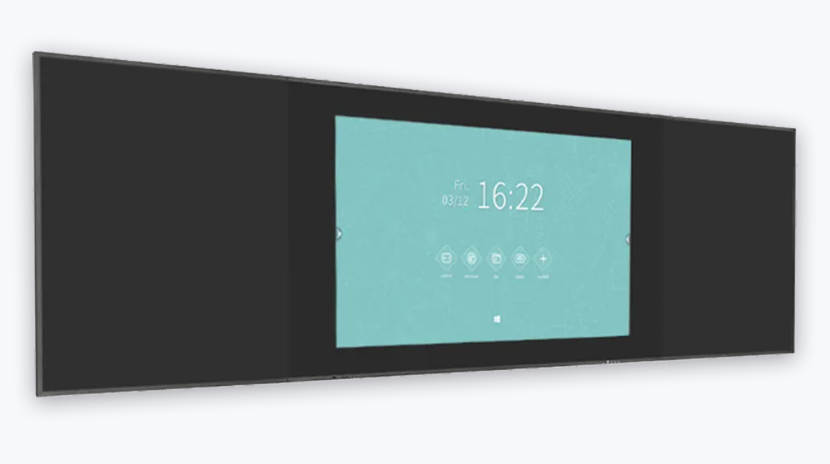
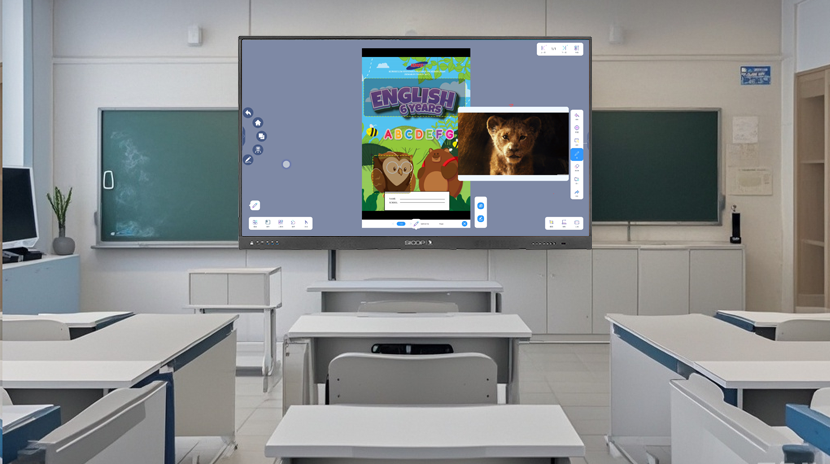
A smart board transforms any classroom into an interactive learning environment. But with dozens of brands and models available, how do you choose the right one? This guide covers everything from hardware specs to software ecosystems.
What Makes a Great Smart Board for Education?
The best education smart boards share these features:
- 4K resolution — crisp text and images, even from the back row
- Anti-glare glass — reduces eye strain under classroom lighting
- 20-point multi-touch — multiple students can interact simultaneously
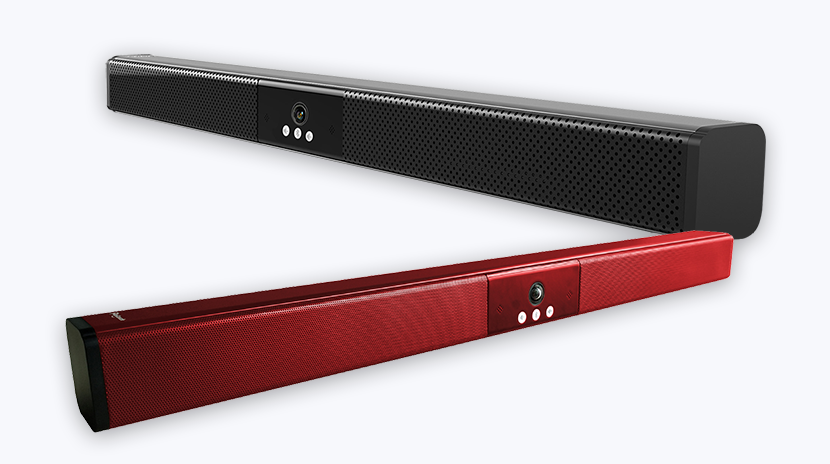
- Built-in speakers — 2×15W minimum for clear audio
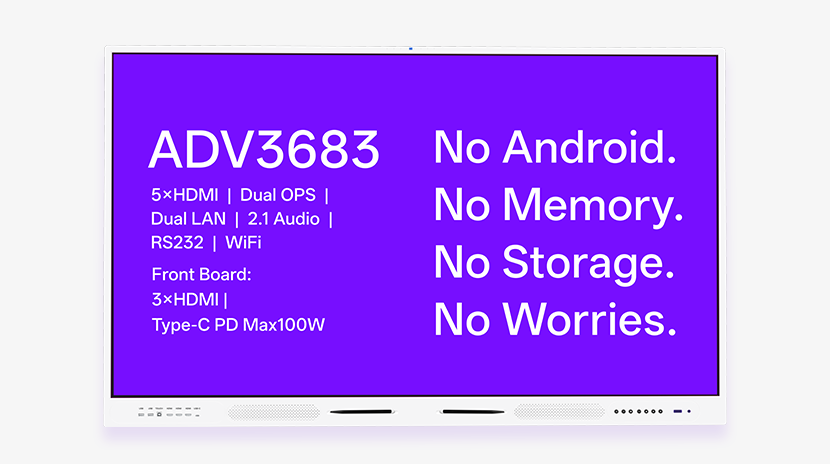
- Front-facing ports — USB, HDMI, Type-C for easy access
Android vs Windows: Which OS for Your Smart Board?
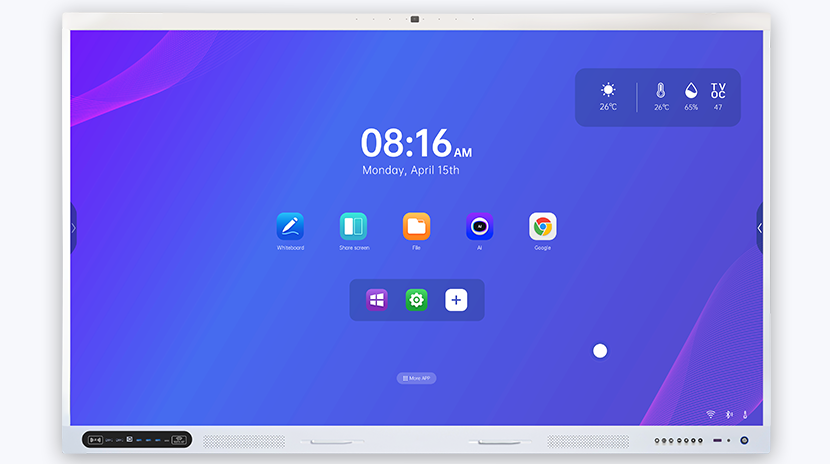
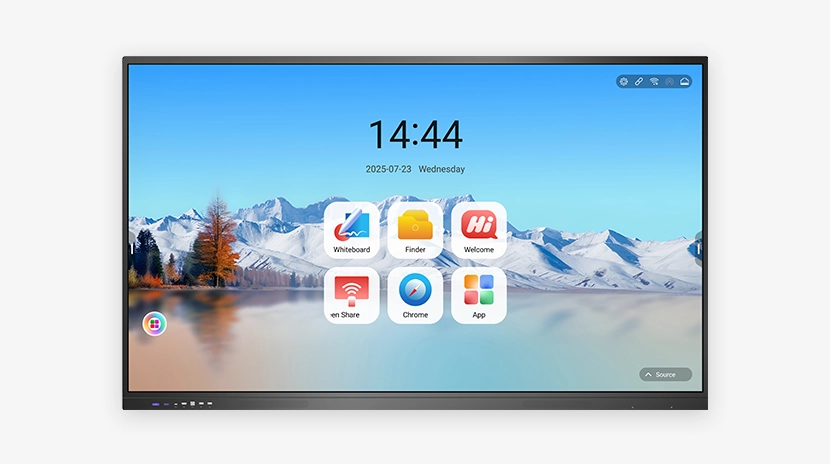
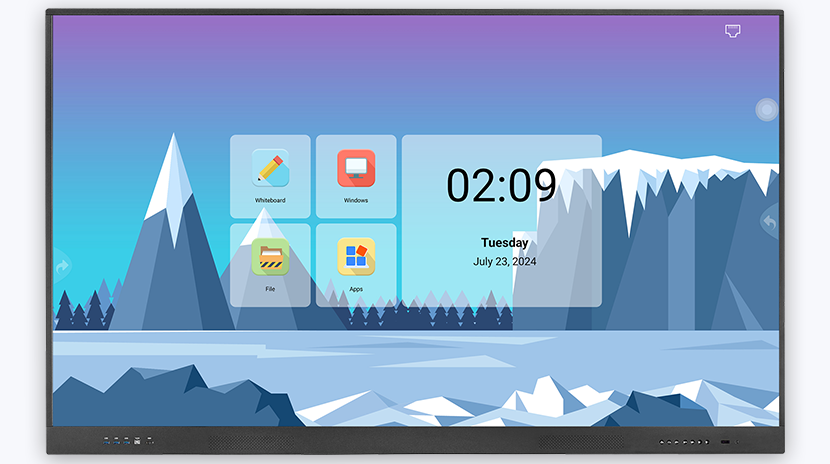
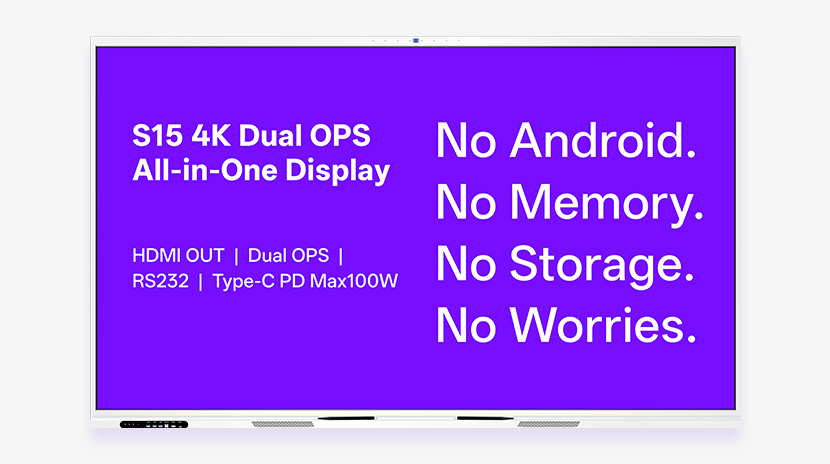
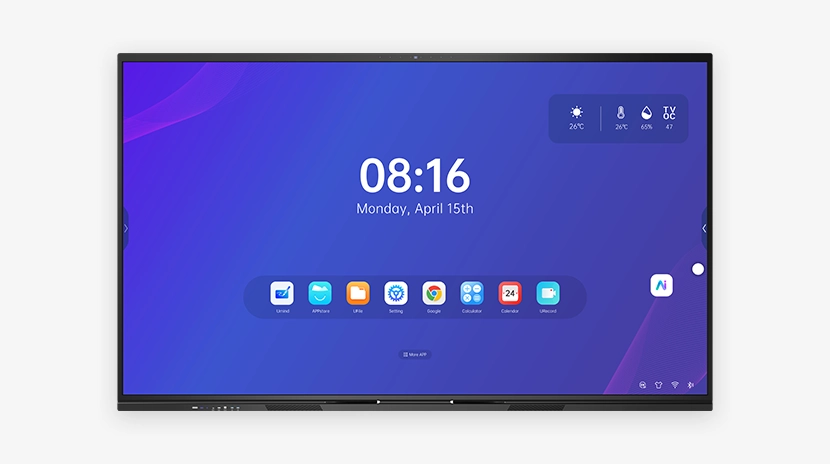
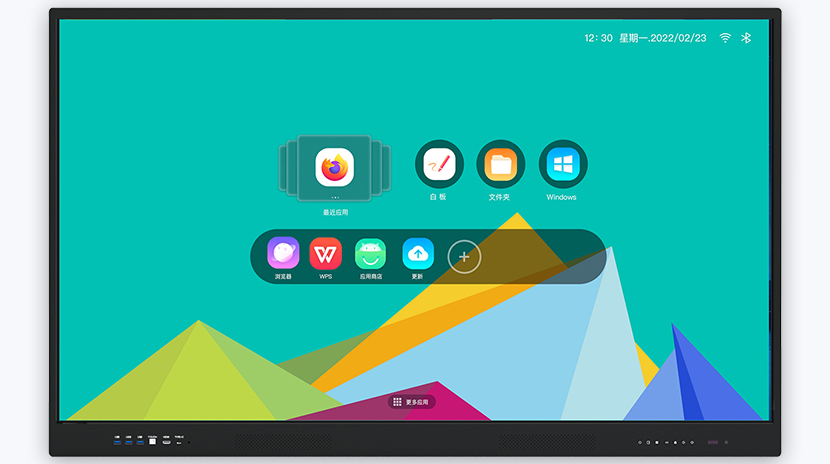
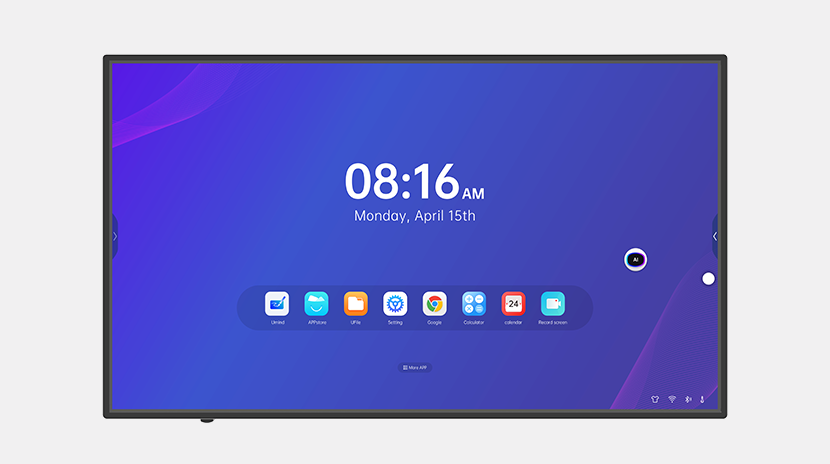
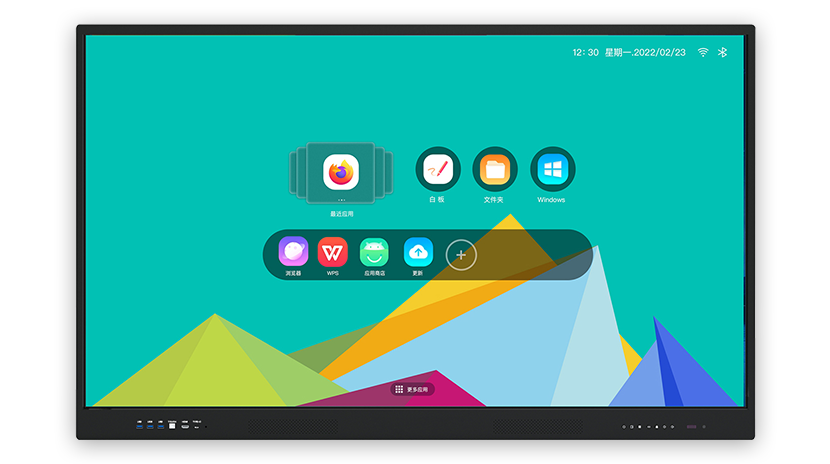
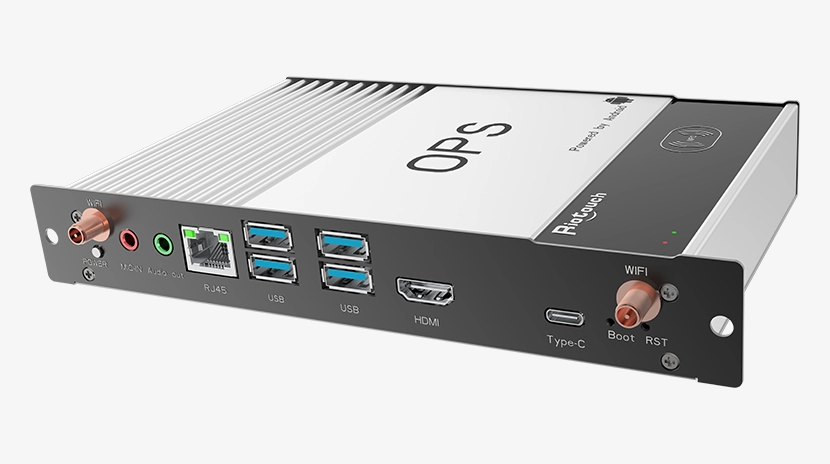
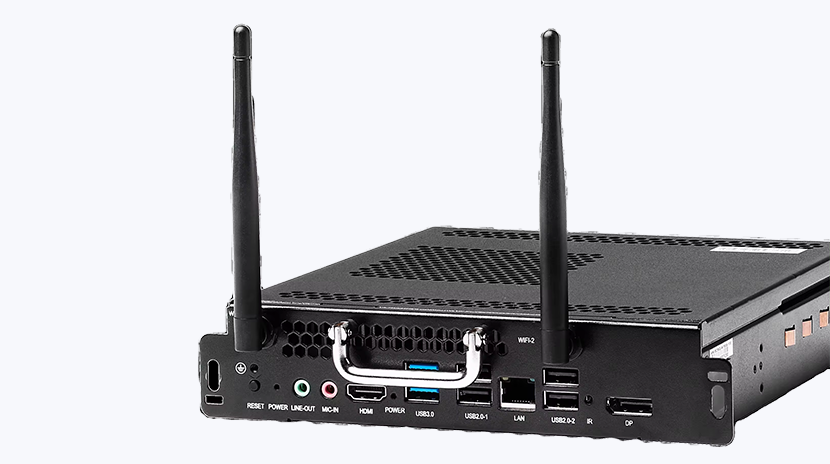
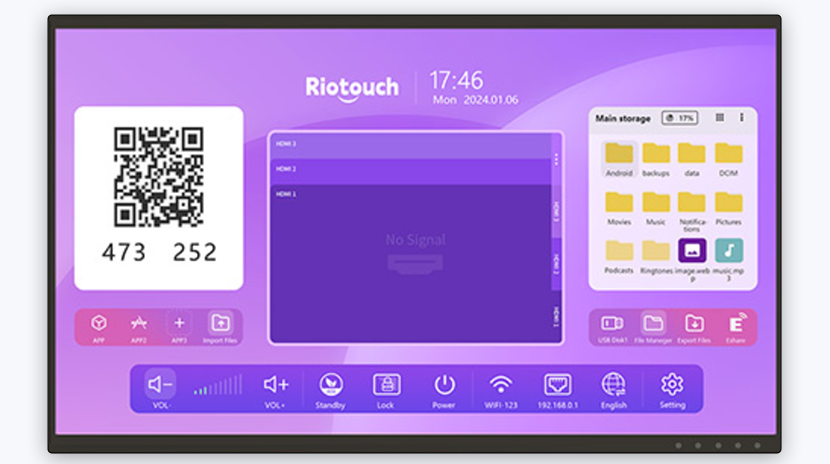
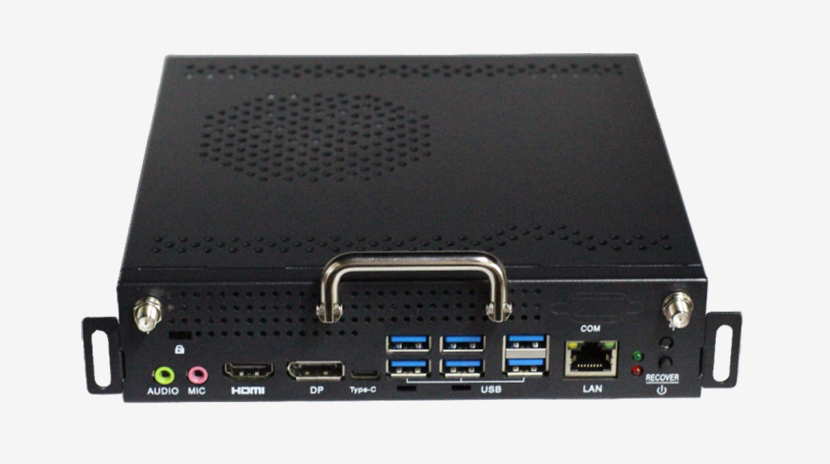
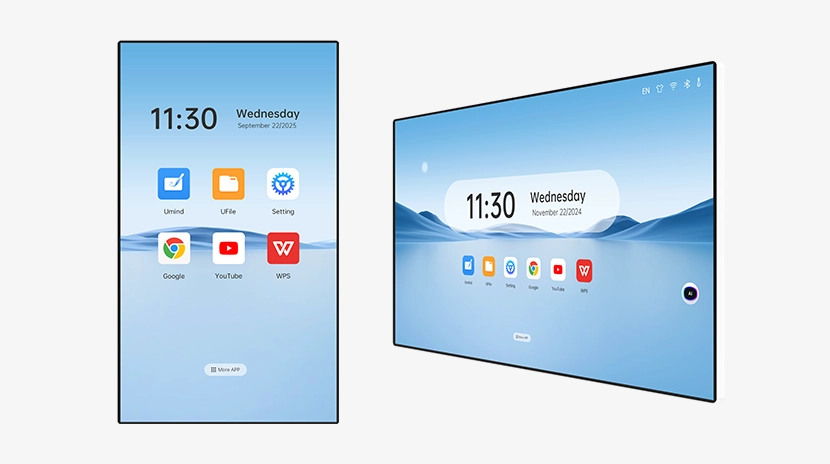
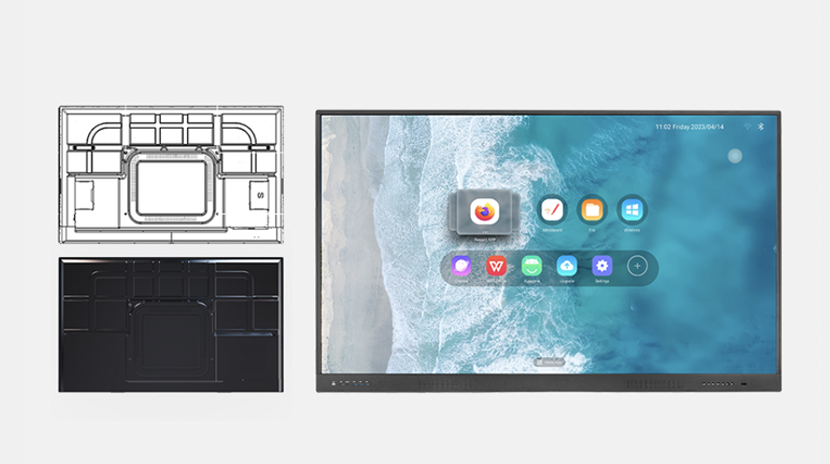
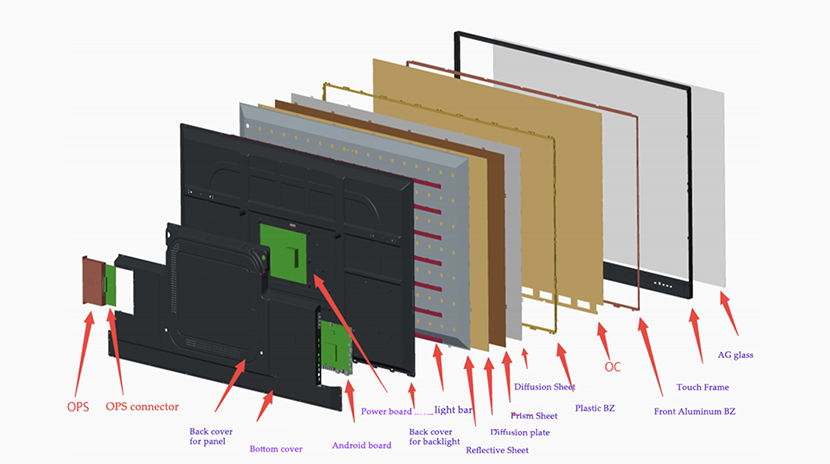
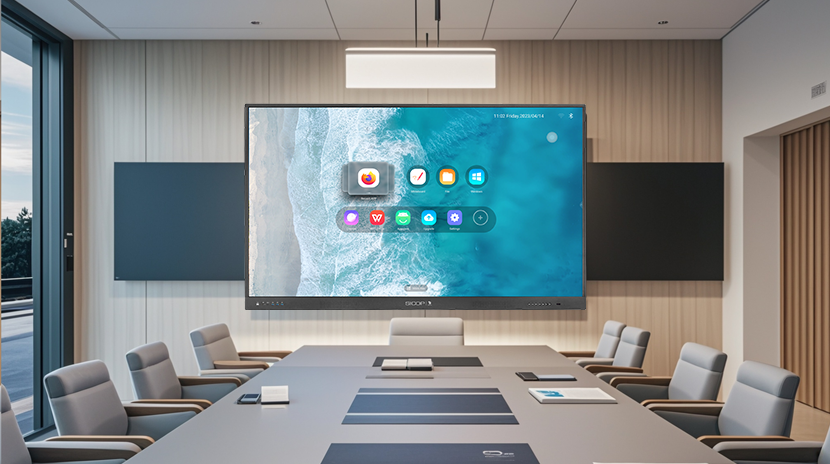
Most smart boards now come with built-in Android as the primary system, with an OPS slot for Windows. For everyday teaching, Android is sufficient. For specialized software (CAD, programming), add a Windows OPS module.
Riotouch smart boards support Intel i3/i5/i7 OPS modules for seamless Windows integration.
Installation: Wall-Mount vs Mobile Stand
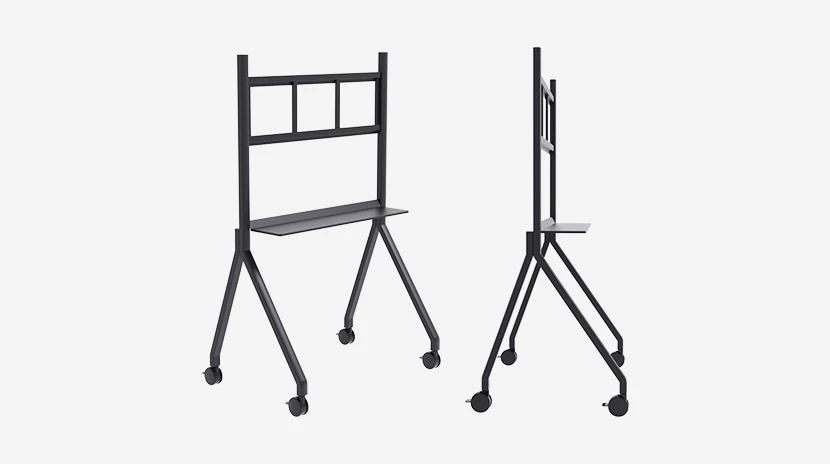
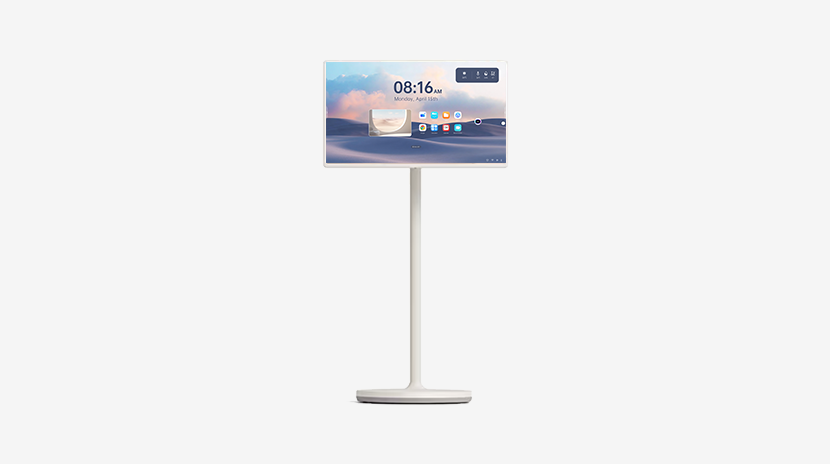
Wall-mounted smart boards save space and look professional. Mobile stands offer flexibility — move the board between classrooms. Riotouch provides both options with professional installation guidance.
Why Choose Riotouch as Your Smart Board Manufacturer?
- 15 years of interactive display manufacturing experience
- 60%+ R&D staff — continuous innovation
- 30+ international certifications (CE, CB, CCC, FCC)
- 2,000+ units monthly production capacity
- OEM/ODM with custom branding available


