











Unlock Peak Performance: The Ultimate Guide to Choosing an OPS Module for Interactive Panel
Introduction: The Hidden Bottleneck in Your Interactive Display
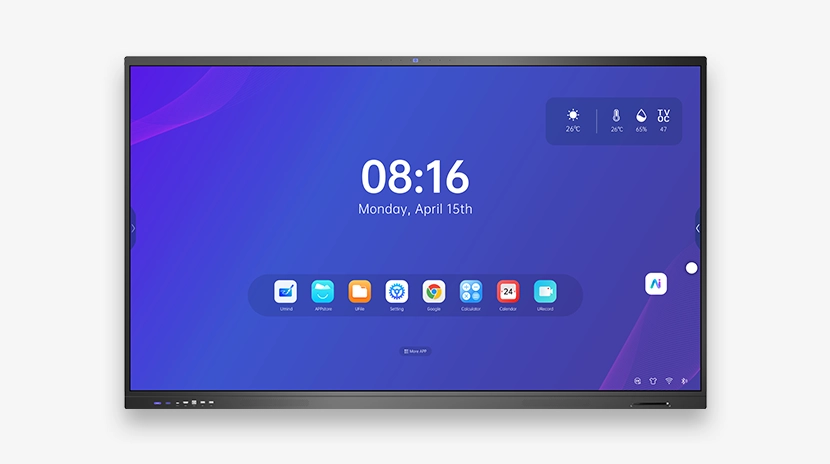
Your interactive flat panel is a powerful tool for collaboration and engagement. But what happens when the software lags, applications freeze, or the system simply can't keep up with modern demands? The culprit is often not the panel itself, but the computing module powering it. The OPS module for interactive panel (Open Pluggable Specification) is the critical, yet often overlooked, component that determines whether your investment delivers seamless performance or frustrating downtime. For IT directors and facility managers equipping classrooms or boardrooms, choosing the wrong module can lead to costly upgrades, compatibility nightmares, and a poor user experience. This guide will help you navigate the technical landscape, ensuring your interactive display system operates at its peak.
What is an OPS Module and Why Does It Matter?
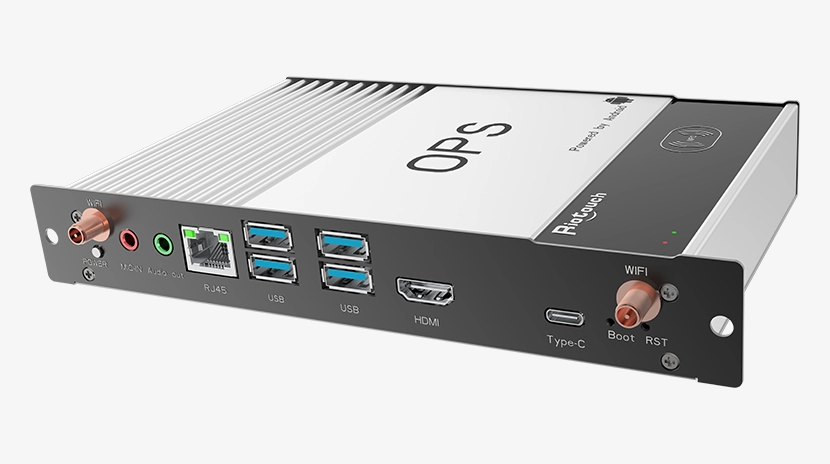
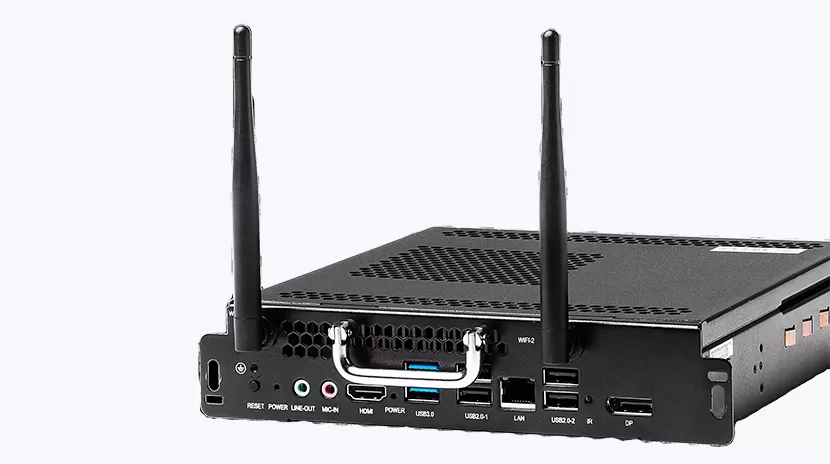
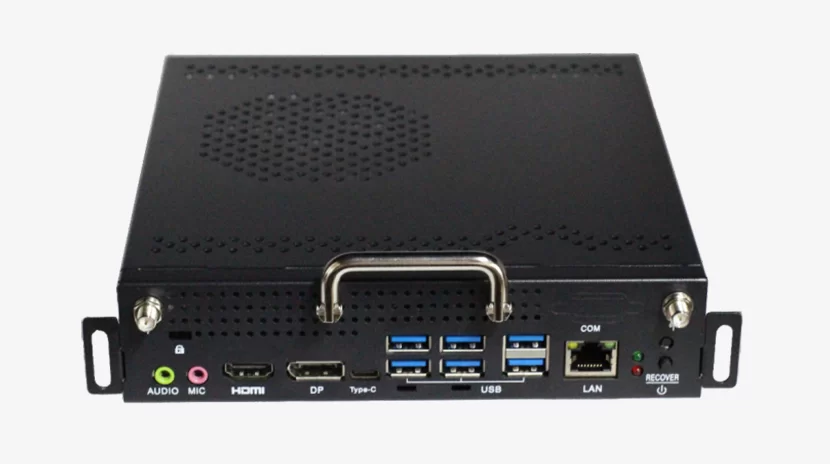
An OPS module is a standardized, slot-in PC designed specifically for interactive flat panels and digital signage displays. Developed by Intel, the OPS standard ensures that a single compute module can be easily integrated into compatible displays from various manufacturers. For B2B environments, this means:
- Simplified IT Management: Instead of external PCs, cables, and mounting brackets, the OPS module slides directly into the panel's rear slot, creating a clean, all-in-one solution.
- Future-Proofing: As software demands increase, you can upgrade the OPS module without replacing the entire display, protecting your capital investment.
- Reduced Failure Points: With fewer external connections and a dedicated cooling system designed for 24/7 operation, OPS modules offer higher reliability than consumer-grade mini PCs.
According to industry data, the global OPS module market is expected to grow at a CAGR of over 8% through 2030, driven by the rapid adoption of interactive displays in education and corporate sectors. This growth underscores the importance of selecting a module that aligns with your specific use case—whether that's running heavy annotation software, video conferencing, or digital signage content.
Key Specifications to Evaluate in an OPS Module
Not all OPS modules are created equal. When sourcing for your interactive panel, pay close attention to these four critical factors.
Processor Performance: i3, i5, or i7?
The CPU is the heart of the module. For basic presentations and note-taking, an Intel Core i3 may suffice. However, for classrooms running multiple applications or boardrooms using real-time collaboration tools, an i5 or i7 processor is essential. Look for 11th, 12th, or 13th Gen processors for optimal performance and energy efficiency. A module with a higher TDP (Thermal Design Power) often indicates better sustained performance under load, which is critical during long meetings or lessons.
Memory and Storage
Minimum requirements are rapidly increasing. We recommend a minimum of 8GB DDR4 RAM for basic use, but 16GB is becoming the standard for multitasking environments. For storage, an M.2 NVMe SSD is non-negotiable for fast boot times and application loading. A 128GB SSD is the entry point, but 256GB or 512GB provides the headroom needed for software updates and local content storage.
Connectivity and Ports
An OPS module should offer a robust set of I/O ports. At a minimum, look for multiple USB 3.0 ports, HDMI output (often passed through the panel), and an RJ45 Gigabit Ethernet port. For wireless connectivity, Wi-Fi 6 and Bluetooth 5.0 are critical for reducing latency in wireless presentation and BYOD scenarios.
Thermal Management and Reliability
OPS modules operate in confined spaces behind the display. Superior thermal design—including heat sinks and efficient fans—prevents throttling and extends component lifespan. Modules built with industrial-grade components, rated for 0-50°C operating temperatures, are preferable for continuous use in educational or commercial settings.
Compatibility: The Critical Factor You Cannot Ignore
While the OPS standard promotes interoperability, subtle variations exist. Always verify that the OPS module you choose is physically and electrically compatible with your interactive panel. Key checks include:
- Physical Size: Standard OPS modules measure 180mm x 119mm x 30mm. Ensure your panel's OPS slot accommodates this form factor.
- Power Delivery: Most panels provide 12V or 19V power to the OPS slot. Mismatched voltage can cause immediate damage.
- Firmware and BIOS: Some panels require specific BIOS configurations for wake-on-LAN or power management features.
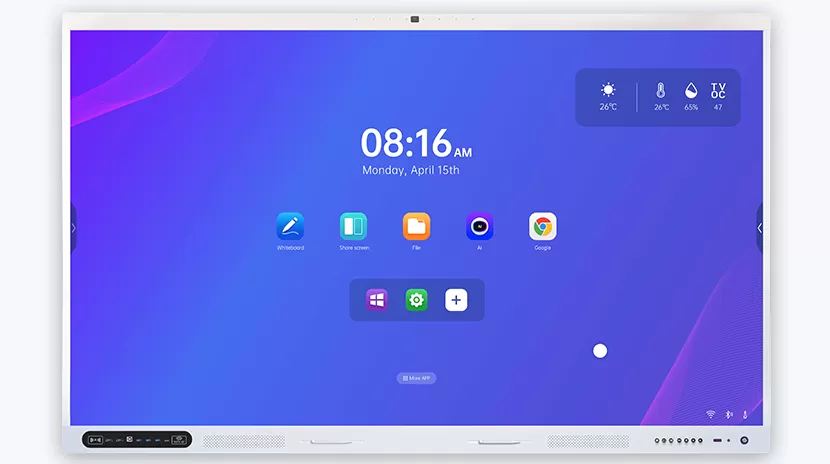
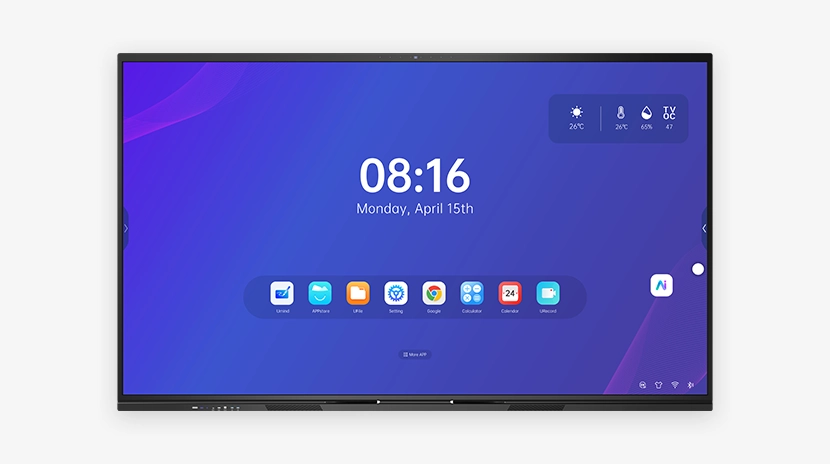
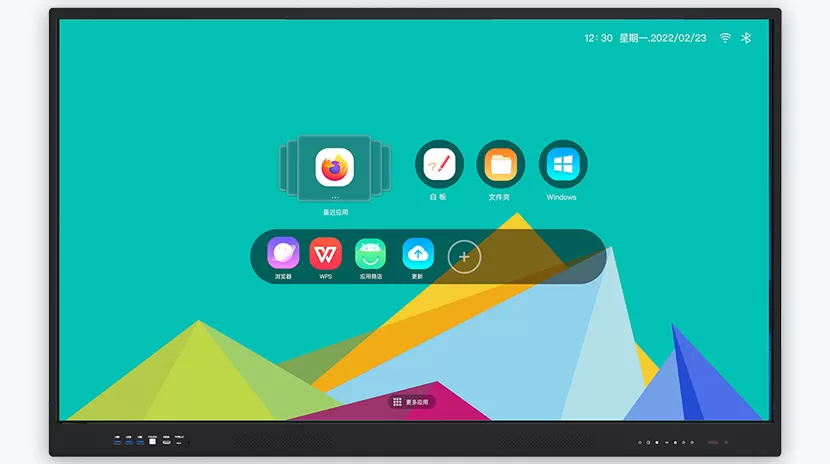
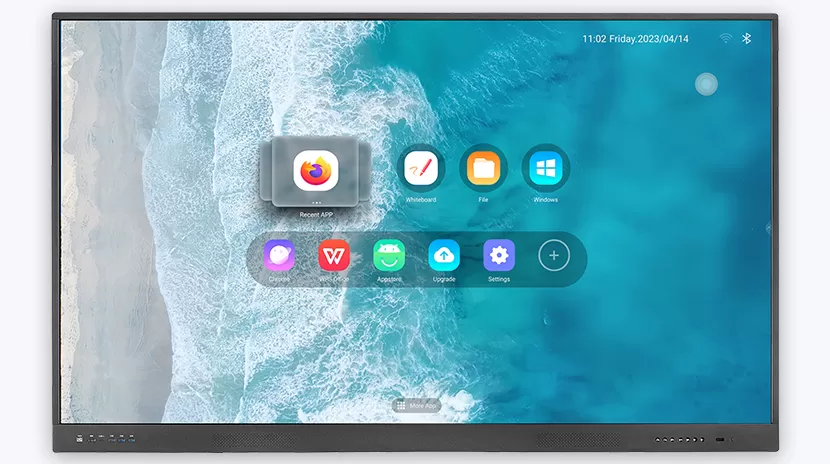
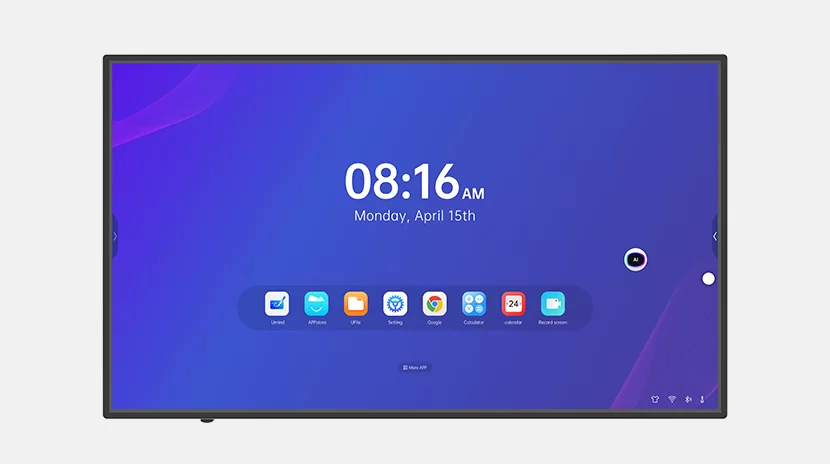
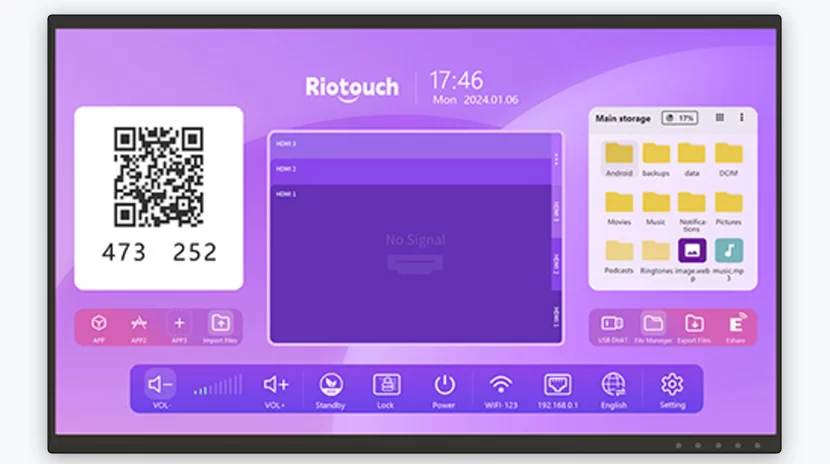
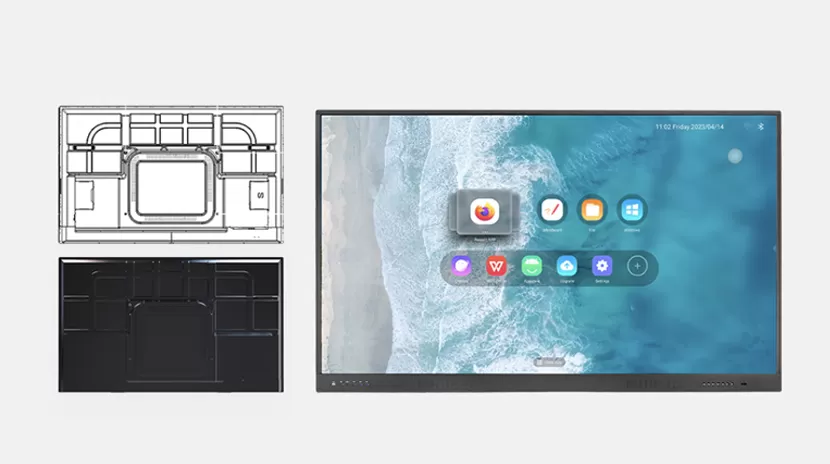
Riotouch interactive panels are engineered with a universal OPS slot that supports standard modules from leading manufacturers. When you choose a Riotouch display, you gain the flexibility to pair it with the OPS module that best fits your performance and budget requirements.
Practical Buyer's Guide: How to Select the Right OPS Module
Follow this step-by-step checklist to ensure you make the right procurement decision:
- Audit Your Software Needs: List the primary applications (e.g., Zoom, Microsoft Teams, SMART Notebook, digital signage players). Check their recommended system requirements and add a 20% overhead for future updates.
- Determine User Load: For a single presenter, an i5 with 8GB RAM may be enough. For multiple simultaneous users or heavy annotation, opt for an i7 with 16GB RAM.
- Verify Panel Compatibility: Contact your display manufacturer (or check the manual) for the supported OPS module specifications, including voltage and BIOS settings.
- Consider Warranty and Support: Choose modules with at least a 3-year warranty. Riotouch provides comprehensive technical support for compatible OPS modules, ensuring your system stays operational.
- Plan for the Future: If your deployment is expected to last 5+ years, select a module with a higher-tier processor and expandable storage options.
Why Riotouch Interactive Panels Are the Ideal Platform
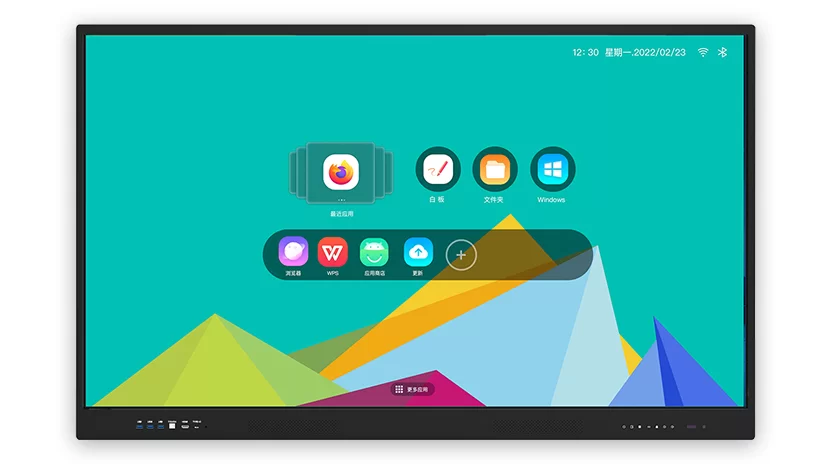
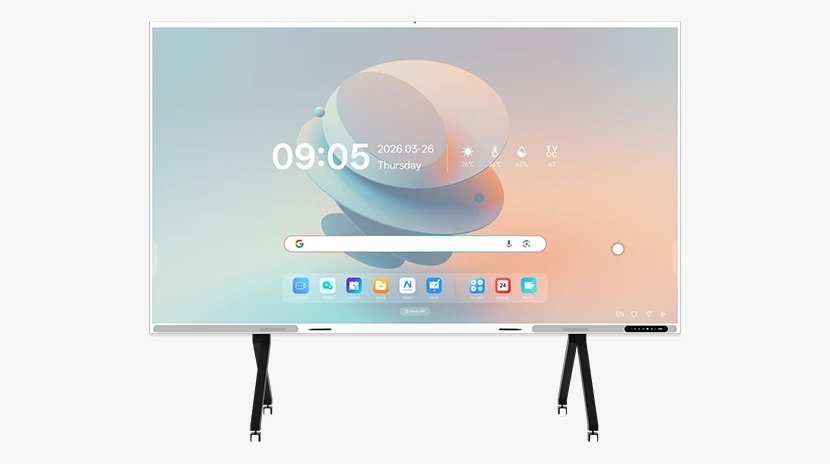
Riotouch interactive flat panels are designed from the ground up for enterprise-grade reliability and performance. Our panels feature a dedicated OPS slot with robust power management and cooling support. Whether you are deploying in a university lecture hall or a corporate boardroom, our panels pair seamlessly with high-performance OPS modules to deliver a lag-free, intuitive interactive experience. With 4K UHD resolution, 20-point multi-touch, and advanced anti-glare technology, our displays ensure that every touch and annotation is precise and responsive—powered by the OPS module of your choice.
Conclusion: Make the Smart Upgrade Today
The OPS module for interactive panel is the engine that drives your digital collaboration. By investing in a quality module that matches your performance requirements and ensuring compatibility with your display, you eliminate downtime, enhance user satisfaction, and extend the lifecycle of your technology investment. Don't let an underpowered compute module undermine the potential of your interactive panel.
Ready to upgrade your interactive display system? Contact the Riotouch team today for expert guidance on selecting the perfect OPS module for your environment. Our specialists can recommend the ideal configuration for your specific needs and provide a customized quote. Reach out to Riotouch now to unlock the full potential of your interactive flat panel.


