


- M86LB
- M86
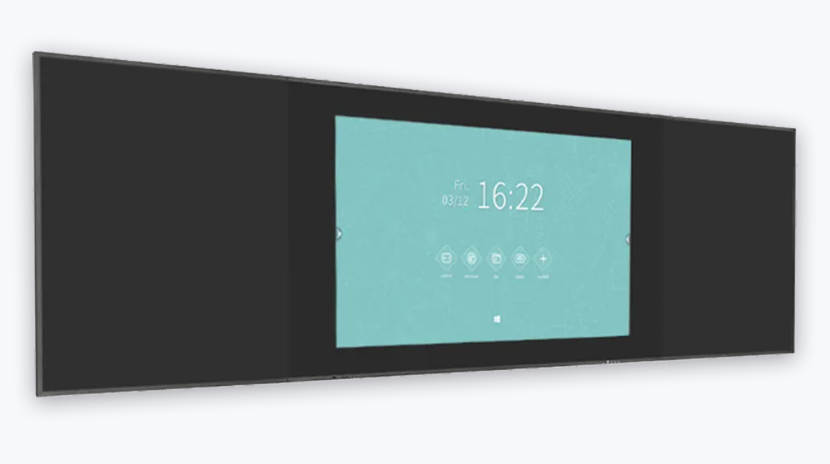
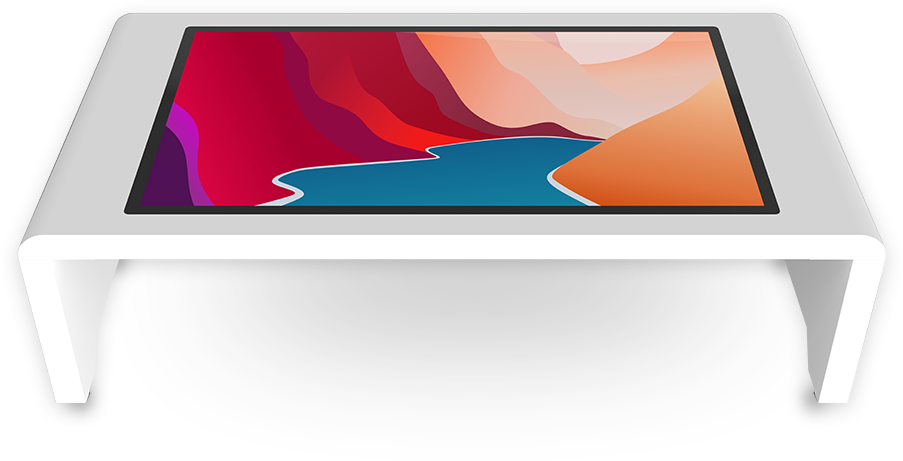
- Smart Touch Table
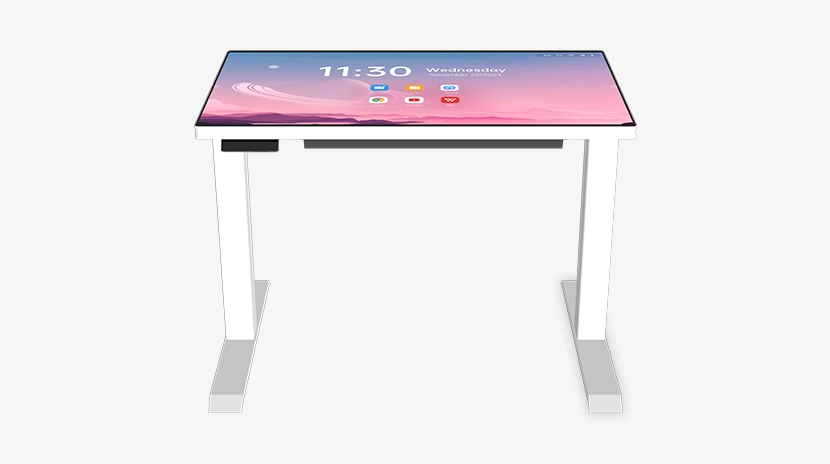
- Smart Lifting Touch Table
- S82
- P82
- LTS
- AetherOrb
- OPS
- OPS 13th_14th
- Meeting pod
- TV stand



-
Daisy OS

-
Interactive Displays
-
Direct View LED
-
Digital Displays
-
Solutions
-
Support
-
About Us
Why Smart Touch Tables Are Replacing Mouse-and-Keyboard in Modern Classrooms
How gesture control shortens the gap between a question and its answer
A student raises a hand mid-lesson. The teacher nods, walks to the computer, picks up the mouse, opens a browser, clicks the address bar, types in a search query, and waits for results. By the time the answer appears on the screen, roughly 20 to 30 seconds have passed. The question is still valid. But the rhythm of the classroom discussion has already broken.
This kind of interruption happens dozens of times each day in classrooms around the world. Each one is small on its own. Together, they add up to a pattern: the tools meant to support learning end up slowing it down.
The Riotouch Smart Touch Table addresses this directly. With up to 20-point multi-touch support, intuitive gesture control, and a 55-inch HD display built into a durable, waterproof surface, it removes the unnecessary steps between thinking and doing.
Multi-touch: everyone at the table, everyone in control
Up to 20 simultaneous touch points — no one waits for the mouse
In a standard classroom setup, one computer means one mouse, which means one person in control at any given time. Everyone else points at the screen and says: "Click there, scroll down, no — the one on the left."
The Smart Touch Table works differently. It supports up to 20 simultaneous touch points, so multiple users can interact with the surface at the same time.
Consider a real classroom scenario: three students sit around a touch table working on an art group project. One draws a tree in the corner, another drags the sun into the sky, and the third swipes through reference images on the side. Everyone contributes at the same time, and no one waits for the mouse.
Gesture control: fewer steps, fewer interruptions
Common tasks completed in one or two gestures — no menus, no mode switching
The value of gesture control is simple: it saves steps.
In a classroom discussion, when a student wants to look up content related to the topic, there is no need to find the search bar, click it, and then pull up a keyboard. On the touch table, a single gesture brings the search interface up directly.
In group work, when a student wants to move an object to another part of the screen, there is no need to select a tool or switch modes. A direct drag is all it takes.
Every common action can be completed in one or two gestures. No menus, no mode switching, no interruption to the flow of thinking.
From operating a device to retrieving knowledge
Shorter path from question to answer
The real advantage of gesture control is not just that it replaces the mouse and keyboard. It is that it shortens the distance between a question and its answer.
In a traditional classroom, the path typically looks like this:
A question arises → the student realizes a device is needed → walks to the computer → operates the mouse and keyboard → types a search query → gets an answer.
On the Smart Touch Table, the path becomes:
A question arises → search directly on the surface → answer within seconds.
For example, when a student encounters an unfamiliar concept during a history lesson, there is no need to wait until after class. The student searches directly on the table. Within seconds, a text explanation, a Wikipedia summary, an image, or a short video clip is right there. While the question is still fresh, the answer has already arrived.
That is the shift: from operating a device to retrieving knowledge.
What this means for the classroom
Smoother lessons, more equal participation
This approach delivers two practical outcomes.
The first is continuity. Teachers do not need to walk back to the computer. Students do not need to wait for someone else to type. Accessing information becomes part of the discussion, not a separate step that breaks its momentum.
The second is equal participation. Multi-touch means there is no single person in control. Quieter students who would not normally ask to take the mouse can simply reach out and interact directly. For teachers and school administrators, this often matters more than any technical specification.
Who benefits most
Three scenarios where gesture control makes a real difference
K-12 classrooms and group learning
In group activities, all students can interact with the touch table at the same time. When someone encounters a new word or an unfamiliar concept, they can look it up immediately without disrupting the group's momentum.
Kindergartens and early childhood institutions
Young children have smaller fingers and lighter touch. The Riotouch Smart Touch Table accurately recognizes light-touch input, allowing even the youngest learners to use it with ease. No mouse to hold, no keyboard to figure out.
Family and home learning environments
The operation is straightforward. Dragging, tapping, and pinching to zoom feel natural even to a four-year-old. Children who already use a smartphone or tablet can apply the same gestures directly. This lowers the barrier for families considering an interactive display for learning or play at home.
A tool that responds to thinking, not the other way around
Gesture control on a smart touch table is not about impressive technology. It is about reducing the friction between thinking and acting. It removes unnecessary steps, keeps discussion moving, and makes accessing knowledge as simple as reaching out a hand.
The mouse and keyboard have served us well for decades. But in a collaborative, fast-paced classroom, they are no longer the fastest path from a question to an answer.
The Riotouch Smart Touch Table — with its 55-inch HD display, up to 20-point touch support, and toughened waterproof glass — is built for daily use in real classroom conditions. Interested in learning more? Contact our team to request a demo or product specification sheet.


