














How to Choose Interactive Flat Panel for Classroom — 2026 Buyer's Guide

Choosing the right interactive flat panel for your classroom is one of the most important technology decisions a school can make. With so many options available—from basic touch screens to AI-powered smart boards—this guide will walk you through every factor you need to consider.
1. Screen Size: How Big Should Your Interactive Flat Panel Be?
The ideal size depends on your classroom dimensions. A general rule: 1 inch diagonal = 1 foot of viewing distance. For a standard classroom (30 students, 25-30 feet deep):
- 65" — Small rooms, 15-20 students
- 75" — Standard classroom, 20-30 students
- 86" — Large classroom, 30+ students
- 98" — Lecture hall
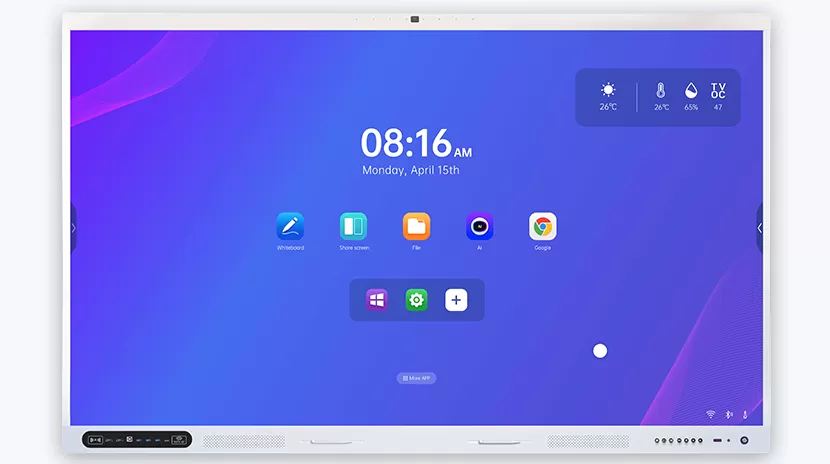
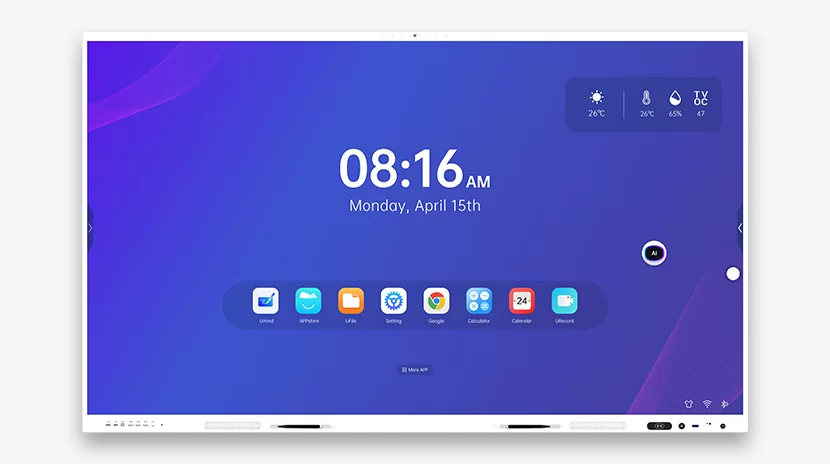
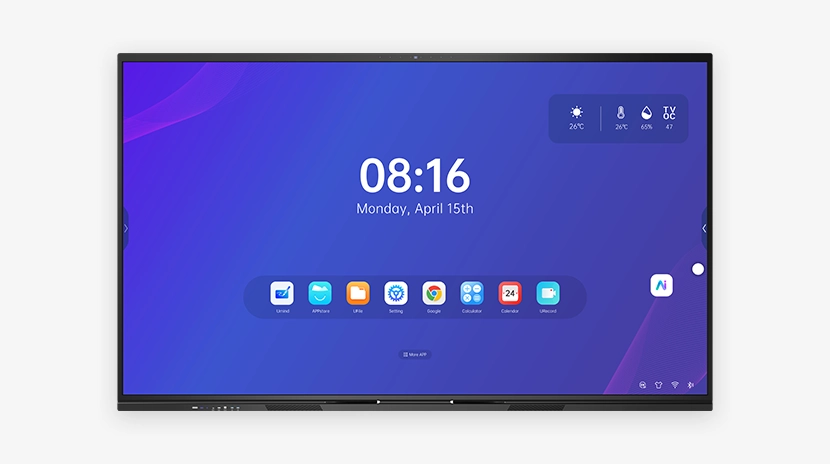
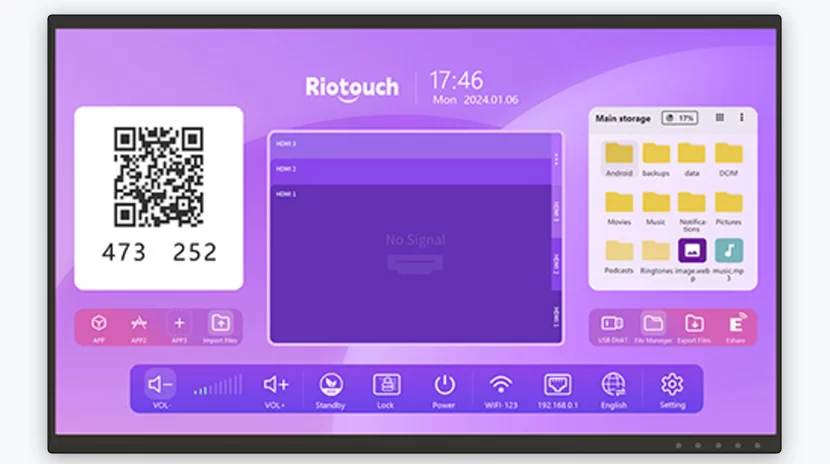
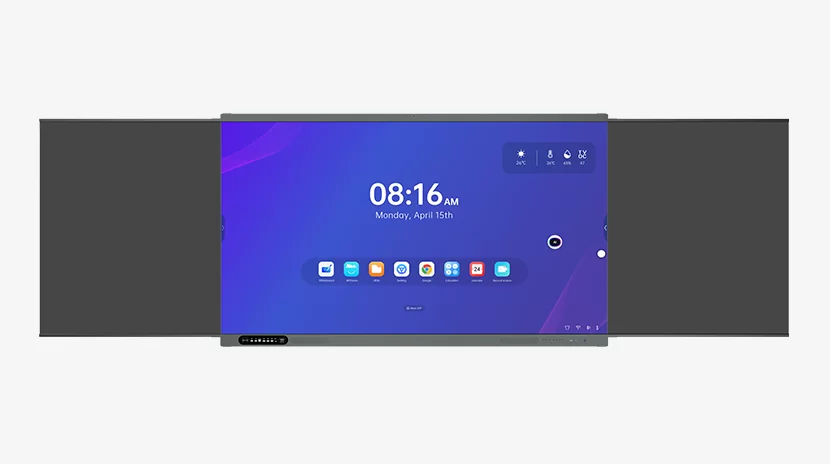
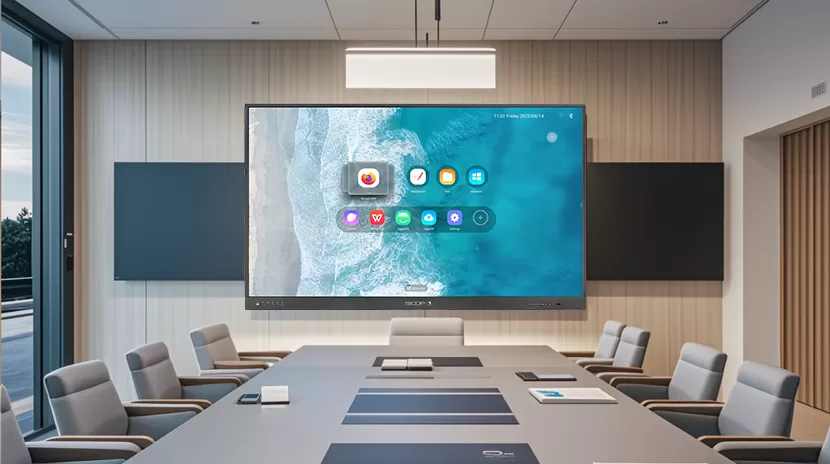
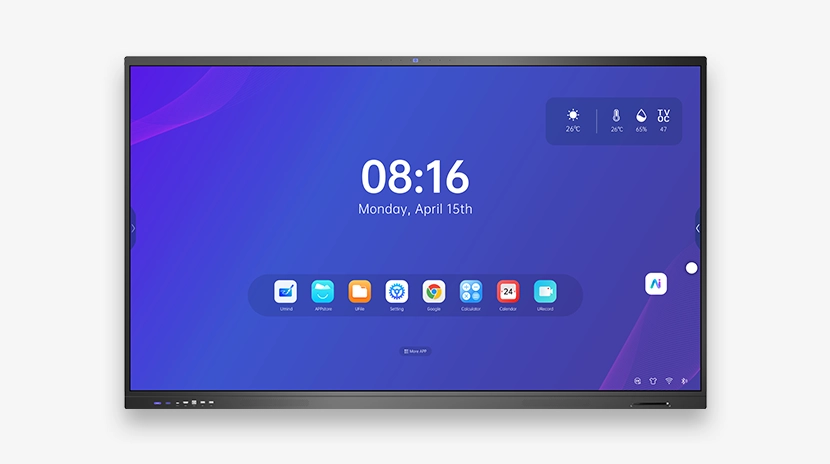
Riotouch offers all sizes from 55" to 98" — explore the RK3588 AI Smart Board for 4K clarity at 86".
2. Touch Technology: IR vs Capacitive
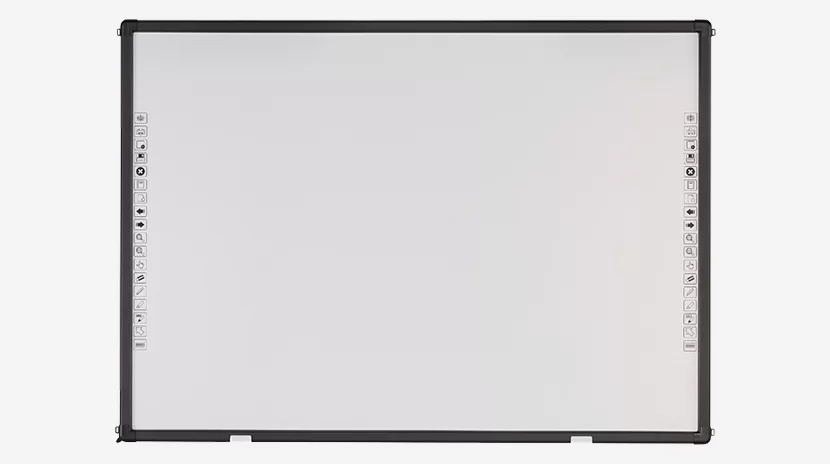
For education, infrared (IR) touch remains the most popular choice. It supports 20-point multi-touch, works with stylus or finger, and is more durable than capacitive for heavy classroom use. All Riotouch smart boards use advanced IR touch with <1mm writing accuracy.
3. Hardware: Android, CPU, and RAM
A powerful built-in processor saves you from needing an external computer. Look for:
- Android 13+ operating system
- Quad-core or octa-core CPU
- 4GB+ RAM, 32GB+ storage
- Dual-band WiFi, Bluetooth 5.0
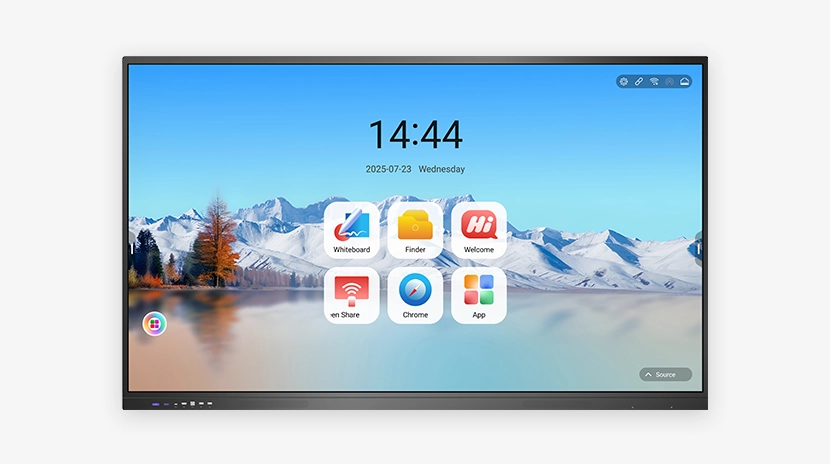
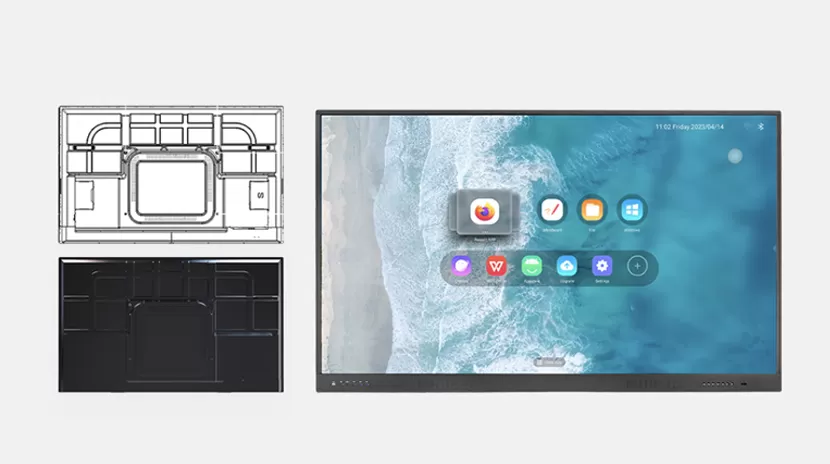
Riotouch's RK3588 AI Smart Board runs Android 13 with 8GB RAM and 128GB storage — powerful enough to run AI applications directly on the board.
4. Software: Built-in Teaching Tools
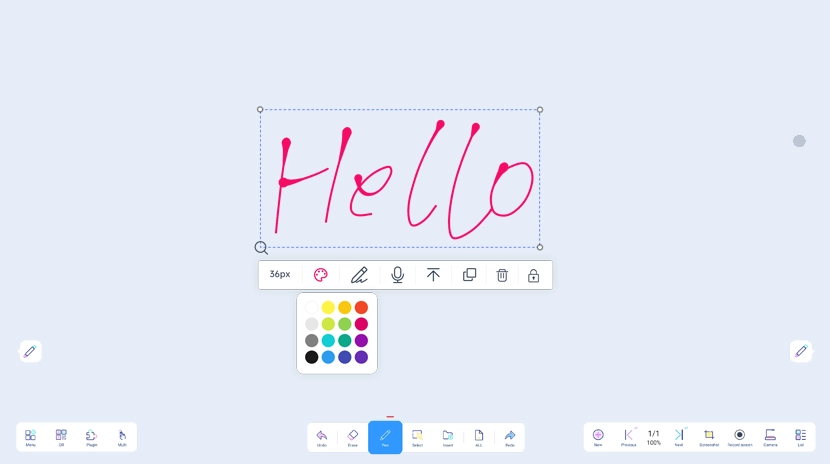
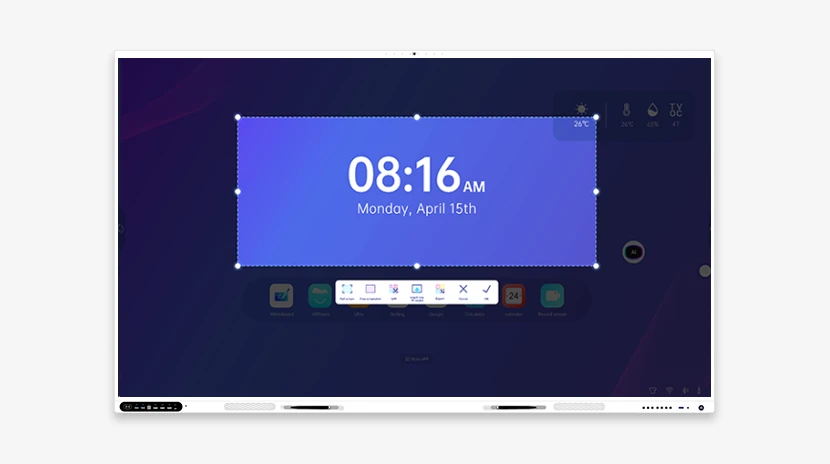
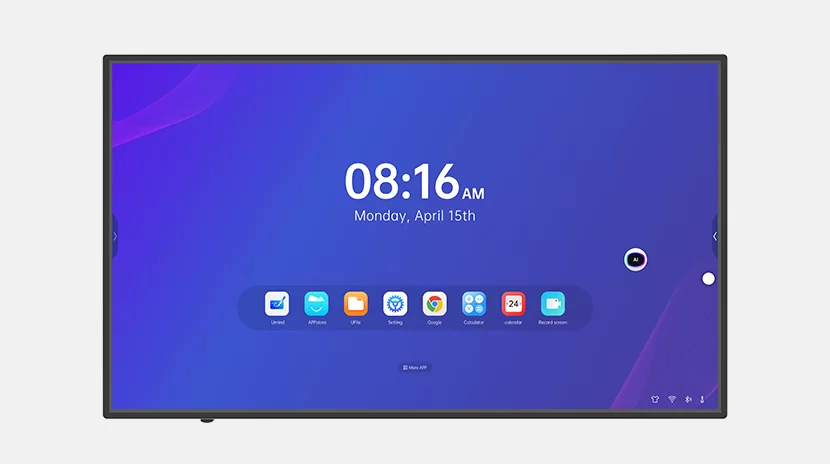
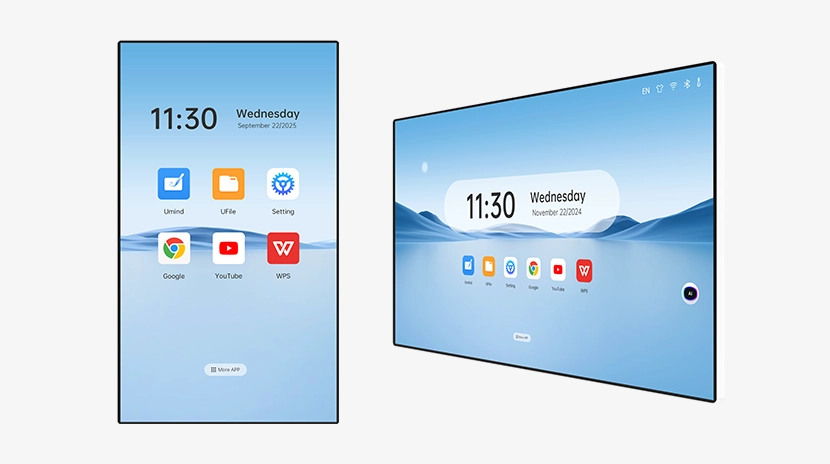
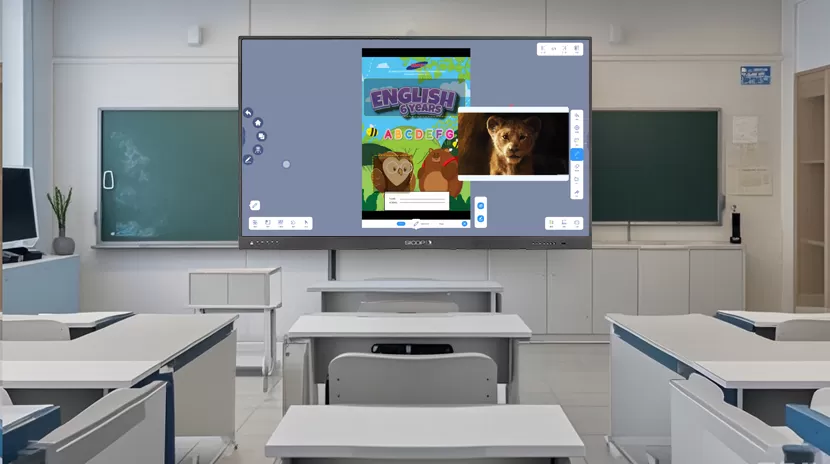
The best interactive whiteboards come with built-in software for annotation, screen recording, and lesson creation. Riotouch's UMind software includes AI lesson planning, math tools, and classroom management features.
5. Budget: Price vs Value
Interactive flat panels range from $800 to $5,000+. As a factory-direct manufacturer, Riotouch offers competitive pricing without compromising on quality. Contact us for a quote.


