Beyond Hardware Specs — What Defines the Real Competitiveness of Smart Education Interactive Panels?
Amid the digital transformation wave in education, interactive flat panels have become standard equipment for classroom upgrades in schools worldwide. Many dealers and procurers tend to compare screen sizes, chip specifications and touch points only. They believe products are equivalent if their hardware parameters look similar.
However, real-world projects tell a different story. Two panels with nearly identical spec-sheets can deliver vastly different teaching experiences after deployment. The real differentiator often lies not in visible hardware, but in scenario-oriented full-stack software ecosystem and complete smart-campus hardware portfolio.
Drawing on the Riotouch smart-education solution, let's look at the core capabilities beyond raw hardware for education-grade interactive panels.
1. More Than a Single Panel: Complete Smart-Campus Hardware Ecosystem
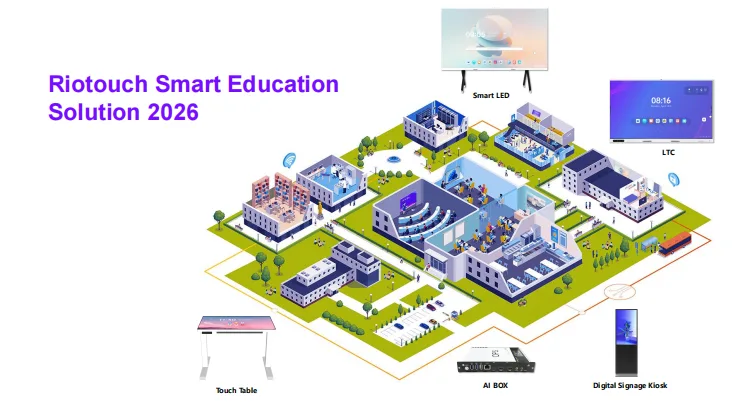
A mature smart-education solution is far more than one interactive display. It covers regular classrooms, lecture halls, group-discussion rooms and public campus spaces.
| Solution Component | Coverage |
|---|---|
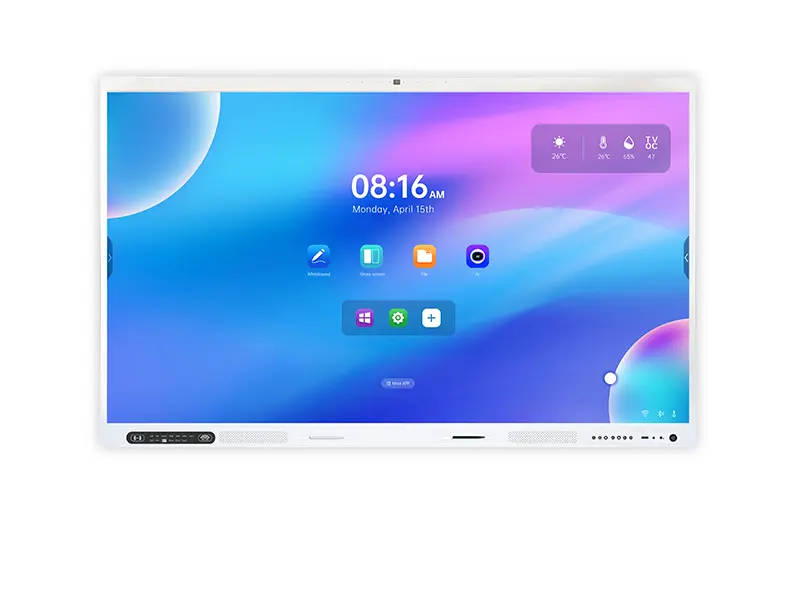
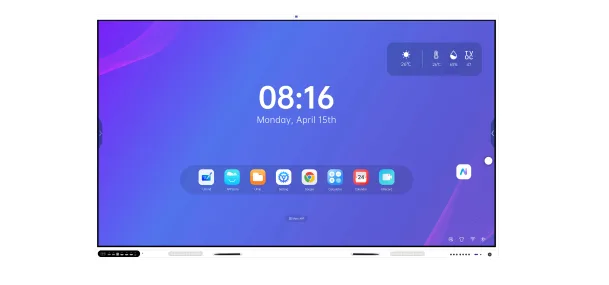
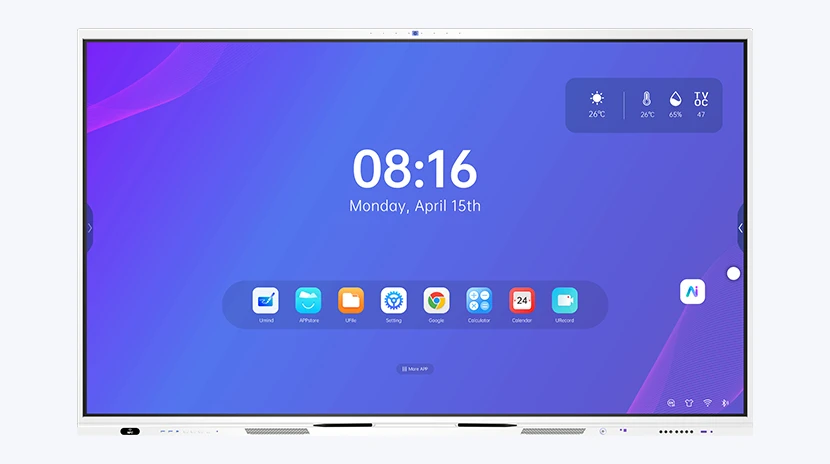
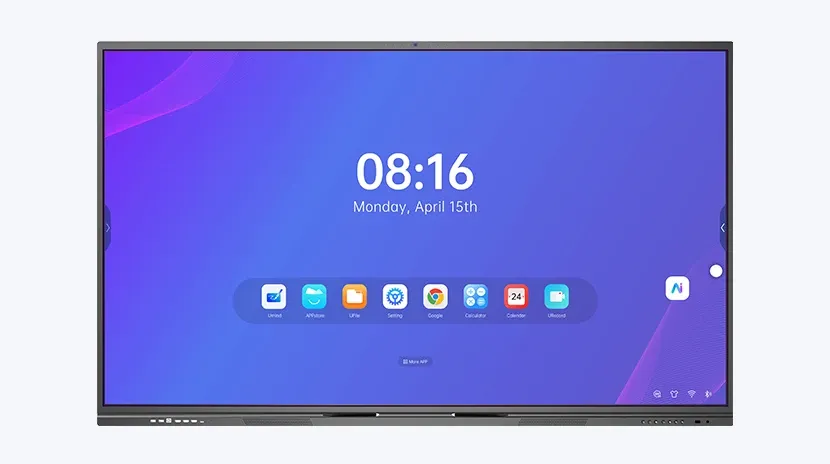
| Flagship Interactive Flat Panel | 65-110 inch sizes, powered by RK3588 chipset with Android 15, 4K UHD resolution and multipoint infrared touch, ideal for most standard classrooms |
| Smart LED Display | 108-163 inch ultra-large format, 40-point touch, built-in AI camera and microphone array, designed for lecture halls and auditoriums |
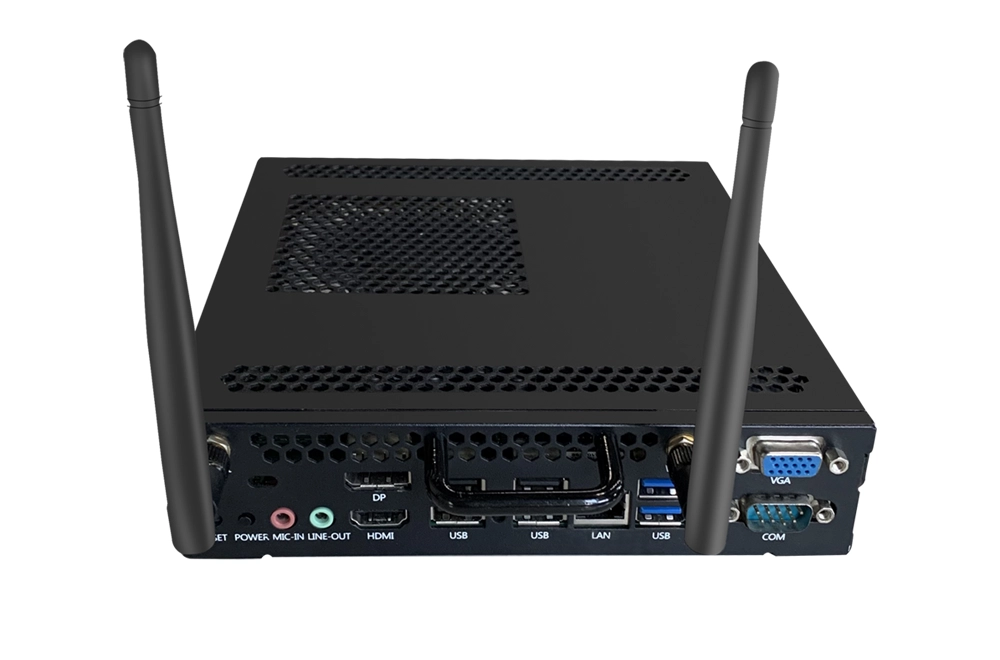
| AI BOX Upgrade Box | Renew legacy displays without full replacement. Add AI-teaching functions at low cost to cut campus-renovation budgets |
| Interactive Smart Touch Table | 43/55 inch height-adjustable & rotatable touch table, supporting group-based inquiry-oriented teaching |
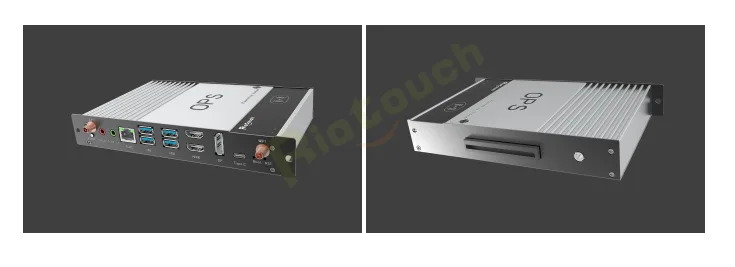
| Accessories | Digital signage kiosks, motorized mobile stands and OPS slots to adapt to various classroom layouts and custom project requirements |
Hardware forms the physical foundation. Yet custom-built AI-driven teaching software truly empowers teachers and improves classroom efficiency.
2. AI Empowers Full Teaching Workflow: Pre-class, In-class and Post-class
Many competitors ship generic chatbot apps and label them "AI smart classroom". True education-focused AI should cover the complete teaching workflow: lesson preparation, in-class interaction and post-class review & archiving.
Pre-class: AI Reduces Teachers' Repetitive Workload
Teachers spend massive time creating courseware and exercises. With the UMind AI Assistant, instructors can generate course materials, exercises and flashcards simply via voice or text prompts. Images and math formulas can be uploaded for AI-powered problem-solving. All teaching assets are stored in the AI library and synced across cloud-linked devices for access at home, office or classroom, greatly cutting preparation time.
In-class: Rich Interactive Teaching Tools
VisionRoll Facial-recognition Attendance - The built-in camera automatically identifies students, generates attendance reports by class or grade and triggers abnormal alerts. It eliminates manual roll-call and saves valuable class time.
Remote Live Classroom - Students join sessions by scanning QR codes. Teachers and remote participants collaborate on whiteboards and Q&A sessions, enabling hybrid teaching regardless of geographic distance.
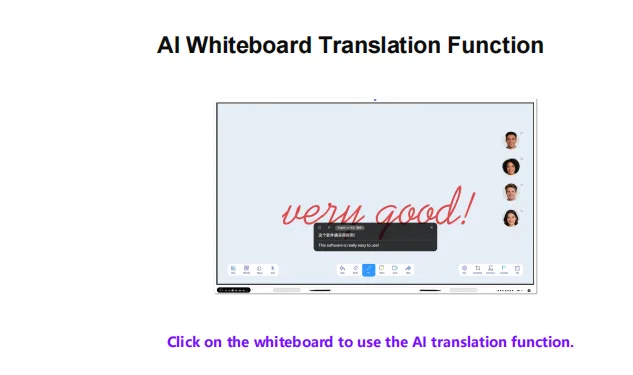
AI-enhanced Whiteboard Tools - Built-in real-time multi-language translation for handwritten notes; one-click table & chart generation. After screen-recording lessons, AI auto-generates class summaries for easy sharing.
QR-code-based In-class Polling - Teachers launch polls. Students vote via mobile phones. Real-time results are displayed on screen to assess class comprehension and boost student engagement.
Post-class Review & Campus-wide Device Management
Recorded lessons, annotated notes and AI-generated summaries are saved on cloud for student revision. The DMS cloud management platform enables administrators to remotely manage fleets of devices: power on/off in batches, push firmware updates, monitor device status and broadcast messages. It drastically reduces on-site maintenance workload for large-scale deployments. Cloud services support AWS, Microsoft Azure, Alibaba Cloud as well as on-premises local deployment to satisfy regional data-compliance requirements for global schools.
3. How Dealers Distinguish Real Solutions from Marketing Hype
When evaluating education panels, do not focus solely on hardware parameters. Evaluate these key dimensions:
- Education-specific AI functions - Check whether AI delivers education-native features: courseware generation, exercise creation, lesson summaries and facial-recognition attendance, instead of only a generic chatbot.
- Native hardware-software integration - Prioritize devices with deeply-integrated onboard AI. Third-party standalone apps often suffer from lag, crashes and poor interoperability with whiteboard, screen-recording and casting functions.
- Mass-deployment O&M capability - For overseas education projects, DMS / MDM remote management is essential. Multi-language support and flexible cloud deployment directly affect project delivery complexity.
- Supply-chain & customization capacity - Check for OEM / ODM full-unit options and SKD / CKD local-assembly support, including custom UI and whiteboard software. Verify CE, FCC, ISO and other global certifications to meet local tender entry standards.
In the smart-education era, interactive panels are far more than touch-enabled large screens. Hardware sets the baseline performance, while software, AI features, complete hardware portfolios and after-sales services determine real-world teaching outcomes.
For education dealers and system integrators, move beyond pure price-vs-hardware comparison. Partner with suppliers with full-stack hardware-software capabilities to build differentiated competitiveness and deliver reliable digital-campus projects.
If you are working on smart-education tenders, feel free to contact us for full product brochures and demo videos. Let's explore smart-classroom solutions tailored for your local market.
Related Product
Related Articles
WhatsApp: +86 137 1299 3879
Sales Team · Riotouch Technology