DaisyOS
Products
Solutions
Support
Language / 语言
Get a Free Quote
TEACH · TRAIN · REVIEW

UPlay — Your Lesson, Your Pace

Slow down for comprehension. Speed up for review. Organize, navigate, and capture on any DaisyOS display.

Whether you're breaking down a science experiment at 0.5x, running through a training playlist back-to-back, or grabbing a key frame to share with students — UPlay turns video playback into an active teaching tool.

Variable Speed Playlist Mode ±5s Replay Snapshot Classroom-Ready

UPlay in Action

See how UPlay transforms video playback into a fluid, interactive experience for teaching and training.

UPlay — Variable Speed Video Player
Speed Control / Playlist / Screenshot / Universal Format
▶ Product demo · 1min
▶ Watch on YouTube →

Variable speed playback from 0.5x to 4x with fine-grained control

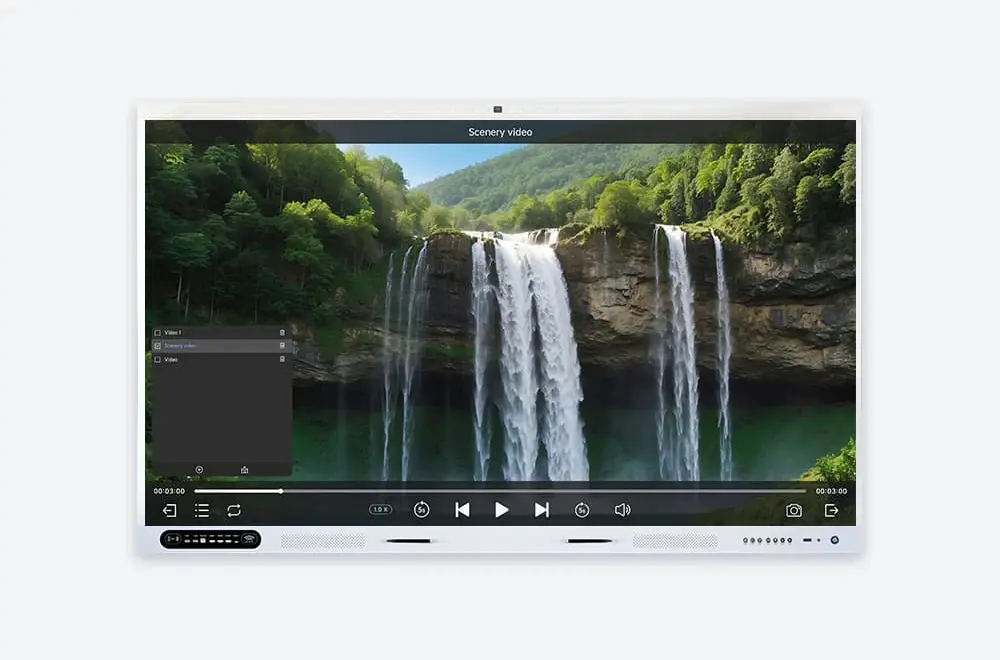
Intelligent playlist management — drag, reorder, loop, and shuffle

Precision forward/backward navigation for quick review

One-click screenshot with auto-save to UFile / local storage

Built for Every Lesson

From classroom playback to self-paced review — UPlay gives you complete control over your video content.
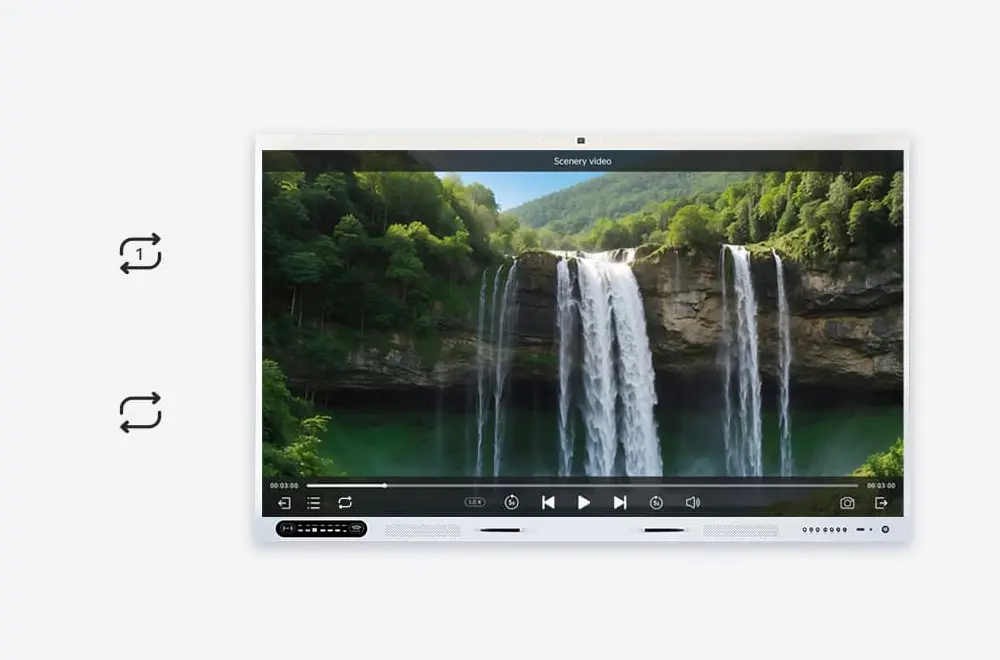
Bring any video to class
Play Any File

Bring Any Video to Class

Plug in a USB drive and play. Common formats work out of the box, 4K runs smoothly, and subtitles overlay without a fuss.

  • Common formats, no conversion
  • 4K smooth playback
  • Subtitle support
Variable speed playback
Match Your Pace

Slow Down or Speed Up

Slow to 0.5x when students need a closer look. Speed to 2x or 4x for quick reviews. Pitch stays natural, no matter the speed.

  • 0.5x for detail → 2x for review → 4x for skimming
  • Natural pitch at any speed
  • Adjust on the fly, no pause
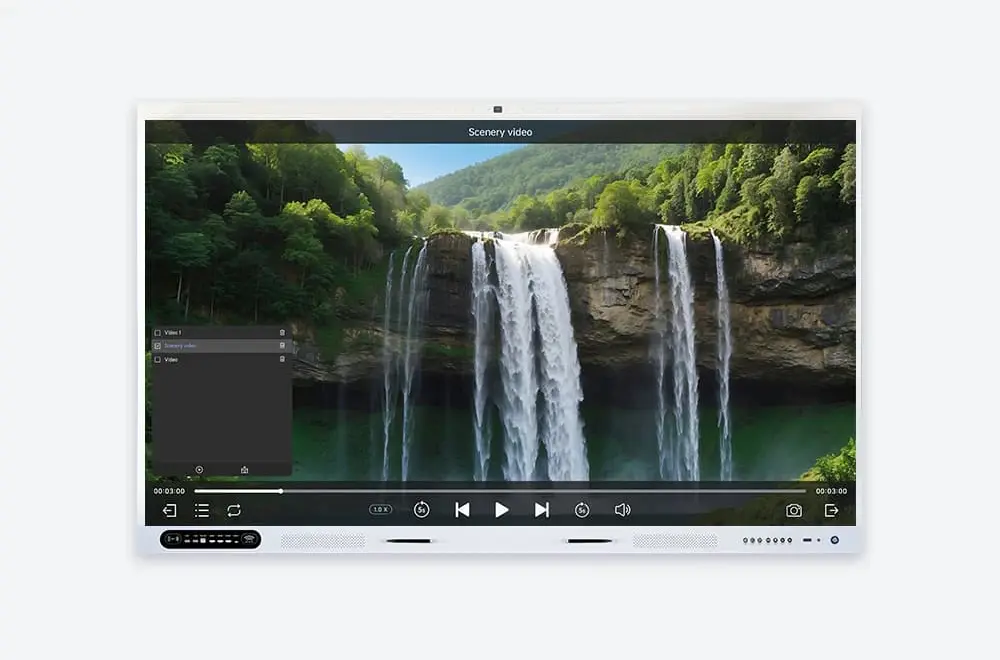
Playlist for multi-video lessons
Line Up Your Clips

Playlist for Multi-Video Lessons

Queue multiple videos, drag to reorder, set auto-play or loop. One lesson, one playlist — no tabbing between files.

  • Drag-and-drop reorder
  • Auto-play & loop modes
  • Save sessions for later
Capture the Moment

Screenshot Key Frames Instantly

See a useful frame? Tap to capture. It saves to UFile automatically — ready to share as handouts after class.

  • One tap → one frame saved to UFile
  • Auto-organize by session and topic
  • Share as handouts after class via link or QR
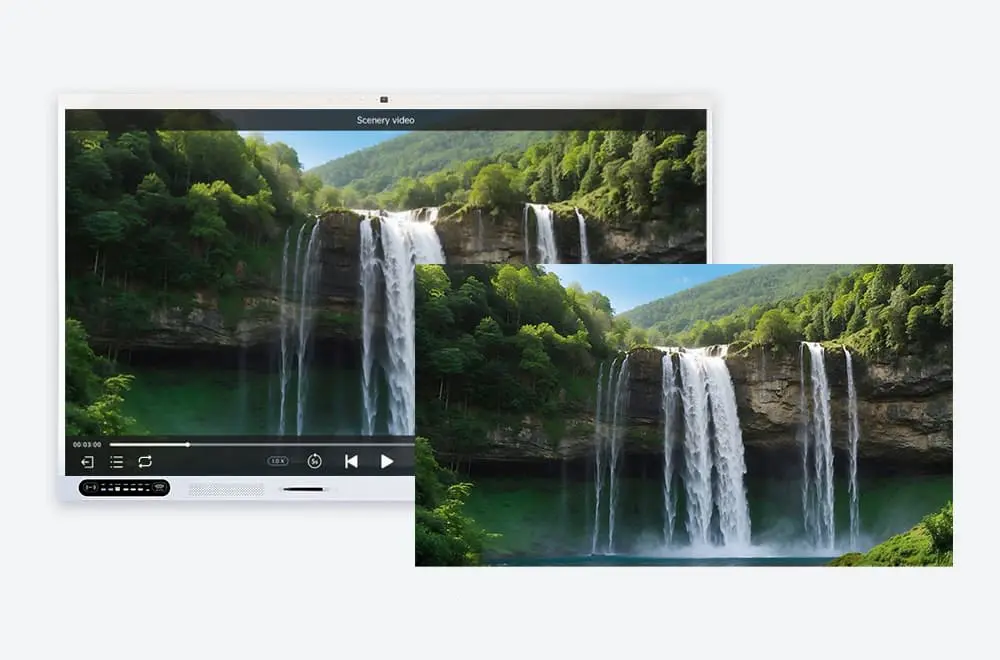
Screenshot key frames instantly

Built for Every Classroom

From schools to corporate trainers and language labs — UPlay adapts to the way you teach and learn.

Schools

Teachers pause, rewind, and annotate video lessons at any speed. Students rewatch key segments at their own pace using the speed control and playlist features.

Higher Education

Lecture capture playback with variable speed for efficient review. Screenshot key slides and build a visual study library. Playlist mode for multi-lecture sessions.

Corporate Training

Training teams navigate onboarding videos with 5-second precision. Speed up familiar content, slow down complex procedures, and capture training moments for documentation.

Frequently Asked Questions

Quick answers to common questions about UPlay.

UPlay supports MP4, MOV, AVI, MKV, WMV, FLV, and most common formats. Hardware-accelerated decoding ensures smooth 4K playback on DaisyOS interactive displays without stuttering.
Absolutely. Tap the speed button to switch between 0.5x, 0.75x, 1x, 1.25x, 1.5x, 2x, 3x, and 4x. Pitch correction keeps voices natural at all speeds — no chipmunk effect.
Tap the screenshot button during playback. The current frame is captured instantly and saved to local storage or UFile cloud. No third-party tools needed — it's built right into the player.
Yes. Build playlists by adding videos from local storage or USB. Drag to reorder, set auto-play or loop modes, and save your session. Perfect for multi-video lessons and training modules.
📧 Request a Quote

Equip Your Interactive Display with UPlay

Give your team the most capable video player on DaisyOS. Native integration, bulk licensing, and dedicated support for education and enterprise.

Native integration — pre-installed on DaisyOS, ready to use
Education & enterprise bulk licensing — flexible deployment
12-hour response — dedicated support team
Get Your Custom Quote
Fill out the form and we'll get back to you within 12 hours with a tailored solution.
Your information is secure and will never be shared with third parties.

Thank You!

We've received your request and will get back to you within 12 hours.

Something went wrong

Please try again or email us directly.

📩 Request a Quote

Need a Solution That
Fits Your Project?

Tell us what you're looking for and we'll tailor a quote to your requirements — with pricing, lead time, and expert advice.

HeadquartersRoom 201, No. 5, Chang An Zhenyuan East Road,
Dongguan, Guangdong, China
Get Your Custom Quote
Fill out the form and we'll get back to you within 12 hours.
Quick InquiryGet a quote
✓ Sent! We'll reply within 4 hours.
Chat on WhatsAppReply in minutes