DaisyOS
Products
Solutions
Support
Language / 语言
Get a Free Quote
Quick InquiryGet a quote
✓ Sent! We'll reply within 4 hours.
Chat on WhatsAppReply in minutes
AI-POWERED · SMART CLASSROOM · DAISYOS

Riotouch AI Assistant — Smarter Teaching & Learning

AI deeply embedded in every workflow — from lesson prep to classroom interaction

Voice/text courseware generation, AI knowledge base Q&A, intelligent chatbot for students, 48MP AI camera with real-time translation. Powered by DeepSeek & OpenAI, native on DaisyOS.

AI Teaching Assistant AI Learning Companion Knowledge Base AI Camera & Translation DeepSeek + OpenAI

AI Assistant in Action

See how Riotouch AI Assistant reduces lesson prep from hours to minutes — one-click courseware, knowledge Q&A, and smart classroom tools.

AI Assistant — Smart Teaching & Learning Demo
Voice/Text Courseware · Knowledge Base Q&A · AI Camera & Translation · Student Chatbot
⏱ Product demo · Coming Soon

▶ Watch on YouTube →

Voice / text input — one-click courseware generation for any subject

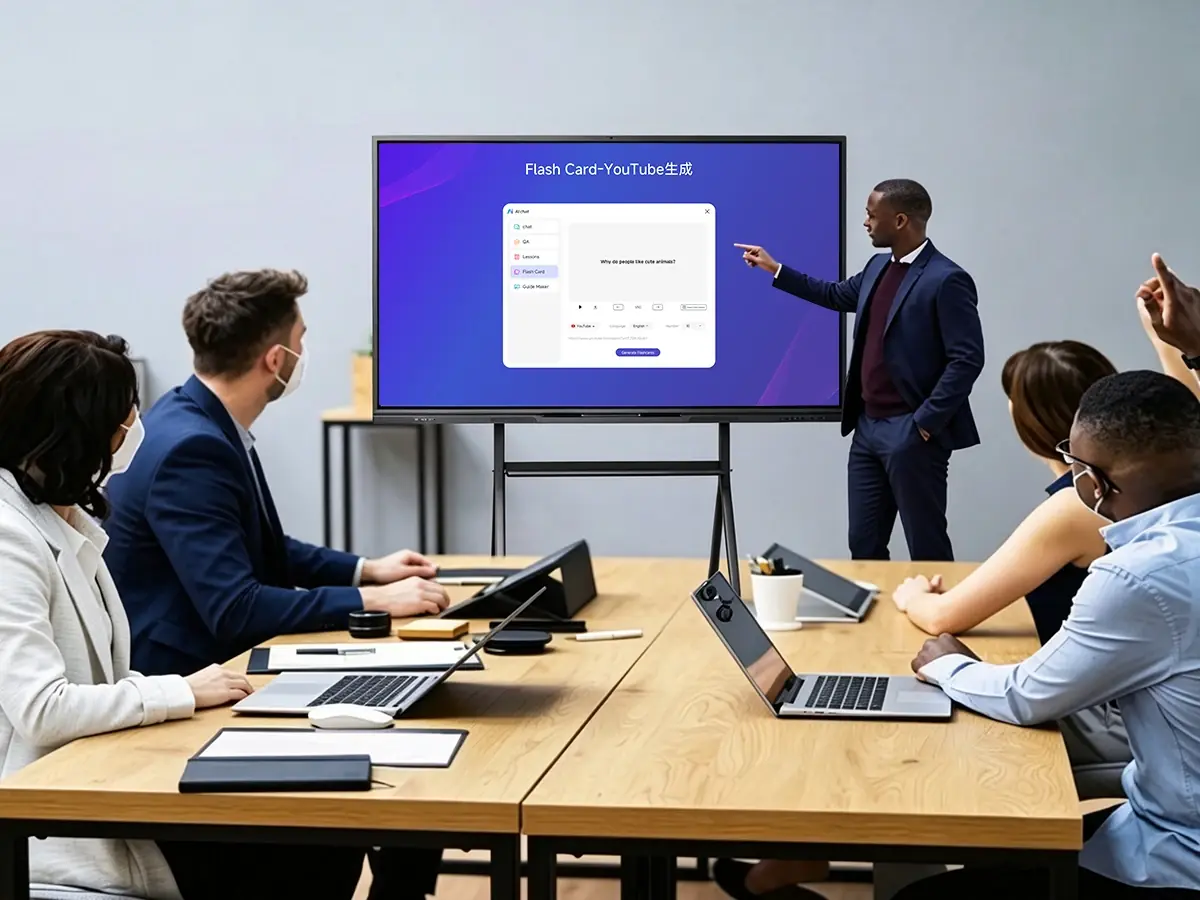
AI Knowledge Base — upload documents, ask questions, get instant answers

8 AI Extensions in UMind — Explain, Quiz, Lessons, Mind Map, Homework Review & more

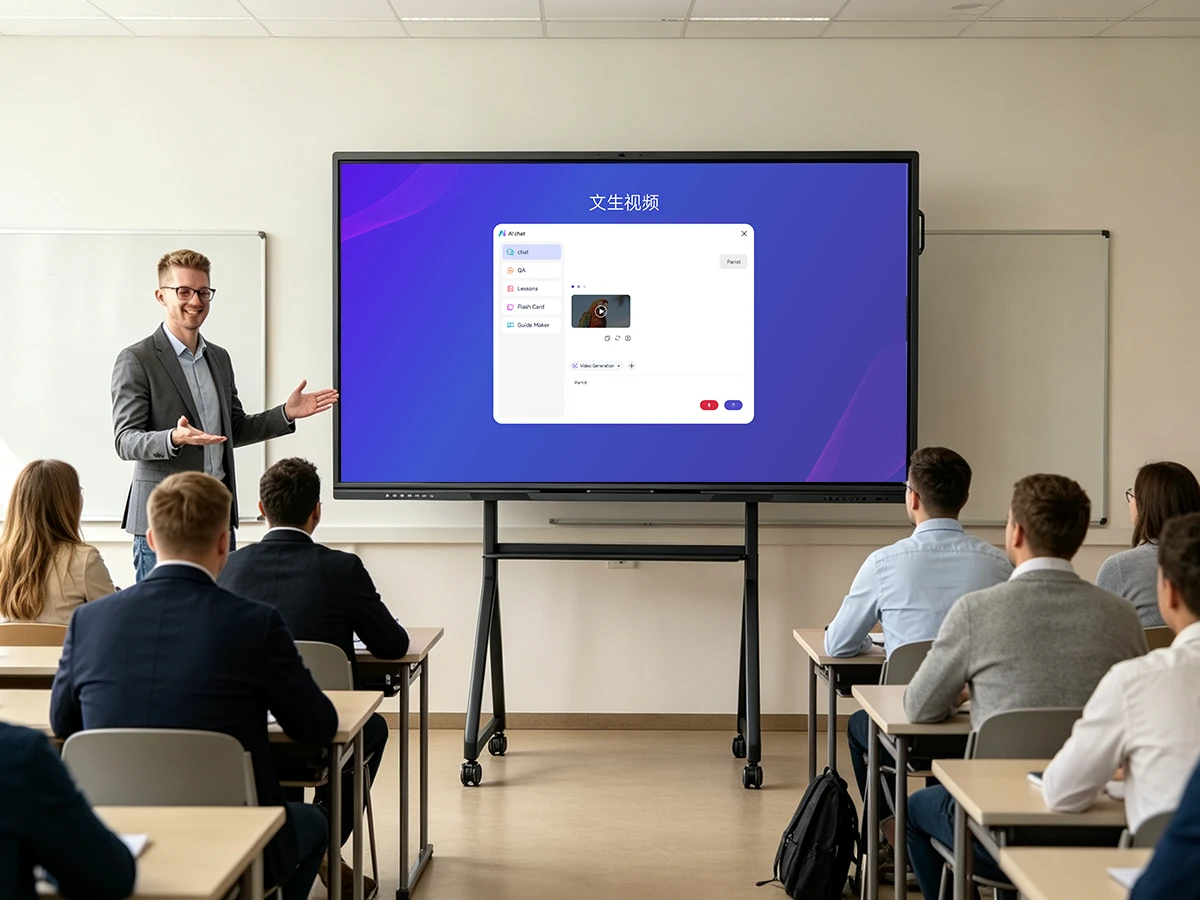
Powered by DeepSeek & OpenAI — multi-model switching with text-to-image/video

AI-Powered Tools for Every Classroom

From automated courseware generation to real-time AI translation — 12 AI capabilities built into one seamless platform.
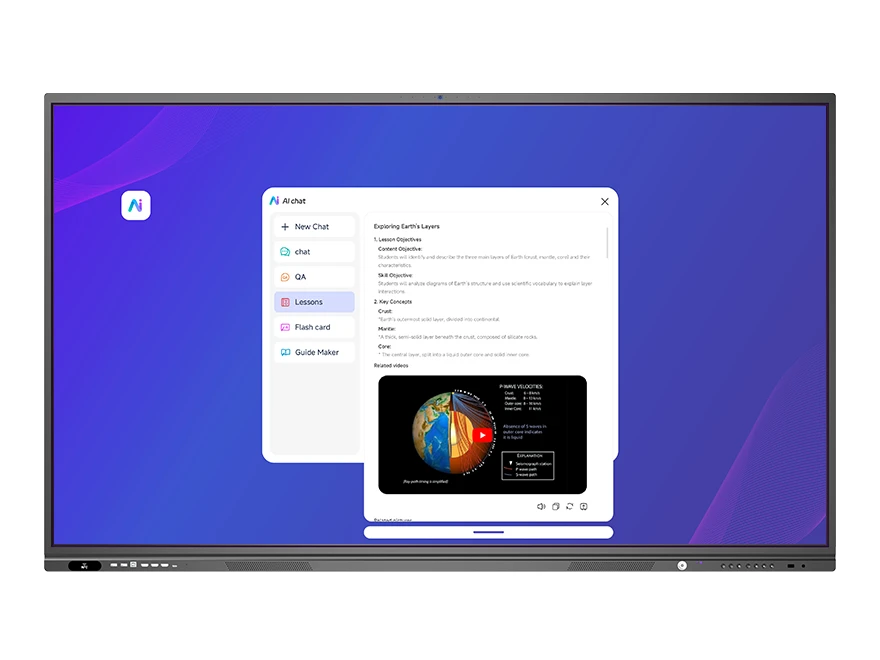
AI Teaching Assistant — voice/text courseware generation interface on UMind whiteboard
Teaching Assistant

AI Teaching Assistant — Reduce Prep from Hours to Minutes

Voice or text input generates complete courseware in one click. Automatically create exercises from math formulas and subject topics. Cloud-based lesson editing, quiz creation, and flashcard generation.

  • One-click courseware — generate from voice or text in seconds
  • Auto formula solving — AI solves math & science problems instantly
  • Cloud preparation — edit lessons, create quizzes, make flashcards anytime
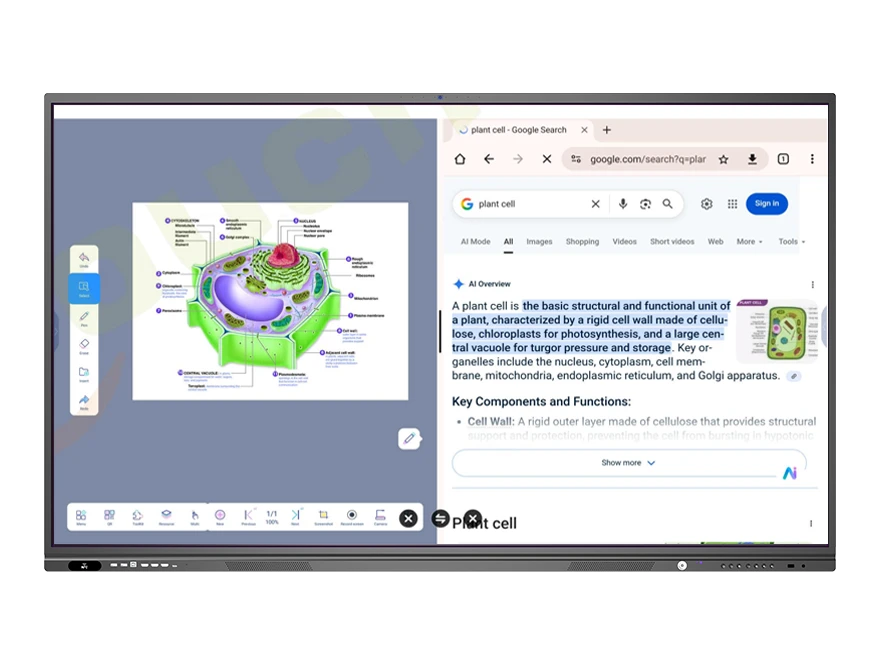
UMind AI interface with DeepSeek and OpenAI model selection — text-to-image generation
UMind AI

UMind AI Core — DeepSeek & OpenAI Integration

Click the AI icon on any handwritten or standard text in UMind to open the AI window. Text-to-image generation in ~1 minute, text-to-video in 2-5 minutes. 8 AI Extensions cover everything from explaining concepts to grading homework.

  • AI Chat & Generate — DeepSeek + OpenAI, multi-model switching
  • 8-in-1 Extensions — Explain, Formula, Quiz, Lessons, Form, Mind Map, Review, Chat
  • Browser integration — search Google/Bing/YouTube, drag images to whiteboard
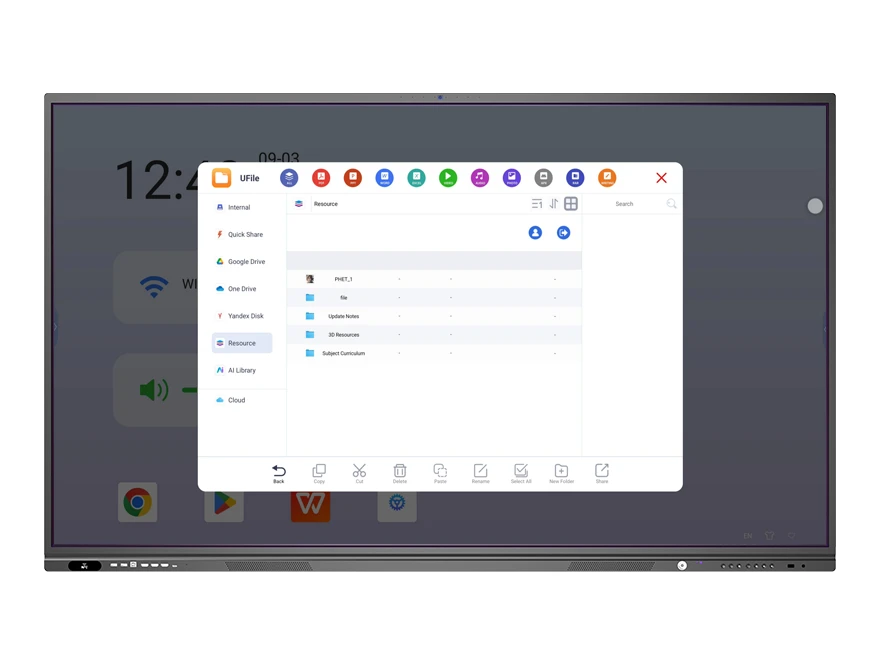
AI Knowledge Library in UFile — document upload with PDF and AI Library for voice/text Q&A
Knowledge Base

AI Knowledge Base — Your Content, Instant Answers

Upload documents to build your own AI knowledge library. Ask questions by voice or text and get instant answers from your uploaded content. Supports TXT, DOCX, PDF, XLSX, EPUB, MOBI, MD, CSV, and images.

  • 150MB document limit — upload large teaching resources
  • Voice & text query — ask naturally, get precise answers
  • Knowledge Model — AI auto-retrieves matched content from your library
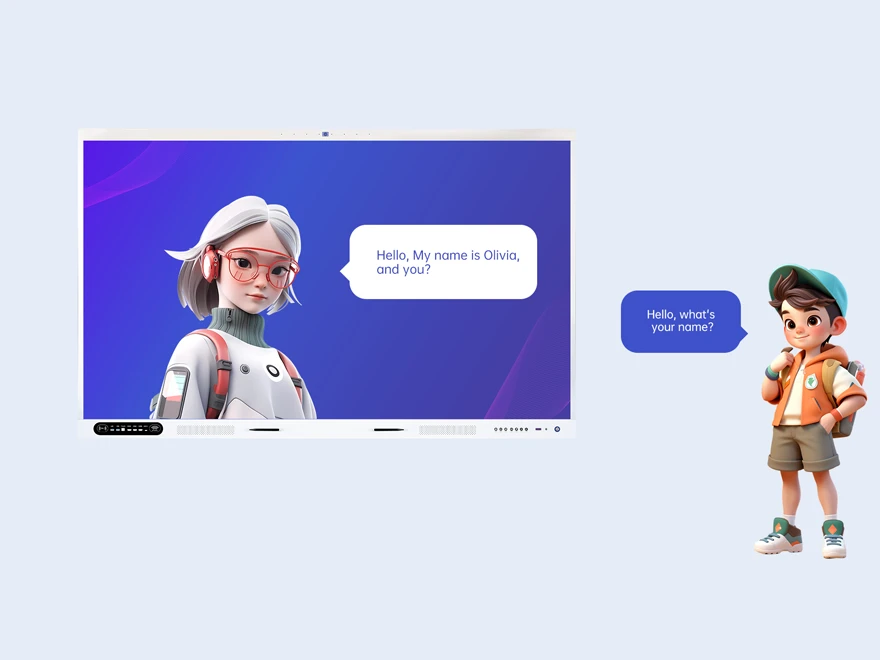
AI Learning Companion — interactive chatbot with multimodal text and voice chat
Learning Companion

AI Learning Companion — Your Personal AI Tutor

An intelligent chatbot that answers student questions with multimodal interaction — text, images, video, and voice. Students access via QR code scan on their mobile devices. 4K screen recording with cloud saving and sharing.

  • Multimodal interaction — text, image, video, and voice chat
  • Document summary — auto-generate concise summaries from uploaded files
  • 4K recording — cloud saving + QR code sharing for students
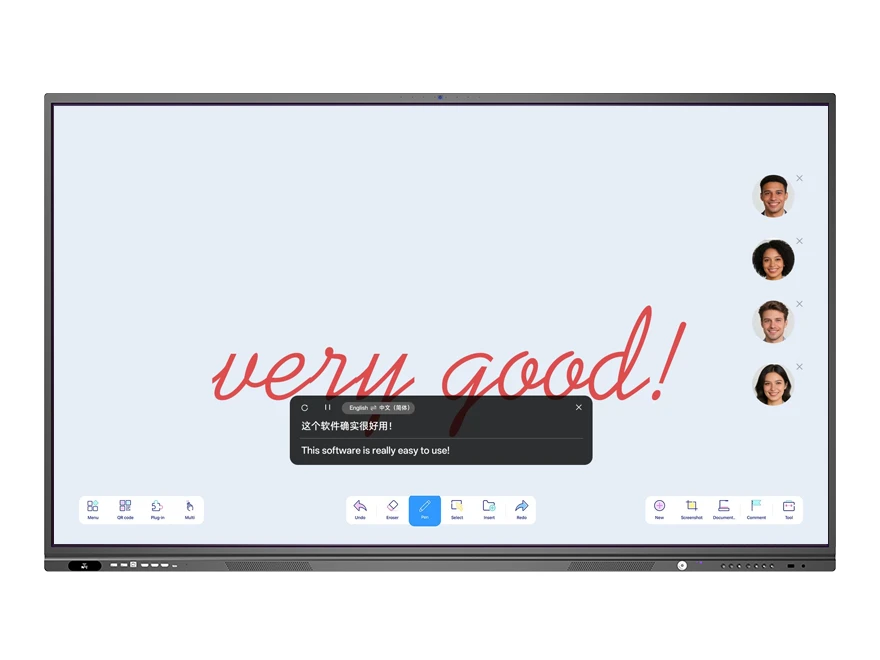
AI real-time translation display on interactive whiteboard with multi-language subtitles
Vision & Translation

AI Visual Perception & Real-Time Translation

48MP AI camera with 8-array microphone for intelligent gallery mode, auto-framing, and voice tracking. AI face recognition attendance, real-time subtitles with translation, and 4-speaker walkie-talkie translator.

  • 48MP AI Camera — smart split-screen, auto-tracking, voice tracking
  • Face recognition — automated attendance by class, grade, and school
  • 4-speaker translator — simultaneous multi-language walkie-talkie mode
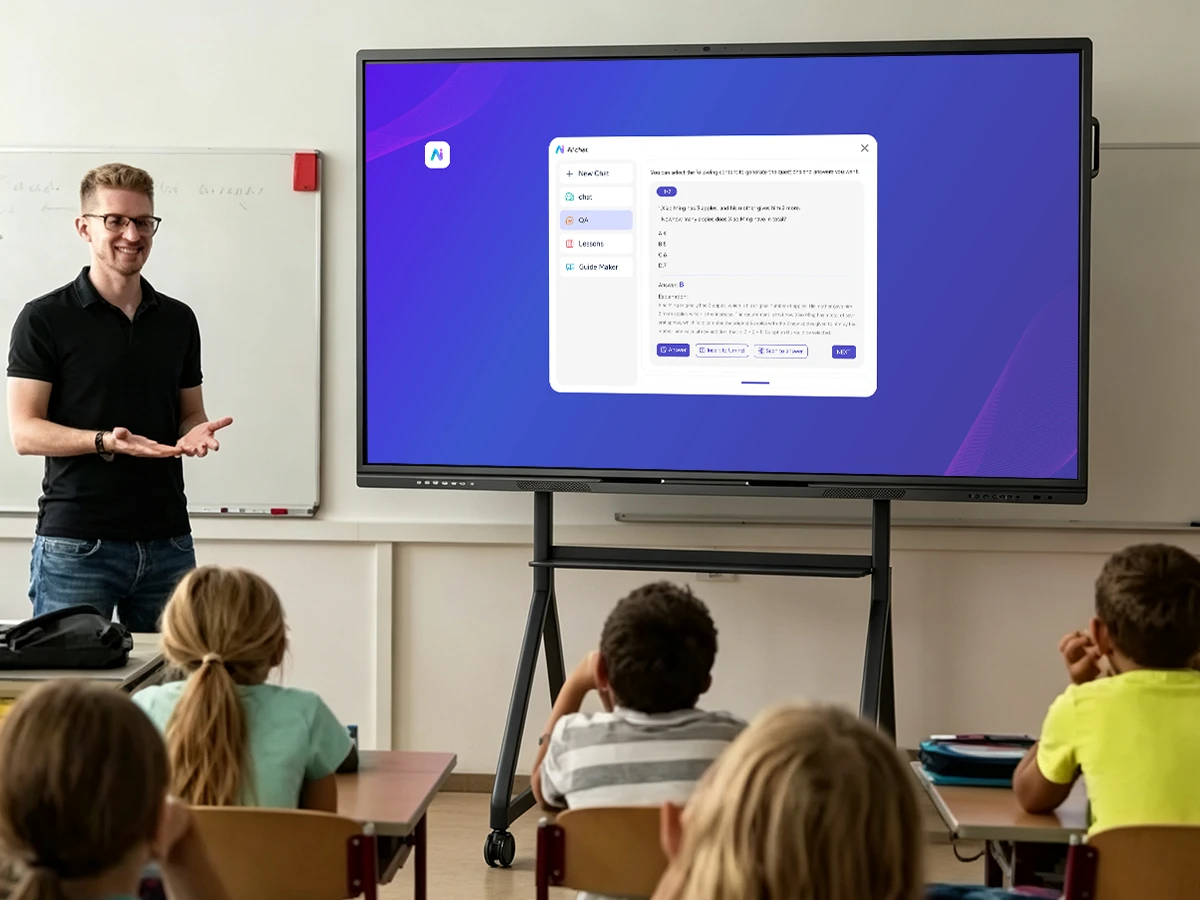
Built for Your Learning Environment

From K-12 classrooms to higher education and corporate training — Riotouch AI Assistant transforms how people teach and learn.

K-12 Schools

AI-generated courseware for any subject. Teachers reduce prep time by 80%. Students use AI Learning Companion for self-directed study with instant answers.

Higher Education

AI Knowledge Base for research materials. Real-time translation for international students. 8 AI Extensions for complex academic workflows.

Corporate Training

AI-powered training material creation. 48MP AI camera with smart framing for hybrid sessions. 4-speaker translator for global team collaboration.

Frequently Asked Questions

Quick answers to common questions about Riotouch AI Assistant.

Riotouch AI Assistant is an AI-Native platform integrated into DaisyOS on all Riotouch interactive displays. It helps teachers reduce lesson preparation time from hours to minutes through voice/text courseware generation, auto-generated quizzes, AI-guided content creation, and cloud-based lesson editing. The UMind whiteboard includes 8 AI Extensions: Explain This, Formula Explain, Generate Quiz, Generate Lessons, Generate Form, Generate Mind Map, Review Homework, and AI Conversation — all accessible from a single AI icon.
The AI Assistant integrates with both DeepSeek and OpenAI models, with support for multi-model switching directly in the UMind AI interface. Users can choose the most suitable model for their task — text generation, image creation (~1 minute), or video generation (2-5 minutes). The Knowledge Base Model also enables custom AI Q&A based on your uploaded documents.
The AI Knowledge Base supports a wide range of formats: Text files — TXT, DOCX, PDF, XLSX, EPUB, MOBI, MD, CSV (max 150MB per file); Image files — BMP, PNG, JPG/JPEG, GIF, and PDF scans (max 20MB per file). Upload documents to UFile, add to the AI Knowledge Base, and use voice or text queries to get instant answers from your content.
Yes. The AI Learning Companion is a dedicated chatbot for students, supporting multimodal interaction via text, images, video, and voice. Students scan a QR code with their phone to access the chat. They can ask for lesson explanations, get document summaries, review material, or ask questions conversationally. 4K screen recording with cloud saving and QR sharing is also available.
📩 Request a Quote

Need a Solution That
Fits Your Project?

Tell us what you're looking for and we'll tailor a quote to your requirements — with pricing, lead time, and expert advice.

HeadquartersRoom 201, No. 5, Chang An Zhenyuan East Road,
Dongguan, Guangdong, China
Get Your Custom Quote
Fill out the form and we'll get back to you within 12 hours.