Connected Smart Board vs Traditional Blackboard: What Actually Changes in the Classroom
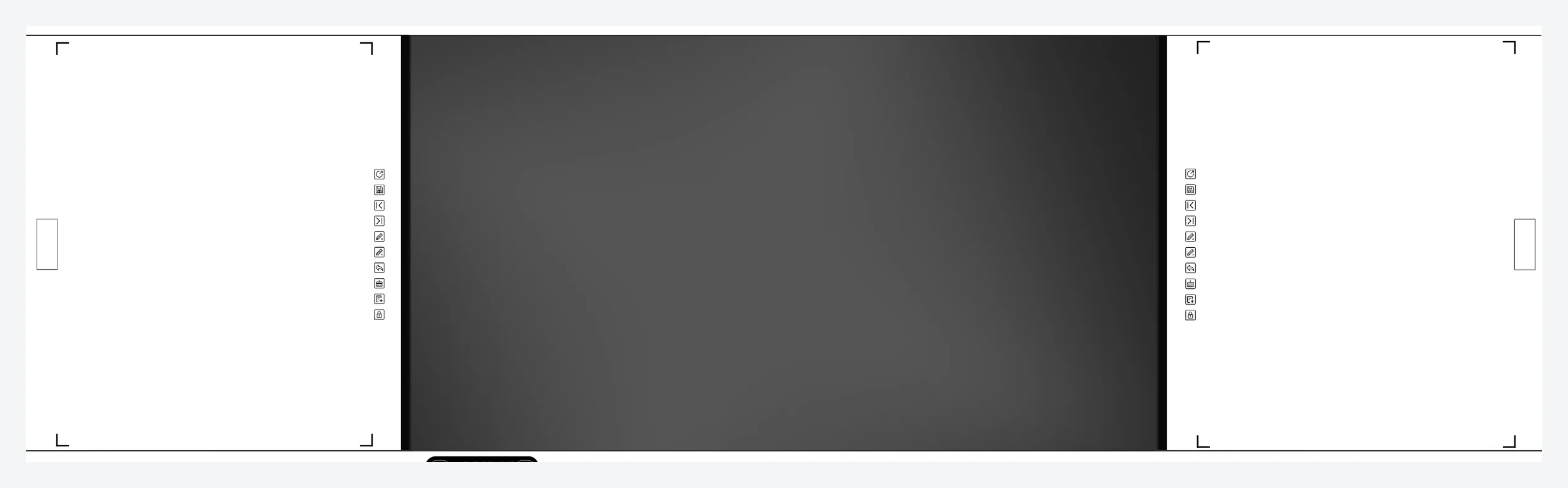
A connected smart board looks like a blackboard because it is still one: a centre display with two writing panels either side, mounted on the same wall, written on with a pen or chalk. What changes is that the panels are live — the writing on them appears on the display, and the display runs the lesson.
1. The format
- Centre display — 86", Android on board, with a slot at the back for an optional Windows OPS module.
- Writing panels — fixed, sliding or closing, in either whiteboard for dry-wipe markers or blackboard for chalk.
- Optional closing sub-board — a closing sub-board protects the screen in rooms where the equipment is unsupervised, which in practice is most schools.
- Infrared touch — an infrared frame, not a film. It reads a finger, a pointer or a gloved hand, and chalk dust does not blind it.
2. What actually changes
| Traditional blackboard | Connected smart board | |
|---|---|---|
| What is written | Chalk on one surface, erased each lesson | Written on the panels, mirrored to the display |
| The back row | Cannot read the edge of the board | Reads the same writing at full size on the display |
| The record | Lost when wiped | Can be kept and distributed with the lesson |
| Remote lessons | Only the screen is shown | Board writing is shown as the room sees it |
| Device security | No device to protect | Optional closing sub-board covers the screen when the room is empty |
3. Configurations that matter
- Size. 86" only in this format. Where 75" is required, the nano blackboard covers it; the two are not interchangeable in the same wall opening.
- Panel surface. Chalk where teachers write with chalk, marker where they do not. Chalk needs the capture structure sealed against dust and normal room ventilation.
- Closing panel (optional). Worth the cost wherever the room is unsupervised between lessons.
- Camera and microphone. 48 MP with an 8-microphone array, optional and independent of the processor choice.
4. Two platforms: RK3576 or RK3588
Both are in current production and can be quoted for the same board.
| RK3576 | RK3588 | |
|---|---|---|
| Memory / storage | 8 GB / 128 GB | 16 GB / 256 GB |
| Suits | Annotation, casting, content playback, lesson recording | Several applications at once, local content libraries, heavy whiteboard files |
| Do not specify it for | Boards holding local content libraries | Boards that will only annotate and cast |
Memory is fixed at order and cannot be upgraded in the field, so the platform belongs in the tender document. The touch structure is identical on both.
5. Writing on the panel, shown on the screen
Writing on a flanking panel is captured by the infrared structure and displayed on the centre screen at the same time. The habit does not change — the same pen, the same chalk — but the writing is now readable across the room, and can be kept.
Two conditions decide whether it works in practice: the display must not face a window, and the panel-to-screen calibration is set once at commissioning and must be redone if the panels are removed for wall work.
6. Before the order
- Write the platform into the specification, not into a later conversation.
- Decide the panel surface from what the teachers actually use.
- State whether the room is supervised between lessons — that decides the closing panel.
- Check the wall opposite the board: a window behind the class is a problem.
- Confirm 86" against the distance to the last row.
- Ask for a demonstration on the surface you are buying, chalk included.
7. Frequently asked questions
Is this the same as the nano blackboard?
No. The nano blackboard has the writing surface and the display on one flush plane. Here the display sits between two separate writing panels.
Are the writing panels fixed, sliding or closing?
All three. The closing sub-board is optional, and it protects the screen in rooms where the equipment is unsupervised, which in practice is most schools.
Is the touch really infrared?
Yes — an infrared frame rather than a film or capacitive overlay. A finger, a pointer or a gloved hand all work.
Can I choose between RK3576 and RK3588?
Yes. RK3576 with 8 GB/128 GB for standard teaching, RK3588 with 16 GB/256 GB where heavier applications or local content are needed. Fixed at order.
What is the warranty?
One year for the whole unit, three years for the touch module.
Related Articles
WhatsApp: +86 158 1773 7671
Email: julia@riotouch.com · Riotouch Technology