One Screen, Two Markets: Why the Same Interactive Panel Comes in “Education” and “Meeting Room” Versions
A familiar scene in interactive flat panel procurement: two screens from the same manufacturer look almost identical on the spec sheet, yet one is sold as an education model and the other as a meeting room model — and their prices differ. Buyers often assume this is marketing, or that the education version is simply the more expensive one. Neither is true.
The difference comes from what the two rooms actually expect from the screen. A classroom wants management efficiency and student engagement. A meeting room wants instant usability and smooth remote collaboration. On the same hardware platform, Riotouch differentiates software, certification strategy and accessories by scenario. This article walks through that logic, so that “too many models” stops being confusing and becomes a short checklist.
Why the same hardware splits into two product lines
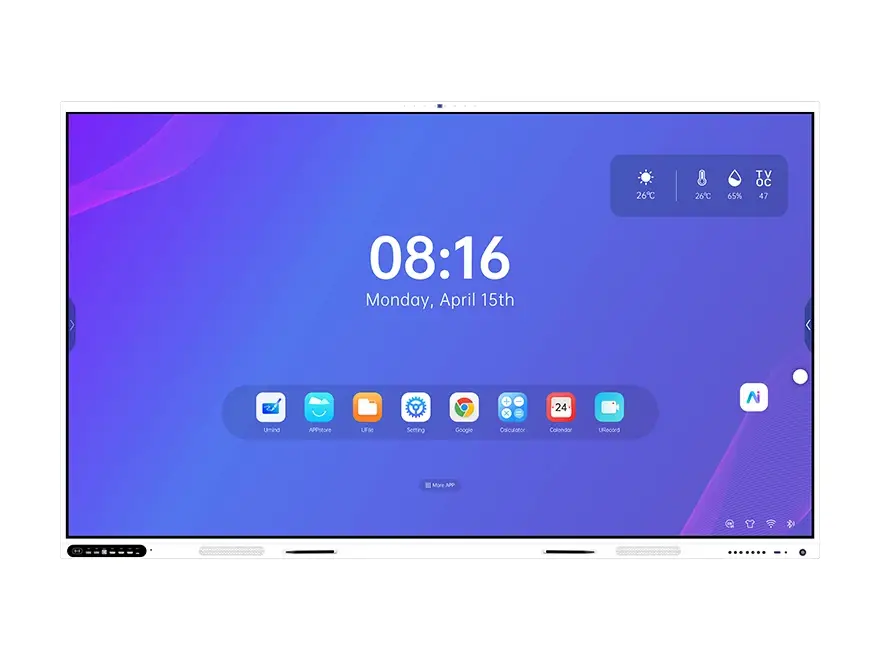
The display itself — 4K panel, touch layer, mainboard, connectivity — is largely shared. What changes is everything the user touches first: which software is pre-installed, which accessories ship in the box, and which certificates the model carries. A school does not buy a screen, it buys a device fleet it has to administer. An enterprise does not buy a screen either, it buys a meeting that starts on time.
The education scenario: management efficiency comes first
When a school procures interactive panels, the first question is rarely how bright the screen is. It is how the fleet will be managed.
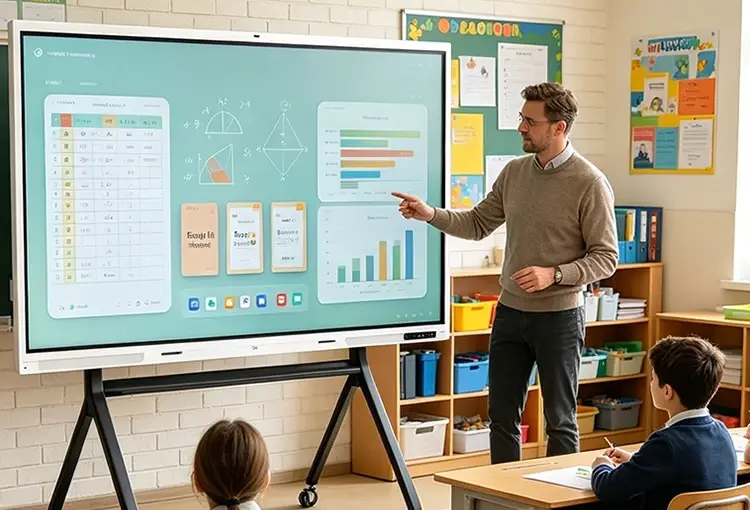
A school may run fifty classrooms and a hundred panels. Nobody can walk the corridors checking every screen each morning. This is exactly what a device management system (DMS) solves: remote power on and off, batch push of courseware and announcements, OTA system updates and real-time device status monitoring from a single dashboard. Tiered accounts separate what a principal, a teacher and a maintenance technician can do, which is what prevents accidental misconfiguration during a lesson. Our DMS module is built around that workflow, and the wider education solution adds the classroom layer on top of it.
Classroom engagement is the second education-specific need. With UVote, students scan a QR code and answer anonymously, and the result appears on screen in real time. VisionRoll face recognition records attendance and produces reports automatically. In a boardroom these tools sit unused; in a classroom they run every day.
Certification: EDLA is per model, not per brand
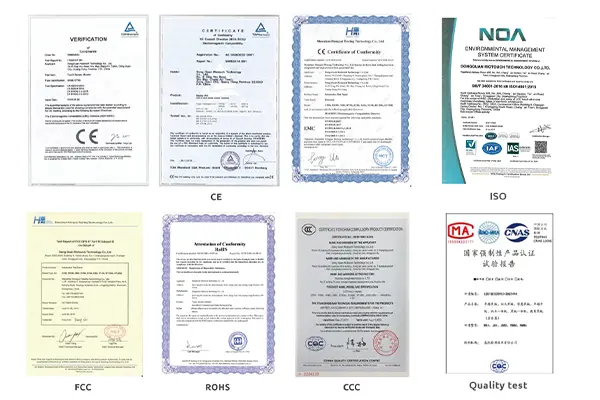
In education tenders, Google EDLA has moved from a bonus to a baseline requirement. EDLA means full access to Google Play, Meet and Drive, plus Workspace device management support. One point is regularly misunderstood: EDLA is certified per model, not per brand. The same factory may build EDLA-certified models and non-certified value models side by side. Buyers should verify the certificate for the exact model being purchased, not rely on a brand-level claim in a brochure.
The meeting room scenario: instant usability above all
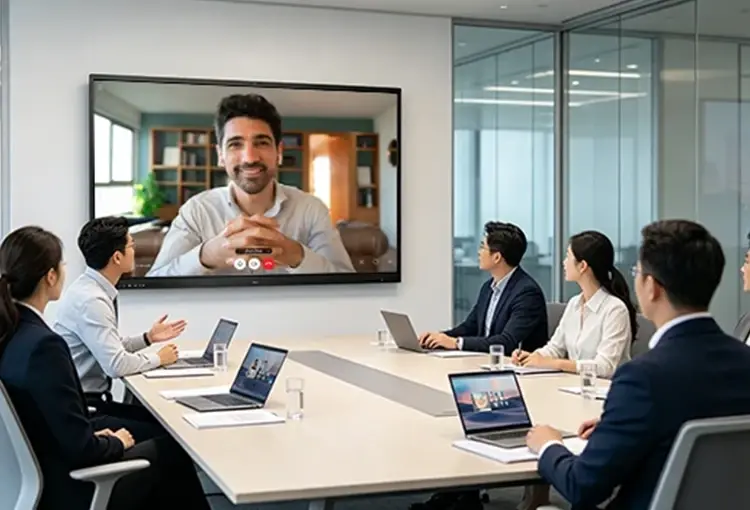
People walking into a meeting room have no time to learn a system. They care about three things: can I cast my screen quickly, is the remote participant audible, and can we write on the display directly.
Riotouch Eshare handles the first: QR-code casting from Windows, macOS, iOS, Android, Linux and HarmonyOS, with up to sixteen devices on screen in split view. The full-function Type-C port carries 4K video, 100W reverse charging and file transfer over a single cable — practical in rooms where presenters change every fifteen minutes.
Audio and video come next. An optional eight-microphone array and a 48MP wide-angle camera let remote participants hear and see the whole room, with AI auto-framing and speaker tracking removing the need to adjust the camera by hand. On the software side, PolyVoice converts speech to text in real time and the UMind whiteboard generates a meeting outline from keywords and summarises the discussion. The value is a usable record five minutes after the meeting, not half an hour of typing afterwards.
Shared platform, differentiated configuration
The clearest way to understand the product logic: education and meeting room versions often run on the same hardware platform, and the differences sit in pre-installed software, optional accessories and certification strategy.
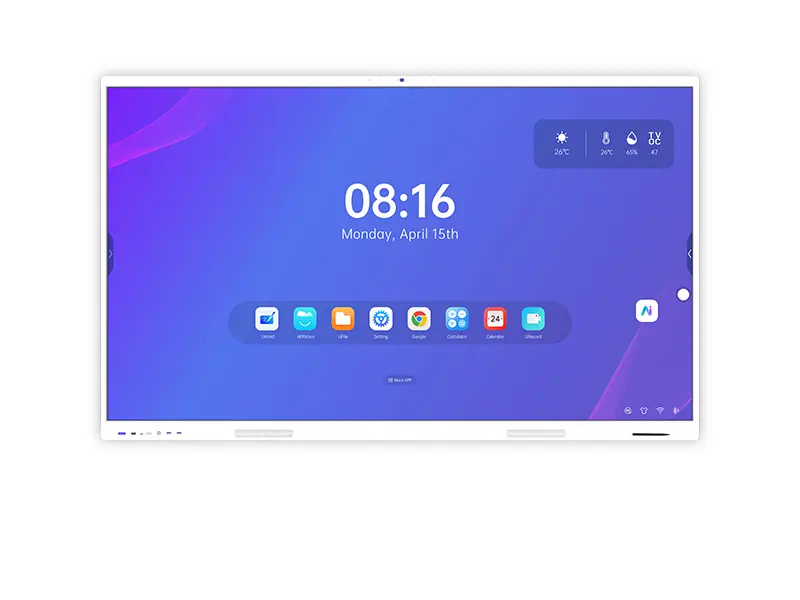
Take the RK3576 LTF series, covered from 65 to 110 inches. The same panel, pre-loaded with teaching software and configured with EDLA certification, becomes an education model. Pre-loaded with meeting collaboration tools and paired with a microphone array and camera, it becomes a meeting room model. The hardware foundation is identical: 4K DLED panel, 40-point infrared touch, zero-bond anti-glare glass, Wi-Fi 6 and a full-function Type-C port. Both the RK3576 platform and the higher-performance RK3588 platform follow this pattern.
For buyers, the practical benefit is that mixed orders stop being complicated. A school may need 65-inch panels for standard classrooms and 86-inch panels for lecture halls. An enterprise may want a 98-inch boardroom display at headquarters and 75-inch panels in branch meeting rooms. Same platform, different sizes and configurations, which lowers spare-parts inventory and training cost across the whole fleet. The full size and interface data is published in our product specifications pages.
Certification strategy: not every model needs EDLA
An often-overlooked procurement decision: do you actually need EDLA at all?
If a school runs Google Classroom and Google Drive daily, students sign in with Google accounts and IT manages devices through the Google Admin console, then EDLA is essential. If the school mainly uses local teaching software and does not depend on the Google ecosystem, a non-EDLA value model can reduce cost without any loss of daily function.
Riotouch covers both strategies: the RK3576 and RK3588 series offer EDLA-certified Android systems, while education series such as the V100 target price-sensitive tenders that do not require Google services. The buyer’s task is not to choose the most expensive option — it is to confirm whether the actual usage scenario matches what the certification provides.
A practical selection framework
Use this table as the first filter when a project mixes both environments.
| Decision dimension | Education scenario | Meeting room scenario |
|---|---|---|
| Primary need | Multi-device management, classroom interaction | Fast casting, remote meeting audio |
| Core software | DMS, UVote, VisionRoll, UMind teaching tools | Eshare, PolyVoice, UMind meeting outline |
| Certification | EDLA when the Google ecosystem is required | Per enterprise IT policy |
| Key accessories | Normally none beyond the wall mount | Microphone array, wide-angle camera |
| Size logic | By classroom area and viewing distance | By meeting room capacity and table length |
| Budget focus | Software ecosystem and management capability | Connectivity and audio-video quality |
Three mistakes that cost the most
- Buying a meeting room spec for a classroom. The panel works, but without fleet management the IT team ends up updating software room by room. The extra cost of an education configuration is small next to the labour it saves.
- Accepting a brand-level EDLA claim. Certificates are issued per model. Ask for the certificate number of the exact model being delivered, and check that the certificate covers the screen size in the purchase order.
- Ignoring accessory lead time. Microphone arrays and cameras are optional items with their own production and shipping time. If the room must be ready for a fixed date, the accessories have to be ordered with the panels, not after them.
Matching your project to the right scenario
Whether you are equipping classrooms for a school or designing meeting room solutions for an enterprise, the fastest route is to describe the room rather than the product: how many rooms, how many people per room, who administers the devices and which collaboration platform is already in use. From those four answers the model, size and accessory list follow directly, and so does the quotation. For projects that need the panels under your own brand, the IFPD OEM and ODM programme covers software preload, packaging and the certification documents a tender requires.
FAQ
Can one interactive flat panel serve both a classroom and a meeting room?
Physically yes, and many customers do exactly that with a mixed fleet. What you cannot do is buy one configuration and expect both sets of features: the education model ships with fleet management and classroom tools, the meeting room model ships with casting and conferencing accessories. Decide per room type, not per building.
Is EDLA required for a school tender?
Increasingly yes, and it is written as a compliance item rather than a preference. EDLA is certified per model, so confirm the certificate for the exact model and size you are supplying. Where the school does not use Google services, a non-EDLA model is a legitimate and cheaper option.
Do meeting room panels need a separate PC?
Not necessarily. The built-in Android system, casting and whiteboard cover most meetings. Where staff need Windows software, an OPS module slots into the panel and turns it into a Windows machine without a second screen or extra cabling.
Which size should an education project choose?
For a standard classroom, 65 to 75 inches is typical; for lecture halls and large training rooms, 86 inches and above. The governing rule is viewing distance: the farthest seat should be able to read the smallest text on screen, which is why we recommend working backwards from the room, not from the price list.
Related Product
Interactive Flat Panel (65″ – 110″)
Android with RK3588 or RK3576 mainboard, 4K UHD, tempered glass and optional Windows OPS — available in education and meeting room configurations from the same platform.
View Product →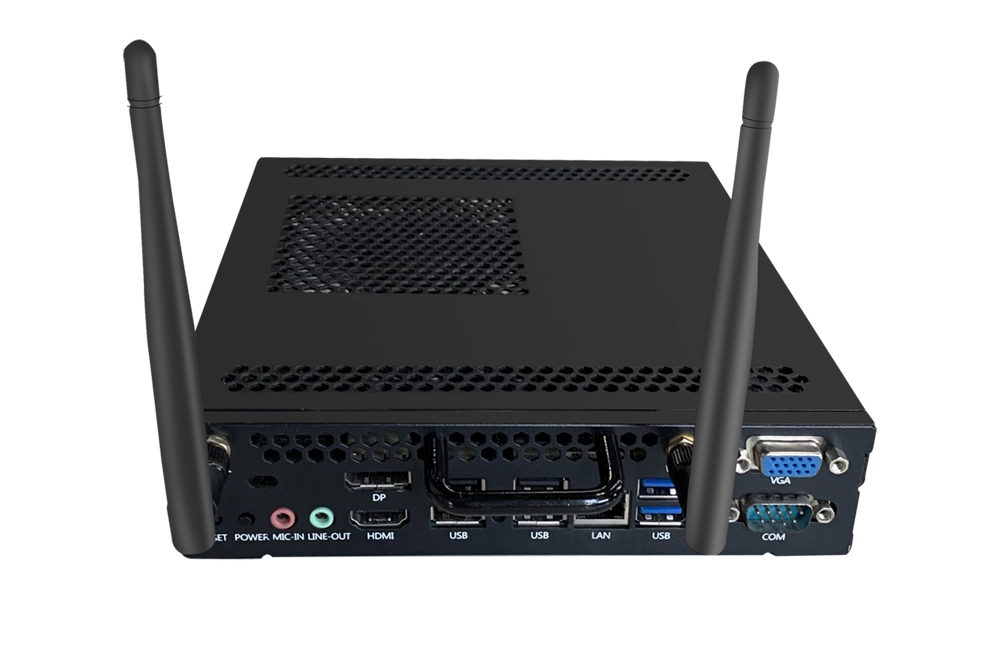
OPS Module
Slot-in Windows PC module for interactive panels — run desktop software, legacy teaching tools and Windows-only applications without a second screen.
View Product →IFPD OEM / ODM Solution
Factory-direct interactive flat panels with your branding, packaging, boot screen and documentation — plus the certification documents required for school and government projects.
View Product →