Turn digital 3D models into interactive AR experiences with uMind. Explore built-in models or import your own 3D files, then bring them into the real world through an AR-compatible Android phone and Riotouch interactive display.
Discover how uMind AR Projection brings digital 3D models into real-world environments. Choose a built-in model or import your own 3D files, enter AR mode with a compatible Android phone, and cast the experience to a Riotouch interactive display.
uMind AR Projection — demo
Built-in models, your own 3D files, real-world AR placement and big-screen sharing.

Choose from built-in 3D examples, including Earth, Heart, and Human Body. Explore different models and experience AR projection without having to prepare your own 3D files.

Import your own 3D assets and explore them through AR Projection. uMind supports multiple 3D file formats, making it easier to work with different types of digital models.

Use an ARCore-compatible Android phone to enter AR mode. With camera-based AR projection, digital 3D models can be viewed in a real-world environment.

Connect your phone to a Riotouch interactive display through a casting application before entering AR. Share the AR experience on a large screen for classroom demonstrations and group presentations.

3D files are processed locally on the device. The camera is used only during the active AR session, providing a device-based AR experience.
From choosing a model to sharing it on the big screen — the whole flow runs on a phone plus the display.
Select a built-in model or import your own 3D file in a supported format.
Use a compatible Android phone with ARCore support and Chrome. Connect the phone to your Riotouch interactive display through a casting application.
Open the AR experience and use the phone camera to place and view the selected 3D model in your surroundings.
Cast the phone screen to the Riotouch interactive display and share the AR experience with your audience.
Classroom demonstrations, product presentations and interactive exhibitions.
➚
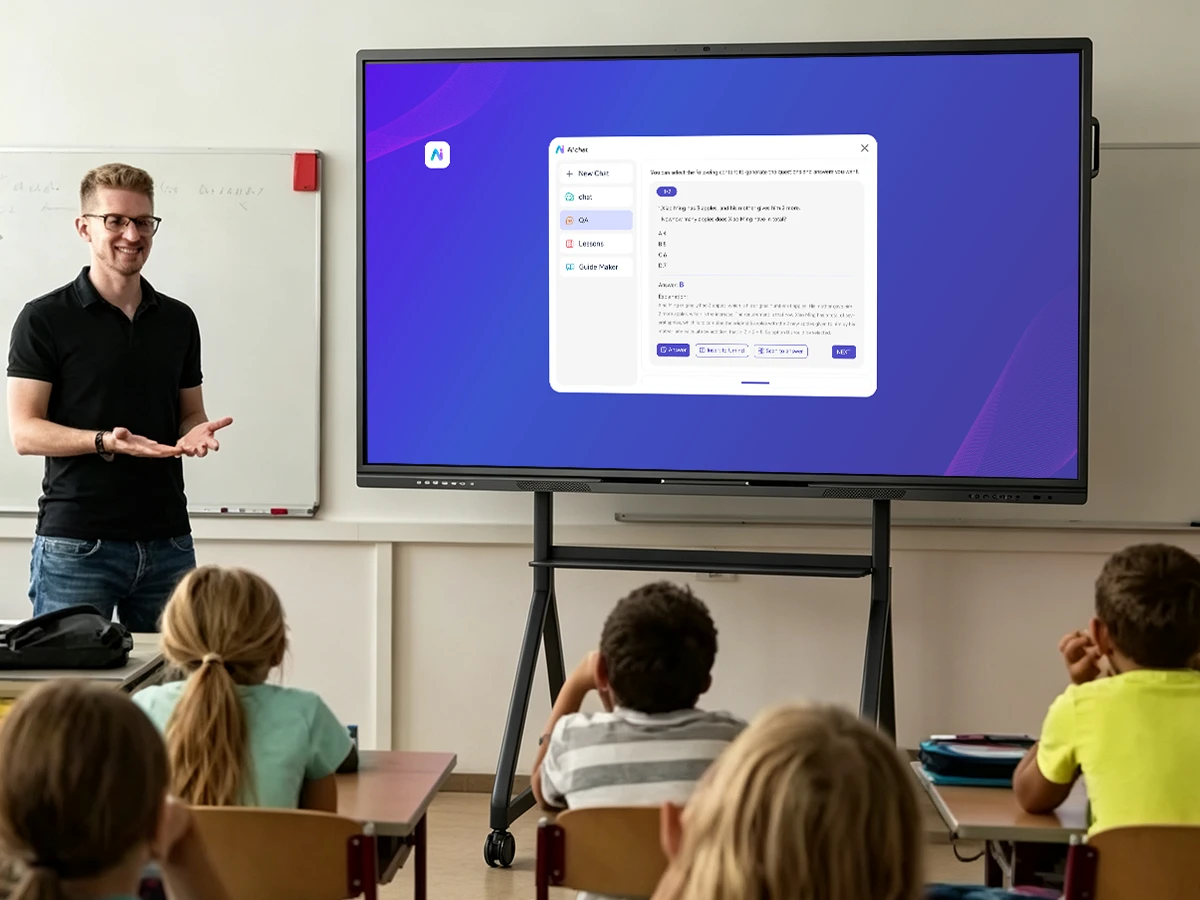
Bring 3D educational models into classroom demonstrations. Teachers can use AR projection to present anatomical models and other 3D learning resources on a larger display.
➚
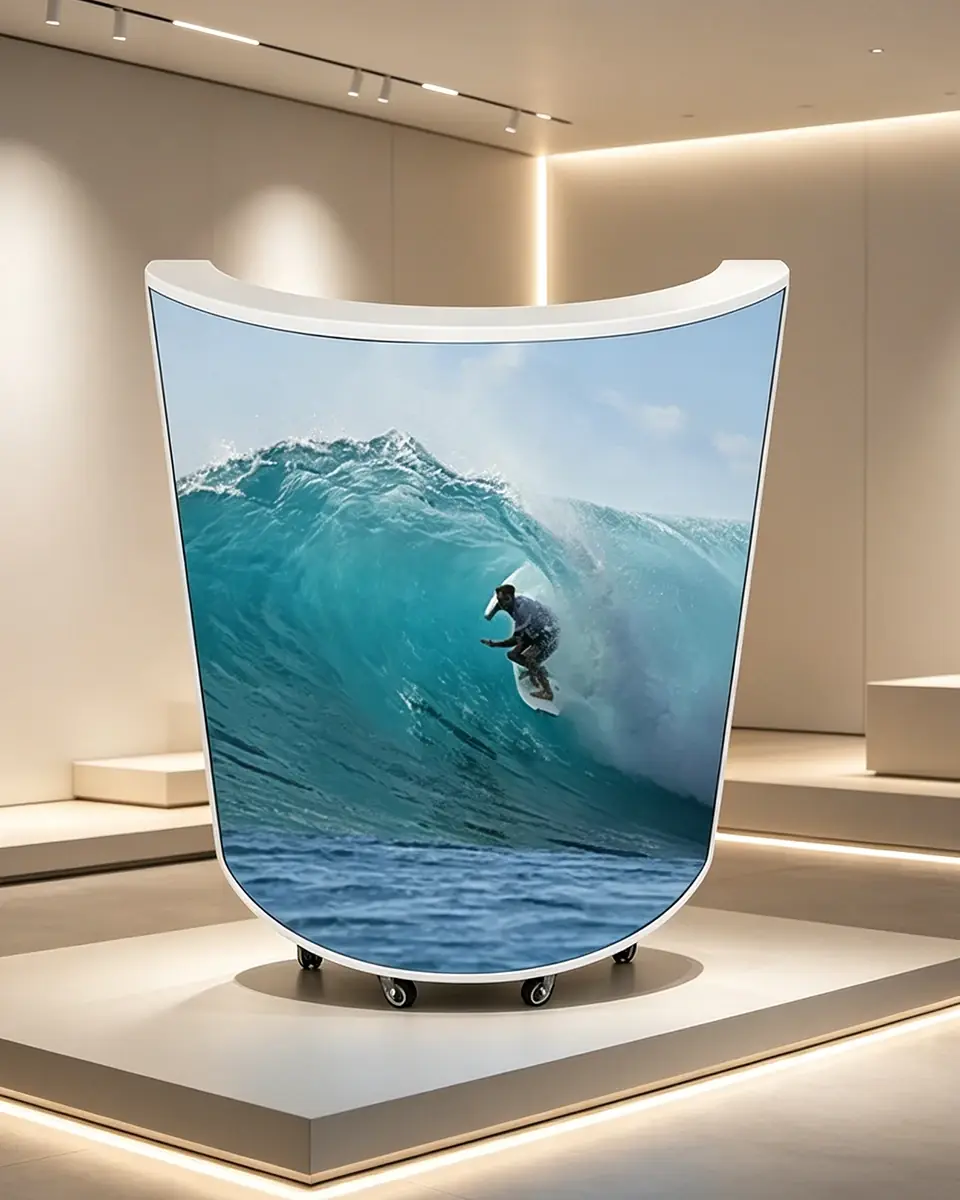
Showcase 3D product models in a real-world environment. Give audiences a more visual way to explore digital product assets.
➚
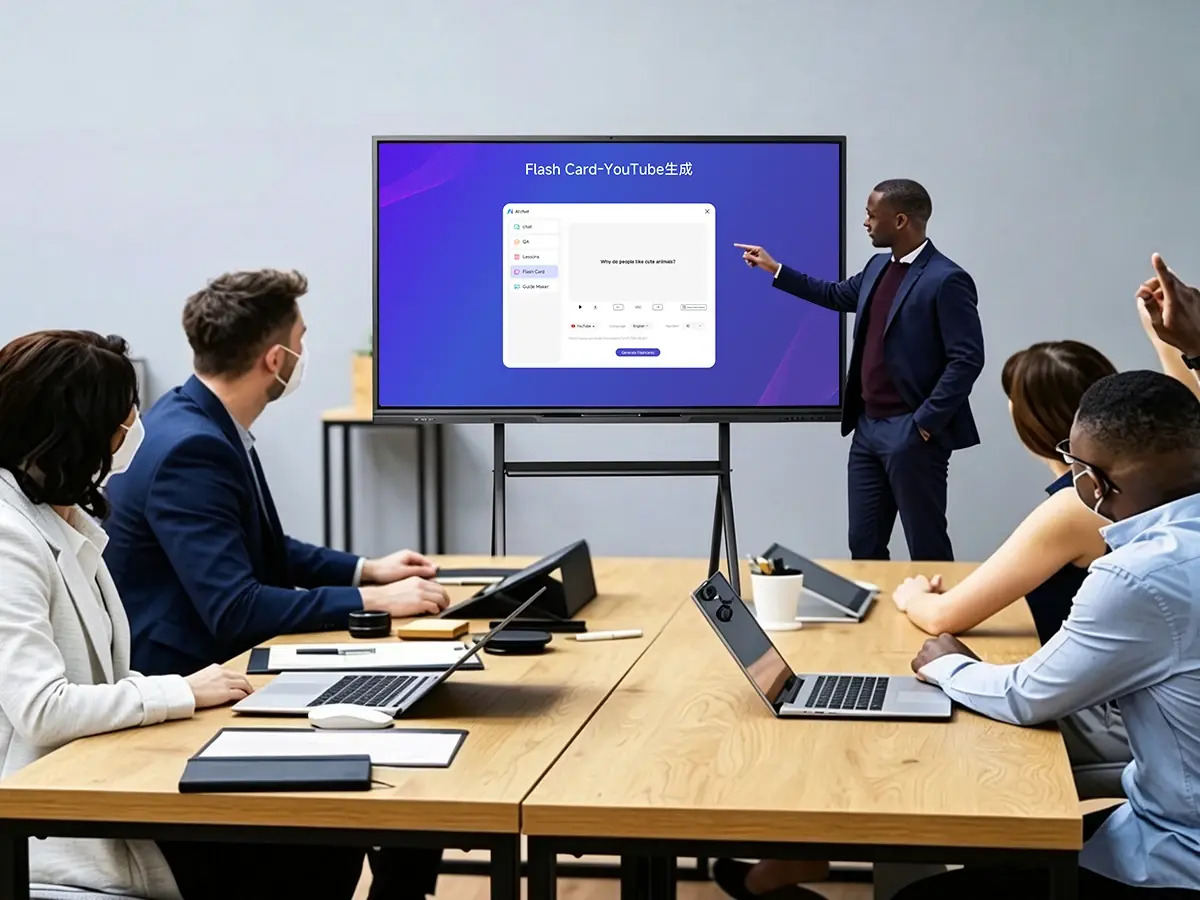
Use AR projection to create more engaging visual presentations in exhibitions, demonstrations, and interactive spaces.
Quick answers about uMind AR Projection.
Tell us what you're looking for and we'll tailor a quote to your requirements — with pricing, lead time, and expert advice.