Interactive Flat Panel (IFP) vs. Interactive Whiteboard (IWB): What’s the Difference?
Interactive Flat Panels (IFPs) and Interactive Whiteboards (IWBs) are two common types of interactive display devices that are often confused. The most fundamental difference lies in how they work: an IFP is an all-in-one, standalone device, while an IWB is a dependent system that requires a projector and a computer to function.
The Fundamental Difference in How They Work
IWB (Interactive Whiteboard) is essentially a white panel with a touch-sensitive frame. It does not emit light, does not produce images on its own, and has no built-in operating system. An IWB must be connected to a projector and a computer to work: the computer processes the image, the projector casts it onto the whiteboard, and the infrared or electromagnetic sensing layer in the board’s frame captures the position of a finger or stylus and sends the coordinates back to the computer. In other words, the “interaction” you see on an IWB is actually the result of the computer processing and the projector displaying — the whole process is indirect.
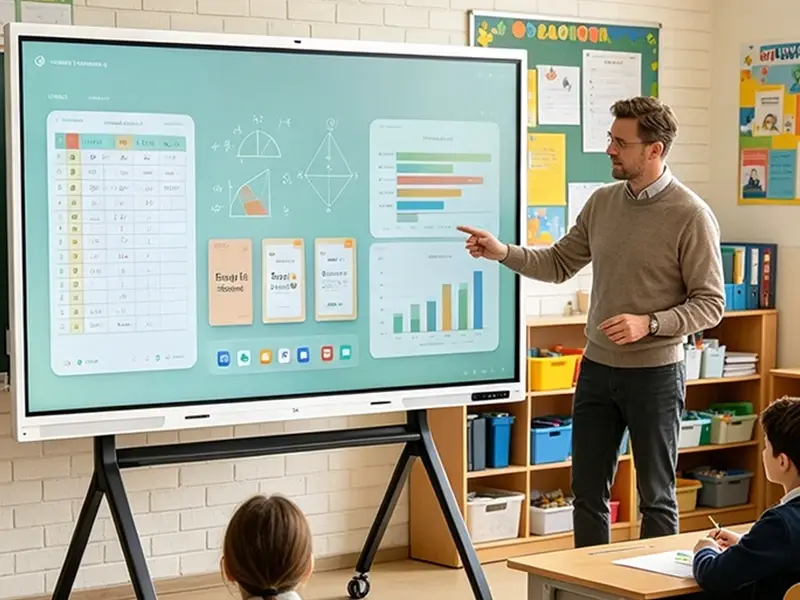
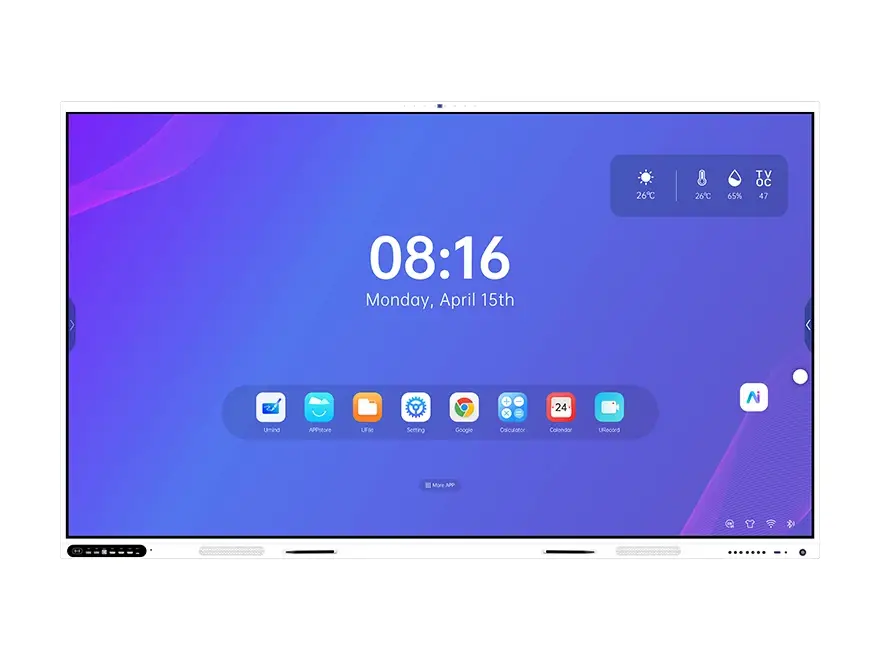
IFP (Interactive Flat Panel) is completely different. It is a self-illuminating, large-format touchscreen display that integrates the display panel, touch layer, built-in computer (usually Android-based), and speakers into a single unit. An IFP can run independently without an external projector or computer — the content on screen is generated directly by its internal system. When you touch the screen with your finger, you are interacting directly with the display, and the response is direct. See our interactive flat panel range from 65″ to 110″.
Key Comparison
| Dimension | IWB (Interactive Whiteboard) | IFP (Interactive Flat Panel) |
|---|---|---|
| Requires a projector? | ✅ Yes, mandatory | ❌ No |
| Requires an external computer? | ✅ Yes, mandatory | ❌ Built-in system runs independently |
| Display quality | Heavily affected by ambient light; clarity depends on projector | 4K HD, strong resistance to ambient light |
| Calibration | Requires periodic touch-position calibration | No calibration needed — plug and play |
| Maintenance cost | Projector lamps need replacement; complex maintenance | Integrated design, simple maintenance |
| Installation flexibility | Limited by projection distance and angle | Wall-mount or mobile stand options |
| Cost structure | Board itself is cheap, but requires a separate projector and PC | Higher upfront cost, but lower total cost of ownership |
| Lifespan | Board lasts ~10 years; projector lamp life is limited | Integrated design, longer lifespan |
| Expandability | Functionality limited by connected external devices | Built-in app store, supports more software and feature expansion |
Differences in Application Scenarios
Because of its lower cost, IWBs still have a place in budget-constrained settings where display quality is not critical — especially classrooms that already have a computer and projector available. However, they are heavily affected by ambient light (curtains may be needed during the day), and maintenance is relatively cumbersome.
IFPs, with their HD display, plug-and-play operation, and simple maintenance, are rapidly replacing IWBs. They are well suited for classrooms, meeting rooms, and training rooms that demand high image quality and a smooth interactive experience — see our education solution. According to market data, IFP shipments are growing far faster than IWB shipments — in Q1 2015, China’s IFP shipments grew 115.6% year-over-year, while projection-based IWBs saw negative growth.
The Practical Differences Buyers Notice on Day One
| IWB | IFP | |
|---|---|---|
| Essence | Touch-sensitive whiteboard + projector + computer | All-in-one touchscreen display |
| Core advantage | Low initial cost; suits settings with existing projection equipment | HD, standalone, calibration-free, easy to maintain |
| Core limitation | Depends on external devices; affected by ambient light; requires calibration | Higher upfront investment |
| Trend | Slowing growth, gradually being replaced | Rapid growth, becoming the mainstream choice |
In a bright room, an IFP keeps its contrast while a projected image washes out. There is also nothing to recalibrate after the panel is moved or cleaned, and no lamp to replace on a maintenance schedule. Those three points — visibility, calibration and maintenance — are what school IT teams spend their time on.
Summary
In short, an IWB is a “projector + touch frame” combination, while an IFP is a standalone “giant tablet” solution. If you want sharper visuals, a simpler user experience, and lower long-term maintenance costs, an IFP is the better choice.
Want to Learn More or Request a Demo?
Our team can help you choose the right interactive display solution for your project — including IFPs powered by RK3588 and RK3576 processors, advanced infrared touch technology, Google EDLA certification, and DaisyOS software with built-in AI features.
- Need a Windows PC inside the panel? Add an OPS module (standard 80-pin slot).
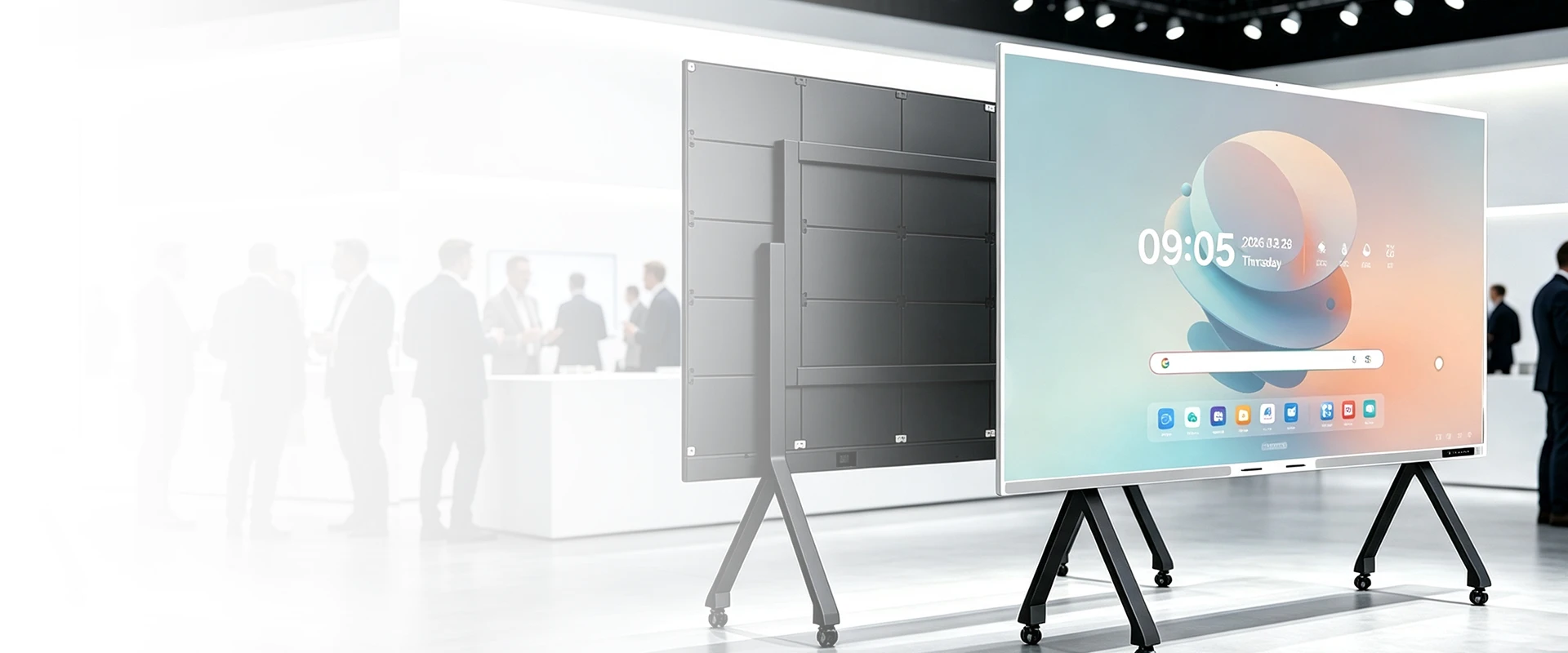
- Large hall where no 65″–110″ panel is readable? Compare our COB LED wall (108″–163″).
- Want the full interface and signal list? See product specifications or contact our sales engineers.
Related Product

Related Articles
Dong Guan RioTouch Technology Co., Ltd.
📧 Email: sina@riotouch.com
📱 WhatsApp: +86 188 0256 1599