What Software Functions Does the Riotouch Interactive Flat Panels Have?
One System Covers All Teaching Scenarios
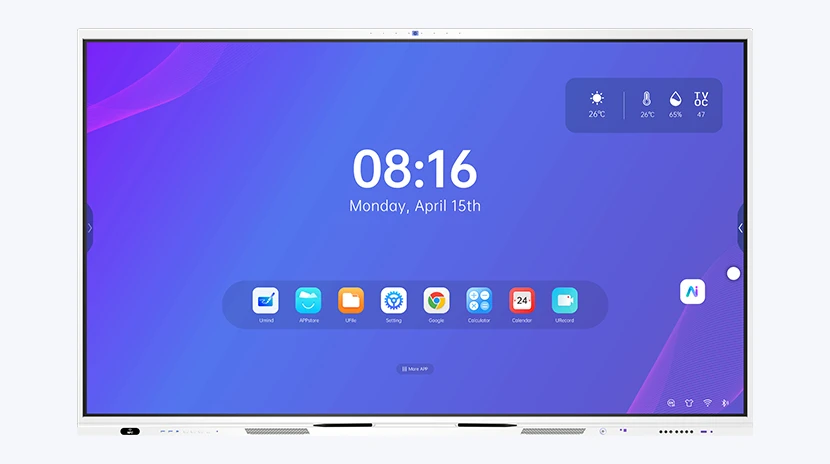
Many training institutions and schools will pay close attention to the supporting software when purchasing interactive displays, which directly affects the daily teaching experience. Riotouch interactive flat panels run the self-developed DaisyOS system — a complete software suite that covers every teaching scenario.
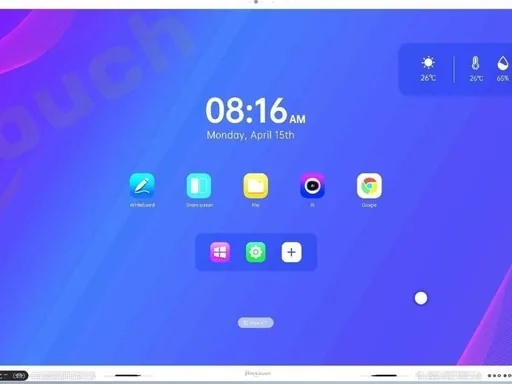
1. UMind AI Smart Whiteboard | Core Teaching Tool
The whiteboard is the most frequently used classroom function, integrating smooth handwriting and intelligent lesson planning for daily teaching.
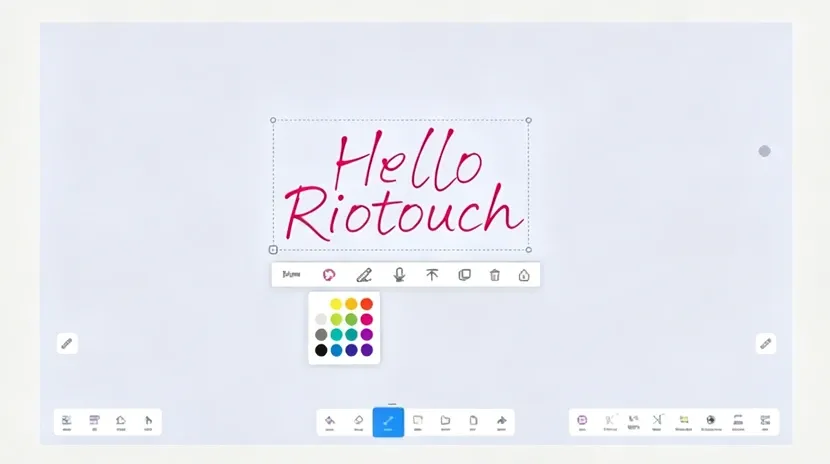
Smooth Writing & Annotation
It supports 40-point high-precision multi-touch. Palm eraser and multi-color brushes are available. Users can generate standard geometric shapes automatically.
AI Auto-Generated Teaching Materials
Simply voice input your subject and knowledge points, and the system will automatically generate structured teaching materials.
Split-Screen & Multi-Format Compatibility
It supports over 20 file formats including PPT, Word, audio and video. You can split the screen for simultaneous content display.
Built-in Teaching Resource Library
It stores massive 3D models, physics & chemistry virtual lab materials and subject templates.
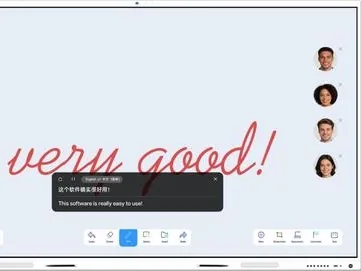
AI Real-time Translation
Break language barriers in multilingual classrooms with instant translation support.
2. UTools Classroom Interactive Toolkit | Lively In-Class Experience
Lightweight built-in classroom tools require no separate installation, enabling one-click activation of in-class interaction:
- UVote QR Code Polling — Students scan the QR code to join anonymous single/multiple-choice quizzes. Results are displayed on screen in real time.
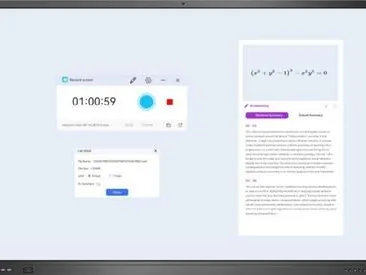
- URecord Smart Screen Recording & Summary — Record full high-definition class videos. After class, AI automatically extracts core points.
- Screenshot & Freeze Frame for Teaching Aid — Capture any screen area and share via QR code, or freeze the whole screen for student observation.
- Screen Record & AI Summary — Auto-generate lesson summaries for review.
3. Eshare Wireless Screen Casting & File Transfer | Say Goodbye to Messy Cables
Eliminate troublesome wired connections for multi-device teaching:
- Cross-Platform Multi-Device Casting — Devices running Windows, iOS, Android, Linux and HarmonyOS can cast screen by scanning a QR code.
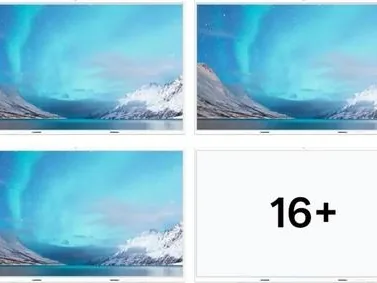
- 16-Split Screen Casting — Up to 16 devices can share the screen simultaneously.
- All-in-One Type-C Port — A single Type-C cable delivers 4K casting, 100W reverse charging and file transmission at the same time.
- Wireless File Sharing — Transfer photos, courseware and exercises without USB drives. Scan the QR code to upload files.
4. AI Assistant Functions | Reduce Teaching & Management Burdens
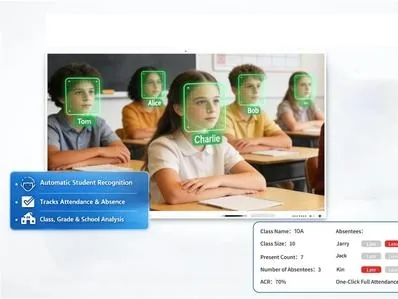
- VisionRoll Facial Recognition Attendance — The built-in camera automatically identifies students entering the classroom, tracks attendance and generates reports.
- Global AI Voice Assistant — Wake up the system by voice to launch the whiteboard, switch signal sources, open courseware or search content.
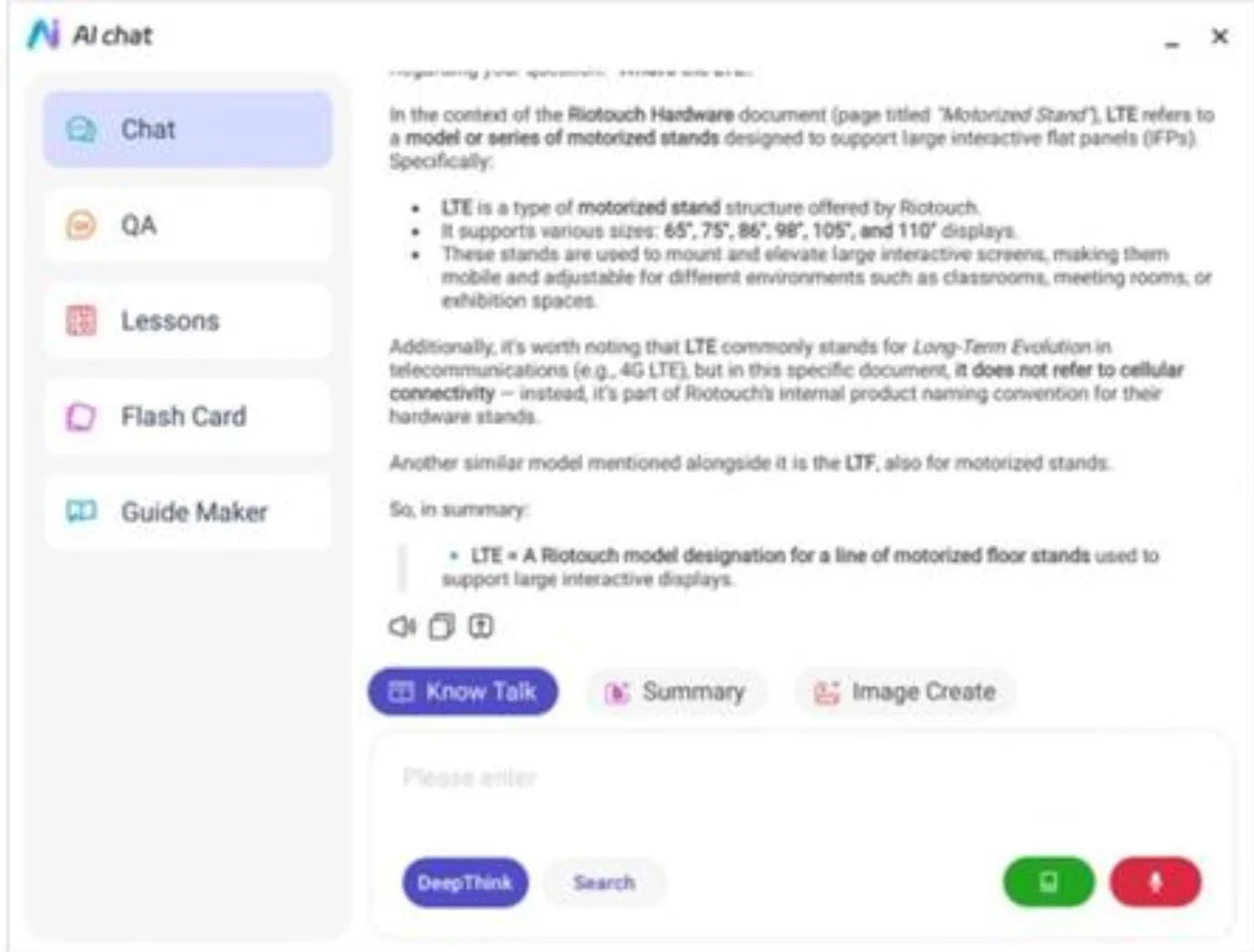
- UFile AI Knowledge Base — Teachers can upload textbooks and lesson plans to the exclusive AI library. Ask voice questions about teaching content and get instant answers.
5. Remote Live Teaching | Connect Online & Offline Learning
The embedded stable online teaching module generates an exclusive classroom room ID. Students and parents who cannot attend in person can join remotely for seamless hybrid learning.
6. DMS Cloud Device Management | Ideal for Multi-Campus & Multi-Classroom Use
Customized for chain training schools and multi-campus organizations:
- Remotely power on/off all displays, adjust brightness and volume, and push courseware & class notices in batches;
- OTA online system upgrades available — no on-site engineer maintenance required;
- Hierarchical account permissions separate access for principals, teachers and operation administrators for standardized management.
7. Basic Built-in System Utilities
- System Control Center — One-click adjustment of screen brightness, color temperature and volume, with child lock and auto ambient light sensing;
- App Store — Mass free educational and office applications for one-click download and installation;
- PolyVoice Speech Transcription — Automatically generate text meeting minutes during online live classes for post-class review.
Premium screen and smooth touch are core hardware basics, while Riotouch self-developed DaisyOS software greatly boosts teaching efficiency.
If you run training centers or schools and need smart interactive displays, contact us for software demo videos and customized configurations.
Related Product
Need a Solution That
Fits Your Project?
Tell us what you're looking for and we'll tailor a quote to your requirements — with pricing, lead time, and expert advice.