Brief the Class · Train the Team · Run the Classroom
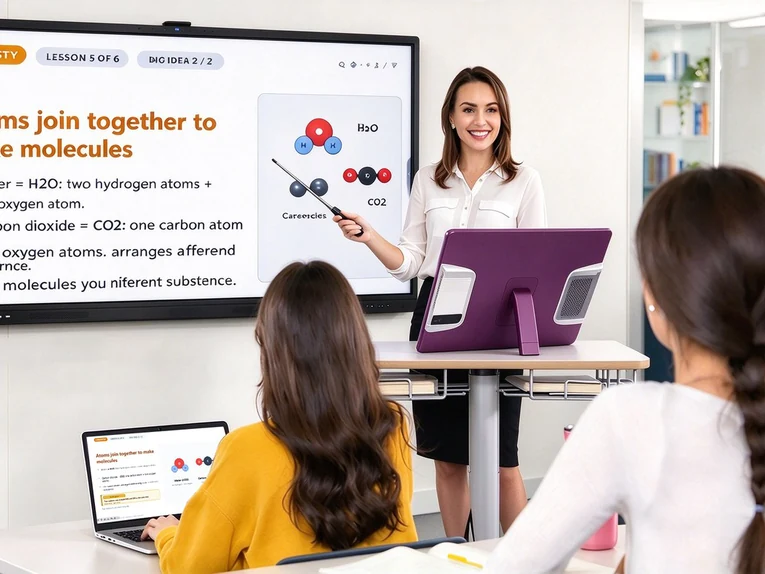
TeacherDoc is a 27″ or 32″ desktop digital podium that stands exactly where the lectern stands. It faces the people in the classroom, keeps the lesson, the computing and the classroom control on one screen — and its 80-pin OPS slot lets you upgrade the PC without replacing the screen.
Briefing the class, training staff and students, and running the classroom — on the desk you already have, in 27″ or 32″.
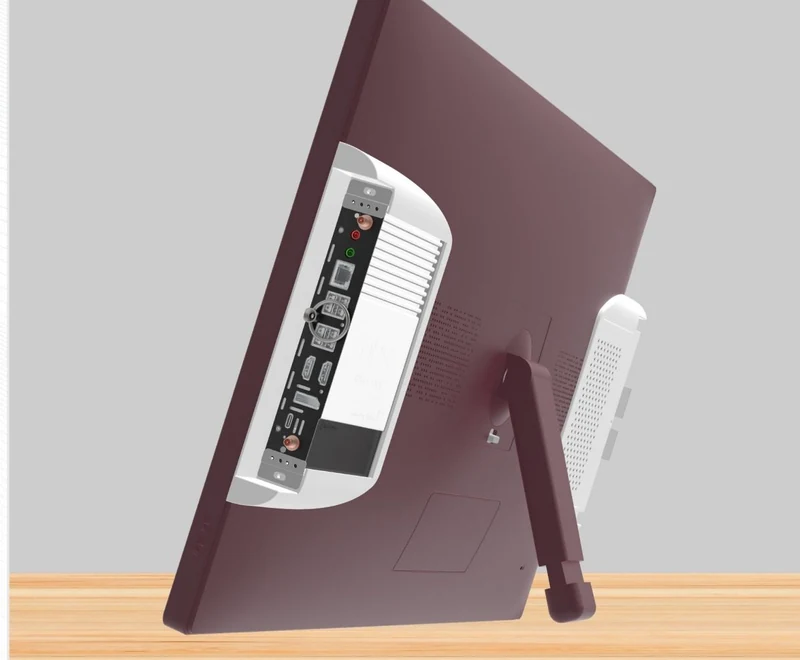
A standard 80-pin OPS slot takes a Windows or Android computing module, or our AetherOrb AI Box with DaisyOS. Swap the module in minutes and keep the podium, the stand and the screen you already installed — no new mounting, no new installation, no furniture to replace.

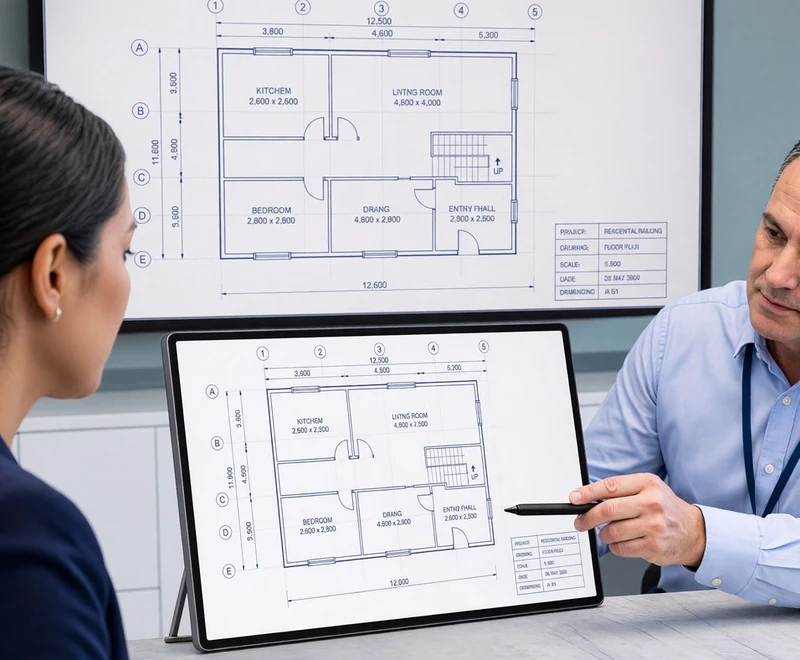
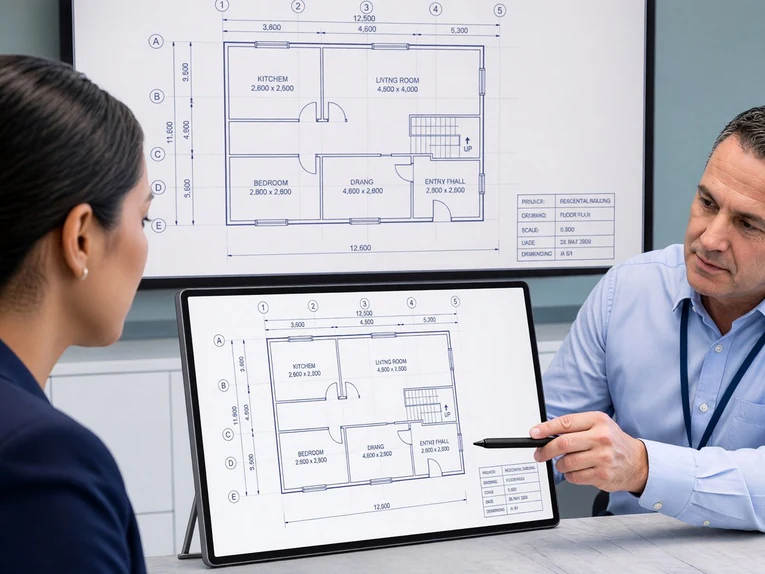
10-point multi-touch with stylus support on both the 27″ and the 32″ panel. Mark up lesson material, worksheets, drawings and floor layouts directly on the podium, then share the annotated copy to the classroom’s main display.

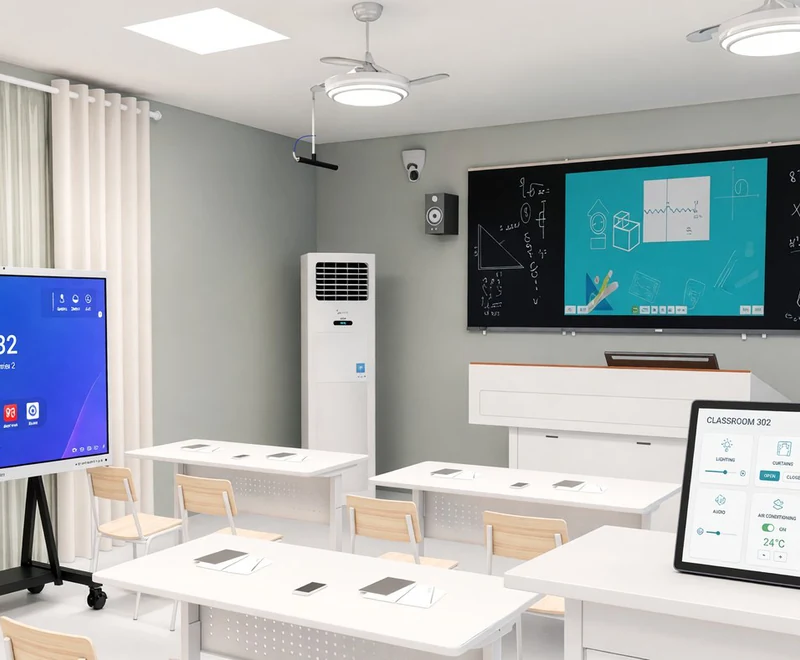
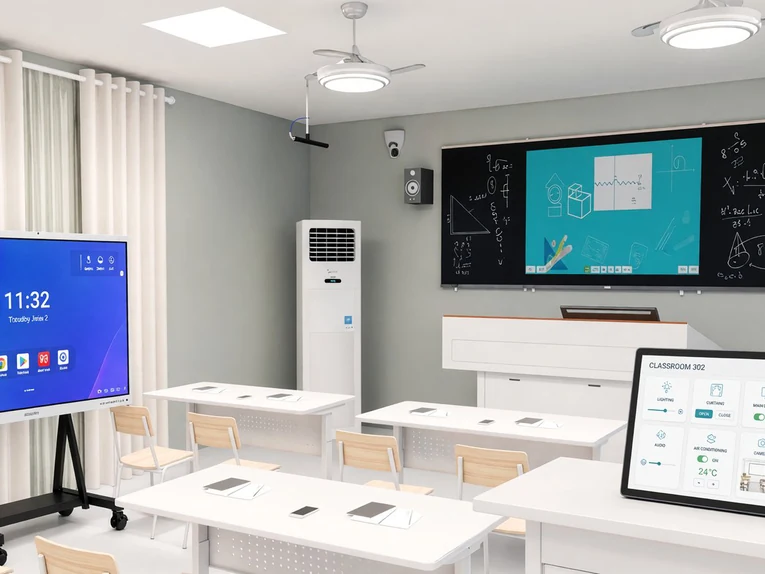
TeacherDoc is also the classroom’s control console: our own control software runs on the podium, with hardware interfaces for the systems a teaching space actually uses.

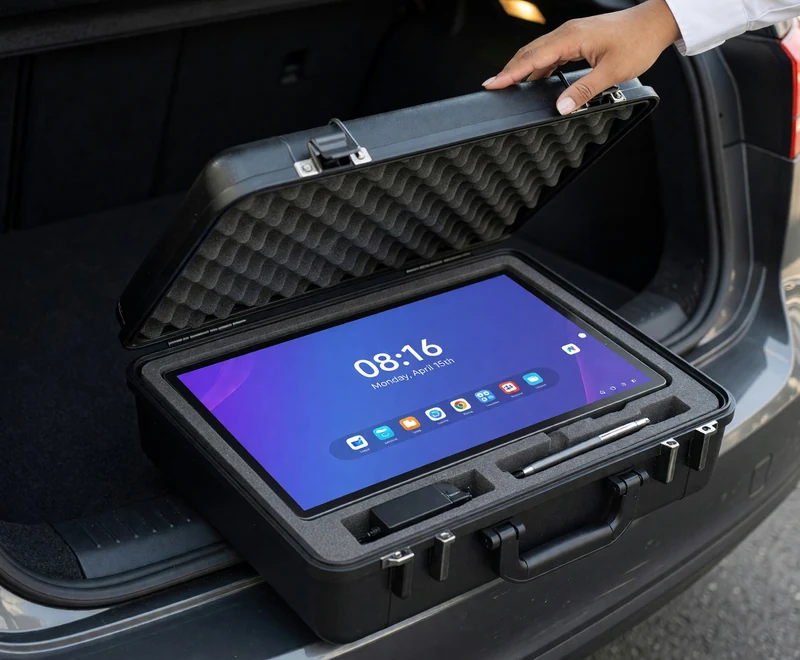
Some classrooms have no socket at the front, and some weeks are spent on the road. The optional 12V battery pack keeps the panel live while it moves between classrooms, and the padded case fits in the boot of a car — so one TeacherDoc can be demonstrated at school after school.
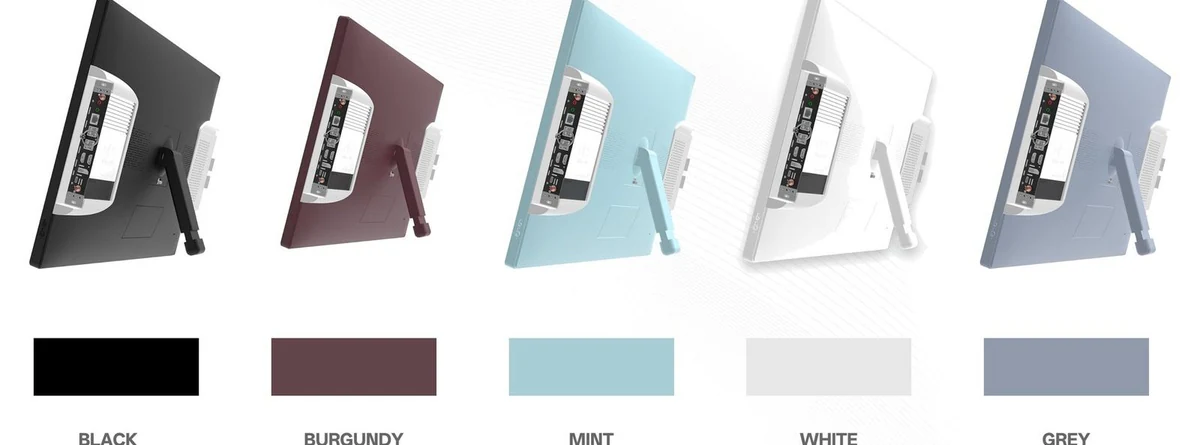
27″ for one-to-one and small groups, 32″ for a full class. Both are 4K UHD and share the same 80-pin OPS platform — and both are available in five stocked finishes or a custom colour.
The same desk screen that briefs the assembly in the morning can run the department review in the afternoon.
➚
Present to the classroom without turning your back on it — assembly halls, lecture theatres and large classrooms.
➚
Lesson material at lectern height, and the instructor’s station on training days — classrooms, labs and training suites.
➚
Put the document between you and mark it up together — department meetings, design reviews and parent consultations.
➚
Display, lighting, curtains, air conditioning, camera, bell & broadcast and scheduling — from the front of the room.
TeacherDoc 27″ and 32″ share one 4K UHD platform and one 80-pin OPS slot — the difference is the screen size.
| Parameter | 27″ TeacherDoc | 32″ TeacherDoc |
|---|---|---|
| Panel size | 27″ | 32″ |
| Resolution | 3840 × 2160 (4K UHD) | 3840 × 2160 (4K UHD) |
| Colour depth | 1.07 billion colours | 1.07 billion colours |
| Touch | 10-point multi-touch, stylus support | 10-point multi-touch, stylus support |
| OPS interface | 80-pin OPS slot — Windows & Android modules | 80-pin OPS slot — Windows & Android modules |
| AI Box (optional) | AetherOrb AI Box with DaisyOS pre-installed | AetherOrb AI Box with DaisyOS pre-installed |
| Android module CPU | RK3576 — quad-core Cortex-A72 + quad-core Cortex-A53 | RK3576 — quad-core Cortex-A72 + quad-core Cortex-A53 |
| RAM / storage | 4GB / 64GB (optional 8GB / 128GB) | 4GB / 64GB (optional 8GB / 128GB) |
| Operating system | Android / Windows (DaisyOS option) | Android / Windows (DaisyOS option) |
| Classroom control | Display & projector, lighting, curtains, air conditioning, PTZ camera, bell & broadcast, scheduling | Display & projector, lighting, curtains, air conditioning, PTZ camera, bell & broadcast, scheduling |
| I/O | HDMI in / out · USB touch · USB 3.0 · RJ45 · audio out · OPS slot | HDMI in / out · USB touch · USB 3.0 · RJ45 · audio out · OPS slot |
| Battery pack (optional) | 12V / 12000 mAh | 12V / 12000 mAh |
| Mounting | Desk stand, lectern footprint; carry case optional | Desk stand, lectern footprint; carry case optional |
| Finishes | 5 standard colours, custom RAL / Pantone on request | 5 standard colours, custom RAL / Pantone on request |
The practical answers on the TeacherDoc: sizes, OPS computing, classroom control, transport and finishes.
Tell us what you're looking for and we'll tailor a quote to your requirements — with pricing, lead time, and expert advice.