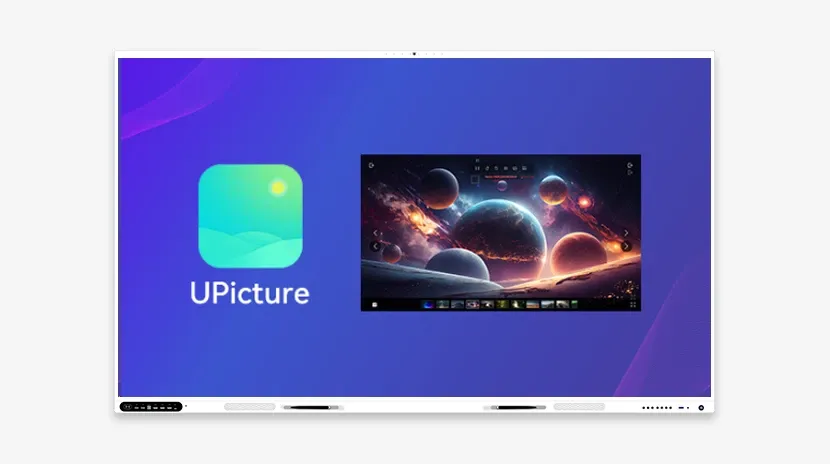
In visual-heavy classrooms, images carry much of the lesson — and a static picture only shows so much. UPicture, Riotouch's image tool for interactive displays, turns any image into a flexible teaching resource: zoom into fine detail, rotate and mirror it, set it as the classroom background, edit and share it in seconds.
Here are its core capabilities, how teachers use them in class, and what schools report after switching.
Why UPicture is a Game-Changer
Pixel-perfect zoom. UPicture keeps the original quality at every zoom level thanks to 1:1 pixel-perfect scaling. Biology teachers can explore cell organelles inside a microscope image; art history classes can study brushstrokes in high-resolution paintings without losing color accuracy.
360° rotation and mirroring. Rotate images freely (0–360°) or flip them horizontally and vertically — useful for teaching symmetry, comparing perspectives, or correcting orientation. Physics teachers flip light-reflection diagrams to show angle equivalence; geometry classes rotate 3D shapes to grasp spatial relationships.
Classroom wallpaper that works for you. Set any image as the background of your interactive flat panel or smart board: class schedules, motivational quotes, or thematic visuals such as planetary images for an astronomy unit. Schools can also use branded imagery to reinforce identity in presentations.
Universal format support. Open and edit JPG, PNG, GIF, BMP, TIFF and WebP files, so textbook scans, infographics and student work all load without conversion; PNG transparency is preserved for layered designs and overlays.
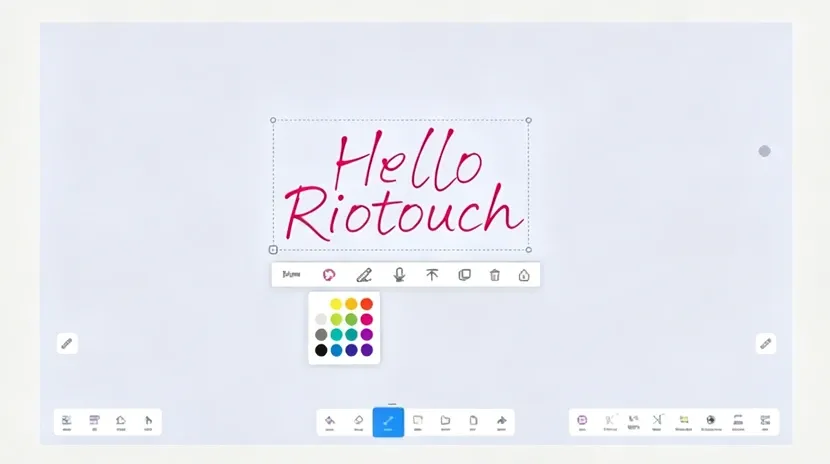
Import from anywhere, edit without switching apps. Pull images from screenshots, local folders, cloud storage, websites or apps such as WhatsApp and Slack. A built-in toolkit handles crops, brightness and contrast, text labels, arrows, circles and freehand notes — and batch processing resizes or converts many images at once to save prep time.
UPicture in Action: Real-World Teaching Scenarios
Interactive geography. Import a high-resolution topographic map, zoom into fault lines to show plate boundaries, rotate the view to illustrate collision angles, annotate with arrows, and save the result as wallpaper for the rest of the lesson.
Collaborative art critique. Display student submissions side by side on the panel, mirror images to discuss compositional balance, add real-time feedback with drawing tools, and export the annotated files by QR code for students to keep.
Technical Excellence: Built for Educators
Built for classroom displays. UPicture renders 4K visuals smoothly on interactive screens, works with finger or stylus input, and includes palm rejection so annotations do not get interrupted by accidental touches.
Sync across devices. Edited images follow you through Riotouch Cloud, keeping continuity between the classroom and remote learning.
Case study — Maplewood Academy. After integrating UPicture, the school reported a 40% increase in student participation during visual-heavy lessons and a 30% reduction in the time teachers spent preparing custom diagrams.
Future Innovations
Coming next: AI-powered tagging that categorizes images by content (historical events, biological systems) for instant retrieval, and AR integration that overlays annotated images onto 3D models for anatomy and engineering lessons.
Why Choose UPicture?
UPicture works with the rest of the Riotouch suite: pair it with UMark for annotation, UMind for whiteboarding and UVote for live polls. The interface is intuitive enough that most teachers are productive in under 10 minutes.
Unlock the power of visuals in your classroom — try UPicture or schedule a free demo.