UVote turns a one-way lecture into a conversation. Students open their phones, scan a QR code and answer — and the teacher sees results as charts instantly. That makes it easy to check understanding mid-lesson and keep the whole class involved.
Here is what UVote does, how it works in classrooms, and what makes it worth adopting.
Core Features: Why UVote is a Classroom Essential
Vote by QR code, no app or login. Every poll gets a unique QR code; students answer from phones, tablets or laptops in seconds. Use it for quick comprehension quizzes or anonymous feedback students feel safe giving.
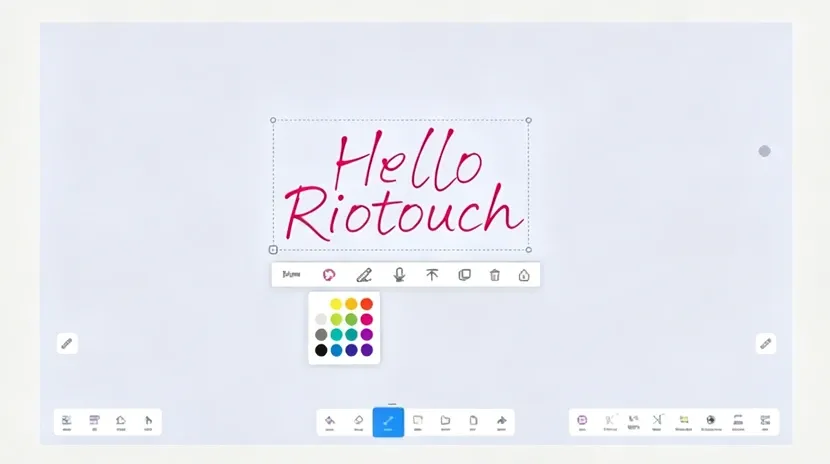
Results flow straight into UMind Whiteboard. Export bar or pie charts with one click and annotate them live — compare answers in math class, or visualize votes in a debate and ask students to defend their choice.
Statistics are automatic. UVote calculates turnout, option percentages and demographics, and displays results as charts or tables — ideal for hypothesis polls before science labs or simulated elections in civics.
Content adapts to any scenario. Build multiple-choice, yes/no or open-ended questions and add images or other media, then launch them with the templates library.
UVote in Action: Real-World Classroom Scenarios
Live debate in social studies. Students vote by QR code on “Solar, Wind or Nuclear?”; results export to UMind, where the class annotates regional voting trends and discusses the reasons behind them.
Formative assessment in math. Post “Solve 2x² + 5x – 3 = 0” as a multiple-choice poll. The pie chart reveals misconceptions — say 30% chose incorrect factoring — so the teacher can re-teach exactly what went wrong.
Technical Excellence: Built for Educators
Works on any device — smartphones, tablets, laptops and interactive displays. Sessions are encrypted and GDPR-compliant, and an offline mode keeps polls running without internet, syncing results when the connection returns.
Case study — Riverside High. After adopting UVote, the school reported a 50% increase in student participation during lectures and a 25% reduction in grading time through automated quiz analytics.
Future Innovations
Planned features include AI-powered teaching recommendations based on poll trends, and gamification — badges for participation or correct answers — to keep learners motivated.
Why Choose UVote?
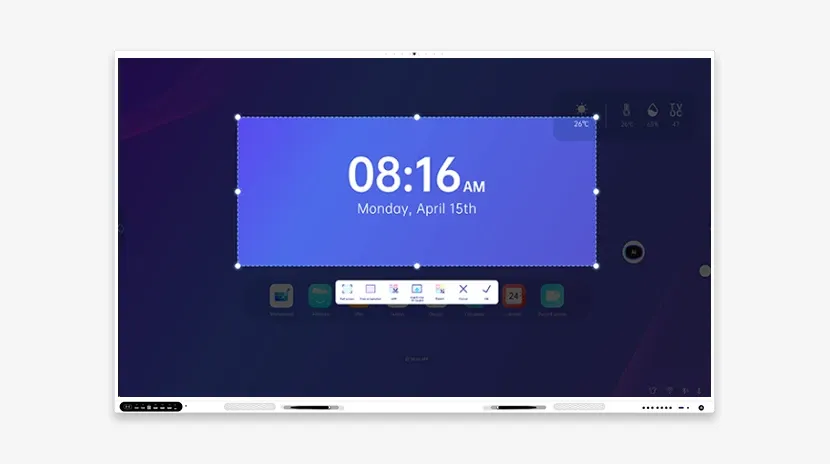
UVote works naturally with the rest of the Riotouch suite: UMind for whiteboarding, URecord for session playback and UCut for screenshot annotations. The interface is simple enough that a teacher can set up a poll in under 60 seconds.
Give every student a voice. Try UVote or schedule a live demo to see it in action.