In the fast-paced business world, redundant cables, device compatibility conflicts, delays and freezes...these pain points of traditional conference rooms are devouring the efficiency and inspiration of the team. Wireless projection technology, with its seamless connection, multi-terminal collaboration and extreme convenience, is reshaping the modern conference experience, making every meeting a stage for efficient decision-making and creative bursts.
How does wireless projection solve the core pain points of conference rooms?
Say goodbye to cable constraints
No HDMI/VGA converter is required, mobile phones, tablets, and computers can be projected to the large screen with one click, and the screen sharing can be completed in 3 seconds.
Support full platform compatibility of Windows, macOS, Android, and iOS, and completely solve the problem of "interface mismatch".
Break system barriers
Real-time collaboration across operating systems (such as iPhone projection to Windows conference tablet), free switching of files, applications, and web pages.
Increase participation
Support multiple people to project screens at the same time (such as 4-split screen comparison solution), dynamic labeling, real-time annotation, and stimulate team brainstorming.
Intelligent advancement of wireless screen projection: more than just "screen projection"
4K ultra-clear + ultra-low latency
4K ultra-clear image quality transmission, latency less than 50ms, no loss of engineering drawings, code demonstration details.
Secure encryption to prevent leaks
Using AES-256 end-to-end encryption, the screen projection content is limited to the display of conference room equipment to prevent external interception.
In-depth linkage with Riotouch ecosystem
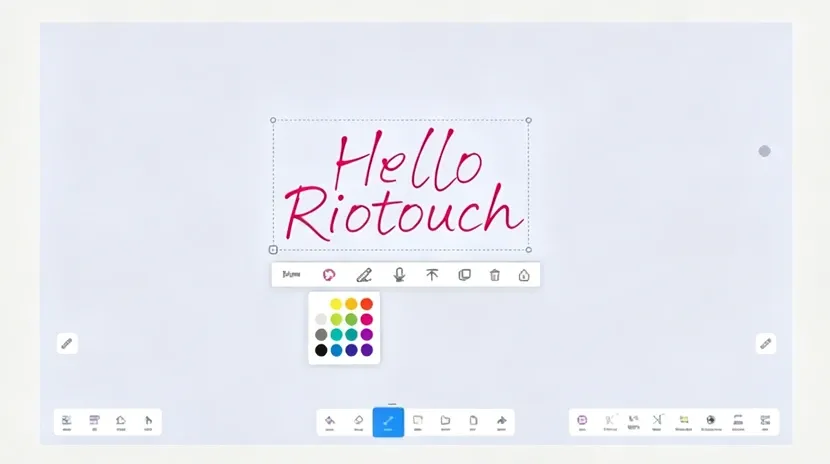
UMind whiteboard integration
The screen projection content can be directly dragged to the whiteboard annotation and saved as meeting minutes.
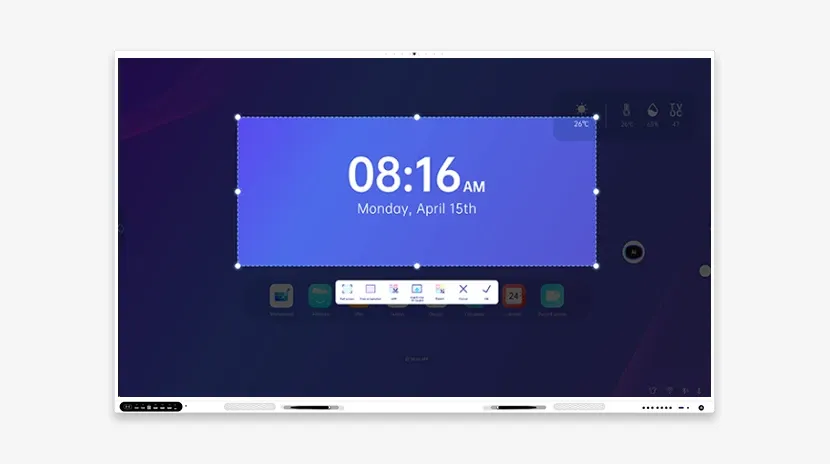
UCut fast screenshot
Real-time screenshot of the screen projection, AI automatically extracts text to generate a summary, and scans the code to share it with participants.
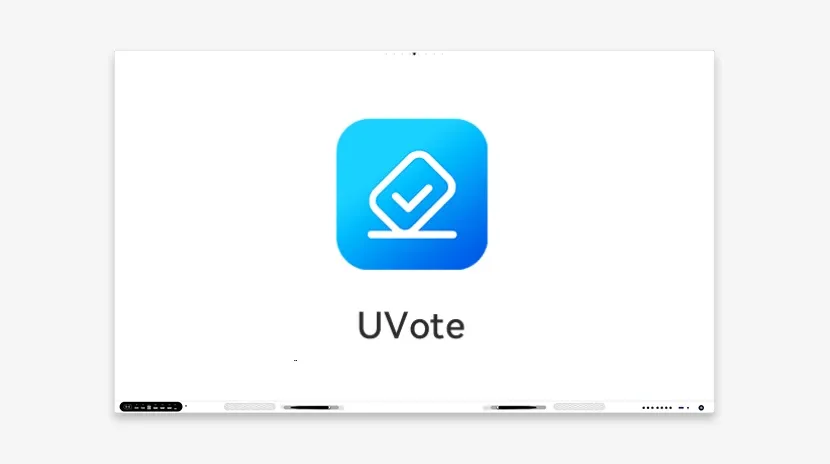
UVote real-time voting
Initiate anonymous voting for the screen projection plan, visualize data, and accelerate the decision-making process.
Application scenarios: from daily meetings to cross-border collaboration
Agile meetings
Sales proposals: Sales representatives use mobile phones to project customer case videos, and the team discusses and optimizes the speech in real time.
Design review
Designers use iPad to project UI prototypes, touch and zoom to mark details, and product managers make revisions simultaneously.
Remote collaboration
Multinational teams use projection + video conferencing (such as Zoom, Teams), and remote members can directly annotate solutions on the large screen to ensure that information is synchronized with zero time difference.
Training and roadshow
Trainers provide wireless projection operation tutorials, and trainees scan the QR code on their mobile phones to download courseware; during investor roadshows, one-click projection of financial data charts enhances persuasiveness.
Future trends: AI enables smarter projection experience
Voice-controlled projection
"Project financial report to the third screen" - voice commands are automatically executed, freeing your hands to focus on communication.
Intelligent content recognition
AI automatically identifies the type of projection content (such as PPT/code/video) and recommends adaptation tools (such as UMind annotation/code highlight plug-in).
AR projection interaction
Gestures control the projection screen in the air (such as zooming in and turning pages) to create an immersive meeting experience.