Riotouch RK3588 Interactive Flat Panel: The Complete Firmware Update Guide
Unlock New Features, Enhanced Stability, and Better Performance in 5 Simple Steps
Why Firmware Updates Matter
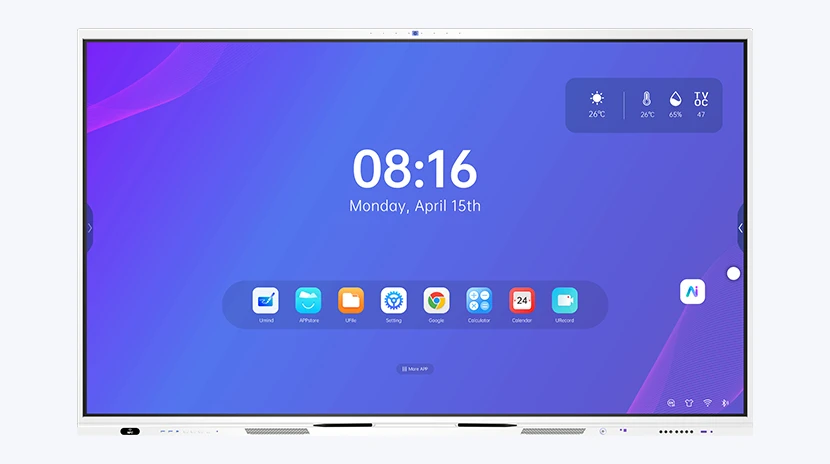
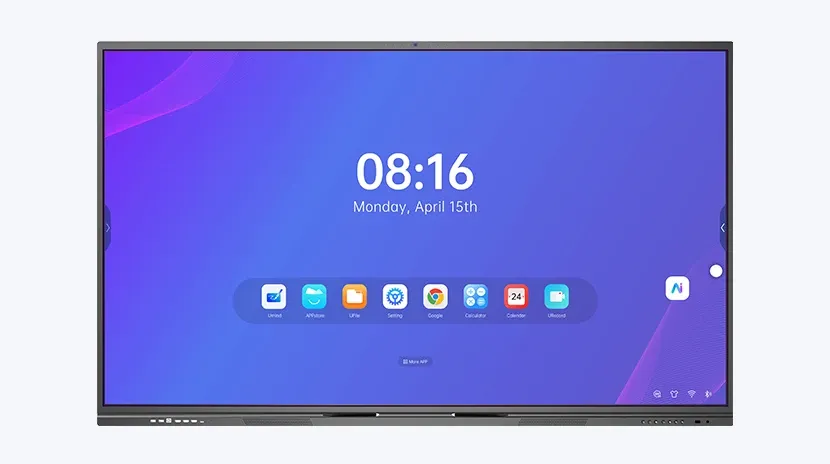
Your Riotouch RK3588 Interactive Flat Panel is a powerful teaching and collaboration tool — but like any sophisticated device, its true potential is unlocked through software. Firmware updates aren't just about "fixing bugs." They deliver:
- Performance improvements — Faster boot times, smoother touch response, and reduced lag
- New features — Enhanced whiteboard tools, improved screen mirroring, deeper third-party integration
- Security patches — Protecting your panel and network, especially in school environments
- Hardware compatibility — Flawless work with the latest HDMI devices, USB peripherals, and network protocols
If your panel has been running the same firmware since installation, you're likely missing out.
Before You Begin: Critical Preparations
| Checklist | Details |
|---|---|
| Back up your data | Local files/annotations may reset. Export what you need. |
| Confirm your model | This guide is for RK3588 chipset panels. Check model on the back. |
| Stable power supply | Plug directly into wall outlet, avoid high-draw power strips |
| Reserve 30-45 minutes | Installation up to 30min + first boot 5-8min. Do not rush. |
Step-by-Step Guide
Step 1: Prepare Your USB Drive (NTFS Format)
Most USB drives come FAT32/exFAT — these will NOT work. Format as NTFS. Pro tip: use a USB 3.0 drive (blue interior) for faster transfer.
Step 2: Load the Firmware Files
Contact your Riotouch representative for the correct firmware → unzip → copy files directly to the root of the USB drive (no subfolders).
Step 3: Connect USB & Power Cycle
Insert USB into the side USB 2.0 port → plug in power (LED lights up) → use the side main power switch to turn panel off.
Step 4: Enter Firmware Update Mode ⚠ Most Critical Step
Press side main power on → immediately press and hold the front panel power button → keep holding until the LED starts blinking → release. Update takes up to 30 minutes. Screen may stay black — that's normal, don't touch anything.
Step 5: Wait for Automatic Reboot
At 100% the panel auto-reboots → first boot takes 5-8 min+ (logo screen may repeat — expected) → wait for the Android home screen. Done!
Related Product
Need a Solution That
Fits Your Project?
Tell us what you're looking for and we'll tailor a quote to your requirements — with pricing, lead time, and expert advice.