Touch Table vs Wall Panel vs Kiosk: Which One to Choose?
A school asks for a 55″ touchscreen for the entrance hall. A care home wants something residents can use together in the activity room. A furniture showroom needs a display that lets two customers plan a layout side by side. Three very similar briefs — and three different products, because the deciding factor is not the screen. It is the shape: a touch table, a wall-mounted panel or a standing kiosk.
This guide compares the three honestly — space, seating, accessibility, content and cost drivers — so you can pick the right one before you request a quote. Riotouch manufactures all three form factors, so we have no reason to push you towards one of them.
1. The three shapes, and what each one is actually for
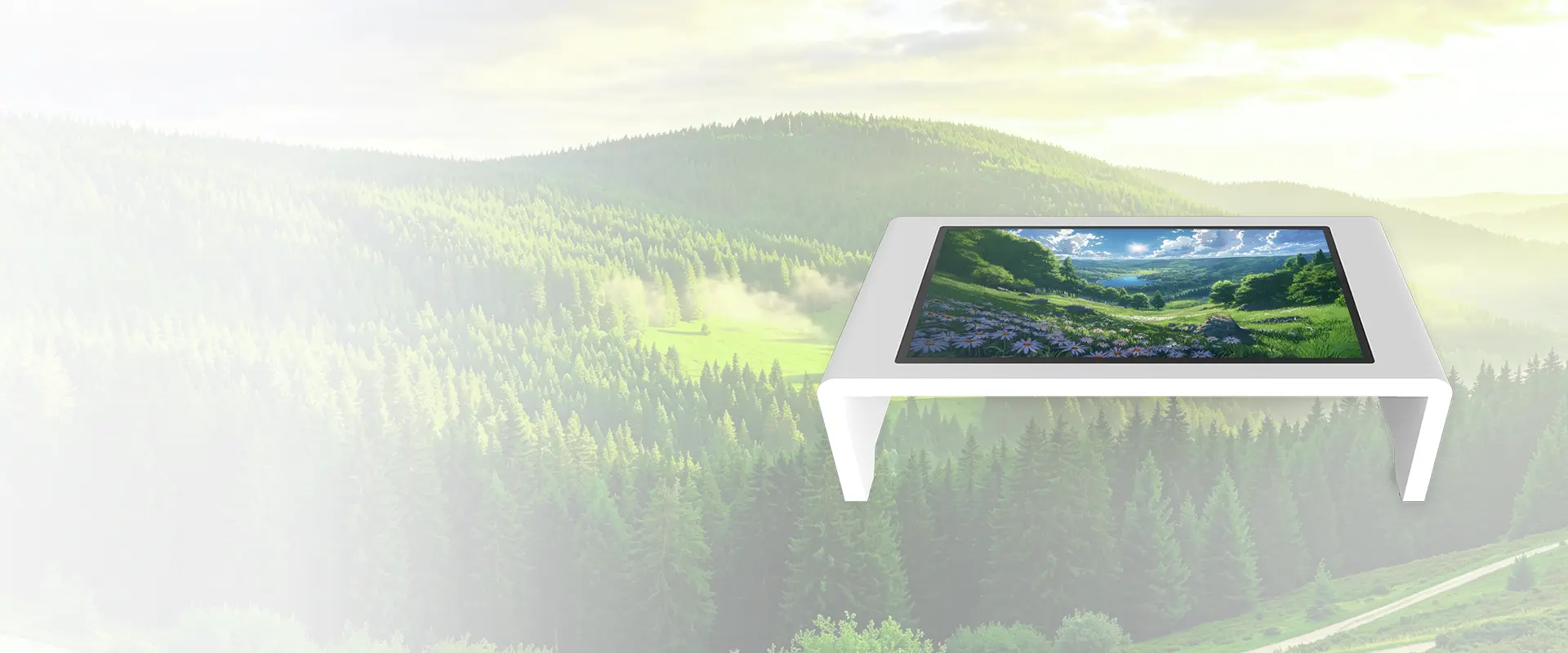
- Touch table (interactive table) — a horizontal display in a 43″ or 55″ surface on a pedestal base. People sit or stand around it and share one surface. Best for group activity, planning, therapy sessions, classrooms and lobbies.
- Wall-mounted panel (IFP / interactive flat panel) — a vertical screen fixed to a wall or on a mobile stand, 55″ to 110″. One person drives, a room watches. Best for teaching, presentations, boardrooms and meeting rooms.
- Standing kiosk — a vertical screen in a floor-standing enclosure, often with a CMS for scheduled content. One person at a time, usually for a short transaction or a wayfinding / advertising loop. Best for reception, wayfinding, self-service and advertising.
2. Side by side
| What matters | Touch table | Wall panel (IFP) | Kiosk |
|---|---|---|---|
| How many people use it at once | 2–6 around the surface | 1 driving, a room watching | 1, in a queue |
| Posture | Seated or standing | Standing | Standing (seated variants exist) |
| Wheelchair approach | Excellent — base without a floor plate | Depends on mount height | Often poor — plinth in the way |
| Height adjustment | Motorised 640–1290 mm | Fixed or lift stand | Fixed |
| Floor space needed | Small footprint, needs circulation around it | None beyond the wall | One square metre of floor |
| Cleaning public surfaces | Tempered glass, spill-proof surface | Tempered glass, wall height | Tempered glass, hand height |
| Typical setting | Classroom, activity room, care home, lobby, showroom | Classroom, meeting room, boardroom | Reception, wayfinding, advertising |
| Watch out for | Needs width around it; not for far viewing | One-directional; not for group touch | Single-user by design |
3. Space, seating and circulation
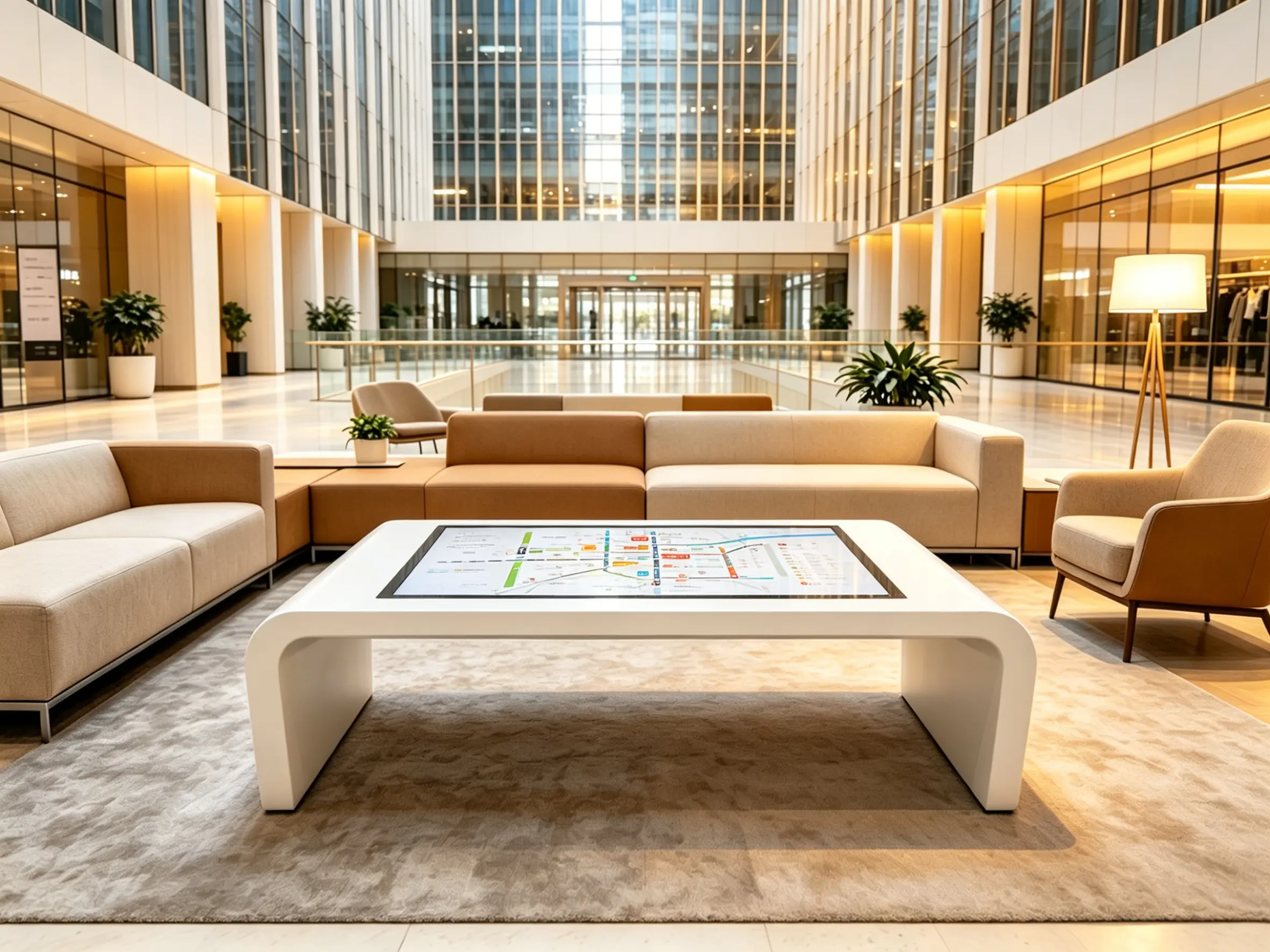
A wall panel costs you no floor space, but it also gives you no circulation: everyone faces one direction. A kiosk takes about a square metre and creates a queue. A touch table takes a small footprint — the base — but you must leave clearance for people to stand or sit around it. As a rule, plan for roughly one metre of clear space on the sides that will be used, and check how the surface height works for the people who will actually be there.
That is why seating is not a detail but the first question: in a classroom or an activity room people sit; in a lobby they stand for two minutes; in a showroom they sit while a conversation happens. Only the touch table and a lift-mounted panel move to meet them.
4. Standing, seated, or in a wheelchair
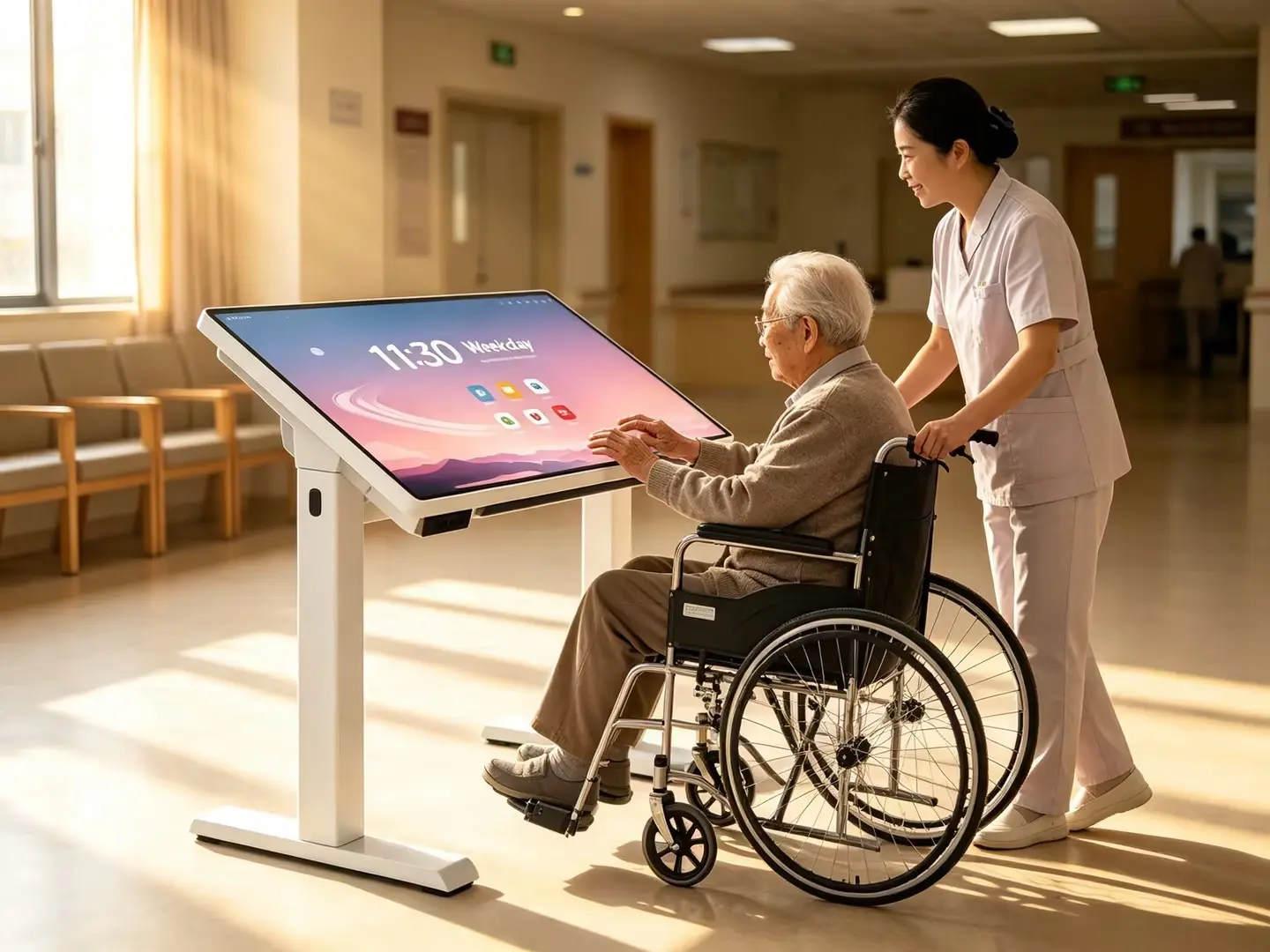
Height is where touch tables separate from everything else. Our lifting touch tables (TH43 and TH55) run a motorised column from 640 mm to 1290 mm, operated with a one-touch button, which covers a seated child, an adult standing, and a wheelchair user in the same room. The care-home variant is built on a base without a large floor plate, so a wheelchair can pull right up to the screen, with tool-free manual tilt to angle the surface. A wall panel can be mounted lower for accessibility, but it cannot adapt per user; a kiosk usually cannot at all.
5. One user, a queue, or a group of six
Interactive surfaces are social or transactional, and the two need different hardware.
- Group interaction (table): capacitive multi-touch with several people touching at once. Think lesson games, matching exercises, reminiscence sessions, floor-plan planning, two customers dragging furniture around.
- Presentation (wall panel): one presenter, one big image, annotate and broadcast.
- Transaction (kiosk): a short flow, one user, then the next.
If you buy a kiosk for group work, people will crowd one button. If you buy a table for wayfinding, nobody will look down at it from across the hall. The mismatch is almost always the shape, not the software.
6. Public use: cleaning, spills and durability
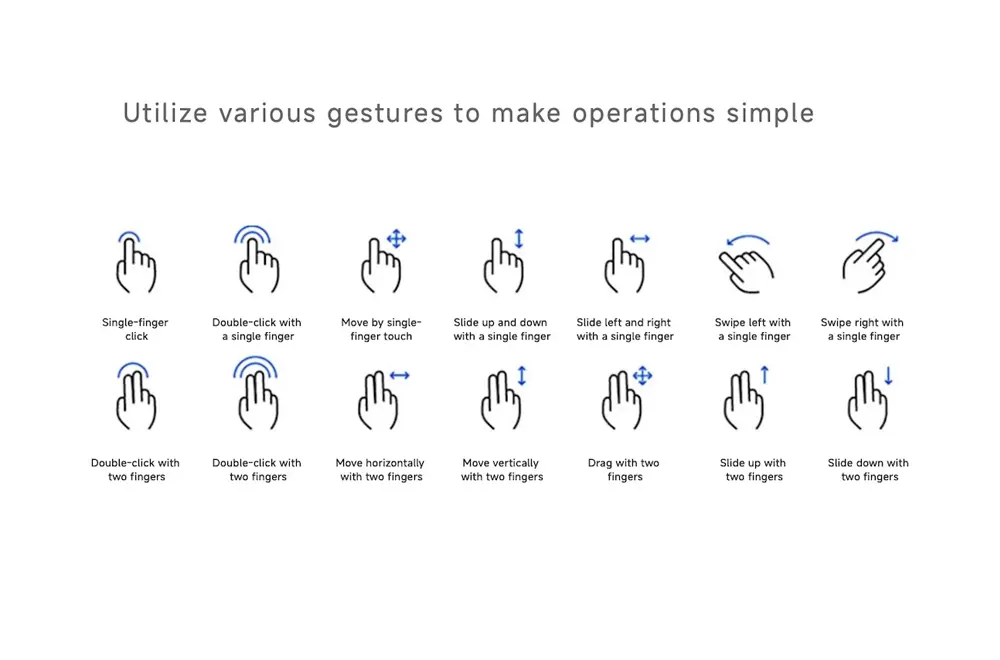
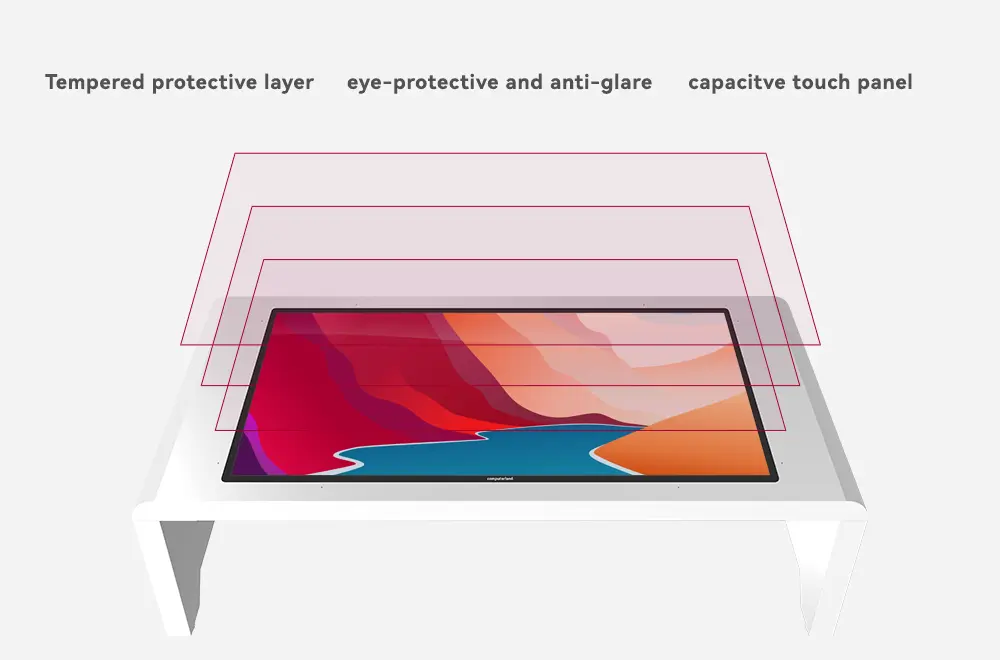
Anything at hand height in a public space gets leaned on, wiped, and occasionally spilled on. The surfaces we build are tempered glass rated Mohs-7 with a capacitive — PCAP — touch layer rather than an infrared frame, which means no exposed bezel to collect dust and no ambient-light sensitivity: the surface keeps working in a bright lobby or beside a window. Touch response on the lifting models is 9 ms, and the surface is spill-proof, which is why the same hardware turns up in hospitality and KTV rooms as well as classrooms. Cleaning is a cloth and a neutral cleaner, not a toolkit.
7. What actually runs on it
All three form factors are Android devices at heart, and the difference is the workload:
- Touch table, value configuration: MT9679 with 4 GB + 32 GB — ample for teaching apps, kiosk-style content and standard group activities, at a lower cost.
- Touch table, performance configuration: RK3576 with 4K UHD output — for heavier Android apps, smoother multi-touch graphics, and longer software life.
- Wall panel: Android 14 with an optional Windows OPS module when you need legacy desktop software.
- Kiosk: usually driven by a CMS so content can be scheduled remotely to many units at once.
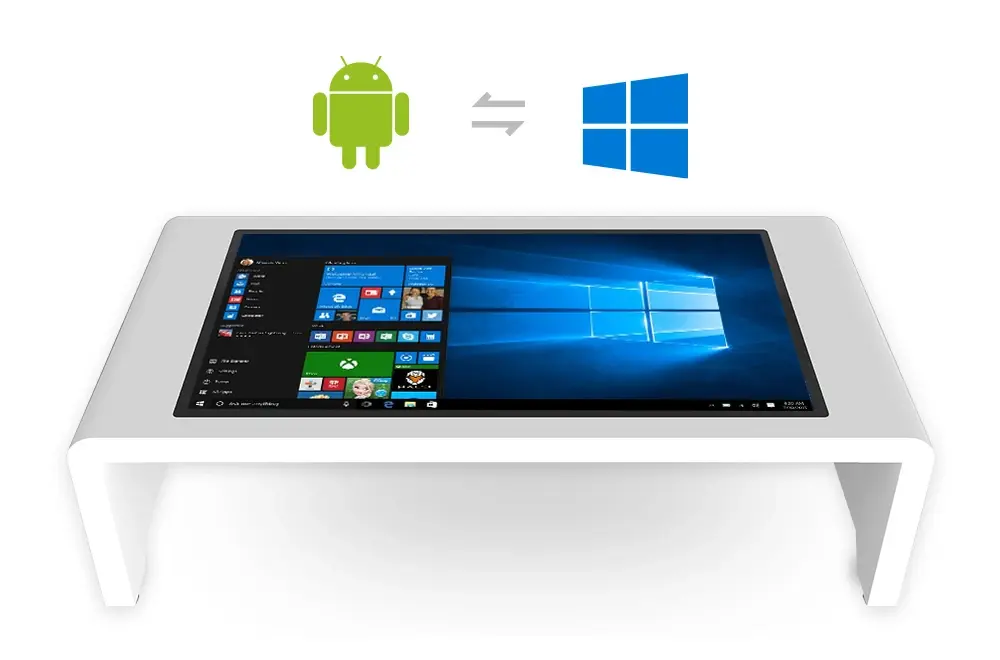
If you run Windows-only software, a touch table can still be the right shape — the question becomes the mainboard and module choice, not the furniture.
8. What drives the cost (and what does not)
Two quotes for a “55-inch touch table” can differ for reasons that have nothing to do with the screen:
- Panel size and grade — 43″ versus 55″, FHD versus 4K UHD.
- Motorised lift or fixed height — the lift column and control electronics are the single biggest cost difference inside the same product family.
- Touch technology — capacitive (PCAP) versus infrared changes both cost and behaviour.
- Mainboard and memory — MT9679 4+32G versus RK3576, and storage size.
- Enclosure and base — standard pedestal versus a care-home base with tilt and no floor plate.
- Quantity, mounting, packaging and freight — which is where most of the surprise lives on international projects.
What should not drive it: the logo on the front. Riotouch is a factory, not a reseller, so the same specification can be quoted with OEM/ODM branding and packaging without adding a distributor margin.
9. Decide in five questions
- Do people use it together (table) or watch one person (panel), or is it a one-at-a-time service point (kiosk)?
- Will users be seated, standing, or arriving in a wheelchair?
- Is the content interactive, or is it a scheduled loop?
- Does the software need Windows?
- Who maintains the hardware — your team on site, or a distributor?
Answer those five and the form factor usually decides itself. The screen size, the lift and the mainboard follow from the answers.
10. Where Riotouch fits
We build 43″ and 55″ interactive touch tables in two forms — U-shape sitting height and electric-lift 640–1290 mm — plus a care-home variant with wheelchair access and tilt, and we build interactive flat panels and kiosks as well. All of it is factory-direct out of Dongguan, available for OEM/ODM with your branding, packaging and language, and shipped with the certifications required for school and government projects.
Tell us the room, who is in it and what software has to run — we will tell you which of the three shapes actually fits, including when the answer is not a touch table.
FAQ
Is a touch table better than a wall panel?
Only if the room is collaborative or the users need to sit. For teaching a class of thirty from the front, a wall panel is cheaper and clearer. For six people working on the same surface, only the table works.
Can a touch table be used by someone in a wheelchair?
Yes. Our care-home model uses a motorised 640–1290 mm lift with a base that has no large floor plate, so a wheelchair can approach directly; the surface can also be angled by hand without tools.
Do you offer both capacitive and infrared touch?
Our interactive touch tables use capacitive (PCAP) multi-touch, chosen for public spaces because there is no exposed optical frame and the surface is unaffected by bright ambient light. Infrared remains available on other product lines.
What sizes are available?
43″ and 55″ for the touch table range, with FHD and 4K UHD options depending on the model. Larger interactive surfaces are handled by our wall-mounted flat panel range.
Can you supply with our own branding?
Yes — OEM/ODM including logo, packaging, boot screen and documentation, at factory MOQ. Ask us for the current MOQ for your configuration.
Related Product
Interactive Touch Table (43″ / 55″)
Capacitive multi-touch, Android 14, tempered glass, spill-proof surface — for education, care homes, retail, hospitality and lobbies.
View Product →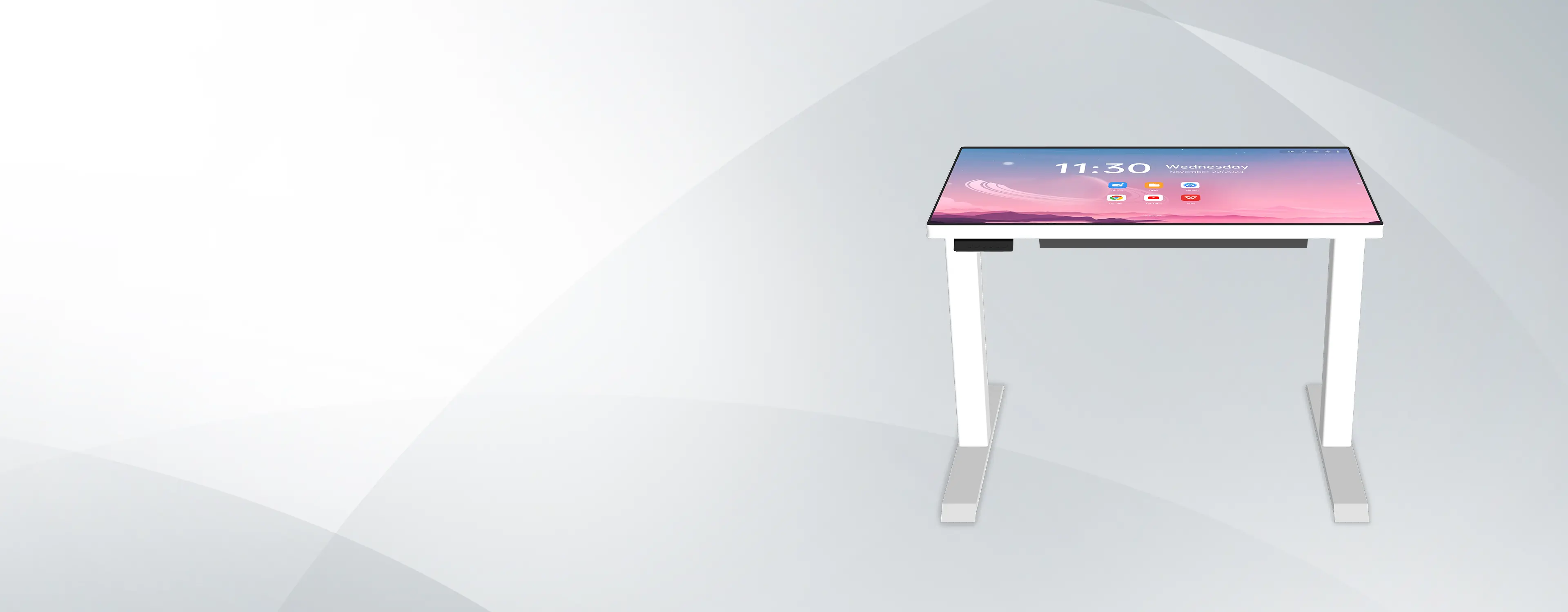
Lifting Touch Table (TH43 / TH55)
Motorised lift 640–1290 mm, 4K UHD, 9 ms touch, Android 14 — height that adapts to seated, standing and wheelchair users.
View Product →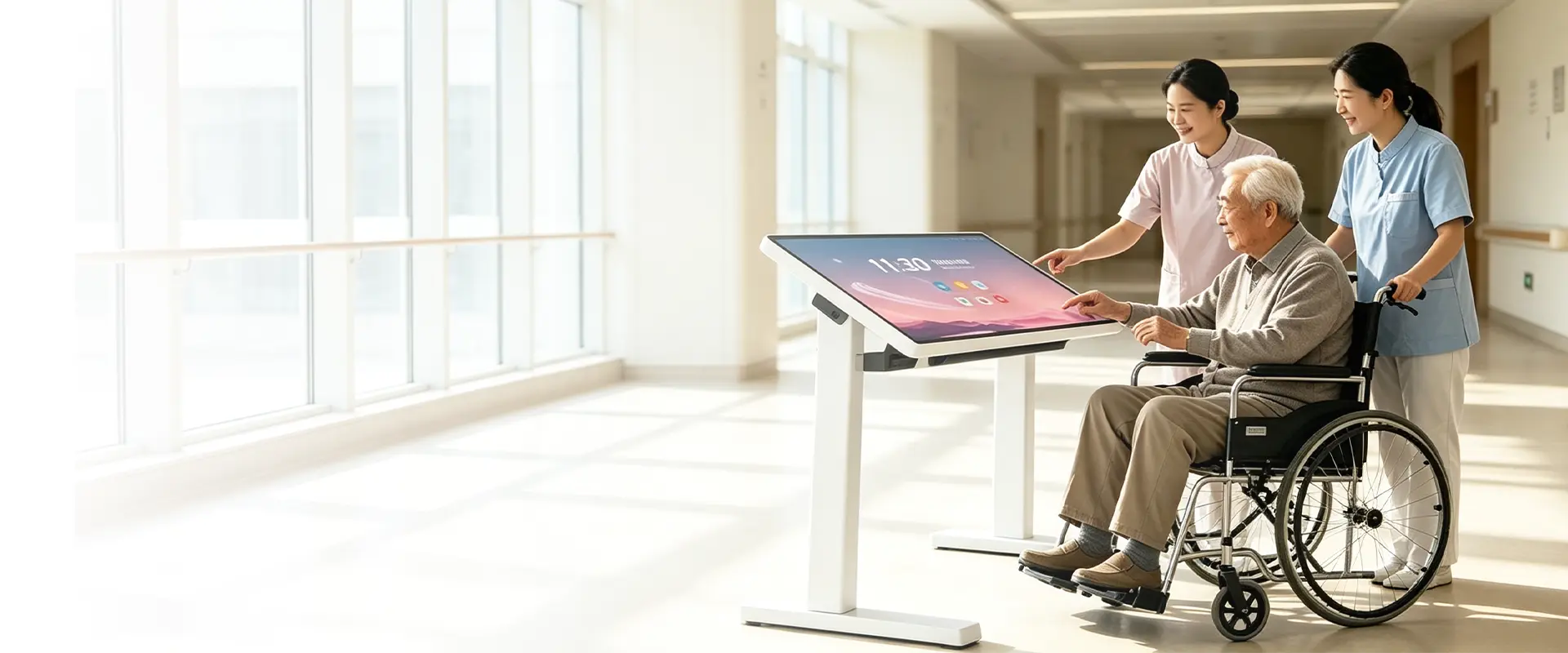
Care Home Touch Table
Wheelchair-friendly base with no floor plate, tool-free tilt and 640–1290 mm lift — designed around residents and care staff.
View Product →Related Articles
Jeff Li
International Sales Manager, Riotouch Technology
Tel: +86 769 8258 3996
Mobile/WhatsApp: +86 198 9911 4307
Email: jeff@riotouch.com
Sales Team · Riotouch Technology