What to Look for When Buying an Interactive Flat Panel Display (IFPD)
A Complete Buyer's Guide for First-Time Buyers
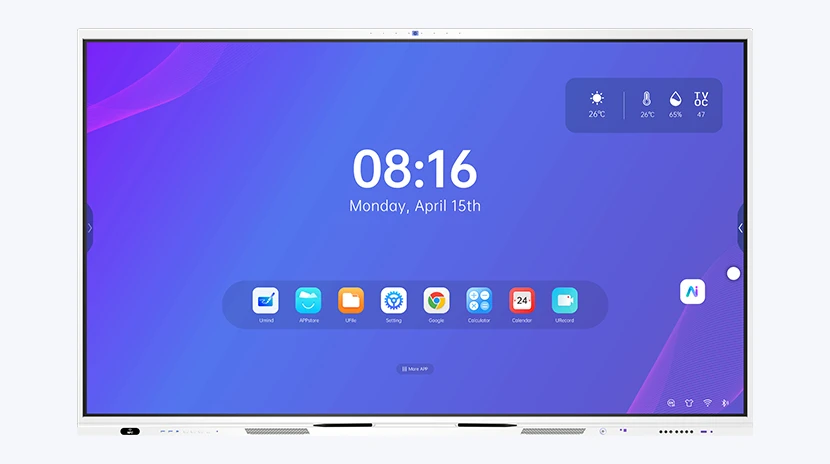
Interactive flat panel displays (IFPDs) have quietly replaced projectors in classrooms and meeting rooms around the world. No lamp to replace, no dark room required, no washed-out image at the back of the room.
But for first-time buyers, the market is confusing. Panels that look identical on the spec sheet can differ wildly in real-world performance. This guide walks you through everything a new buyer should check before placing an order, in plain language.
1. Screen Size: Match It to Your Room, Not Your Budget
Size is the single most common mistake. Buyers either go too small to save money, or too large for the room. The right size depends on room length and how far the last row sits from the screen.
| Room Size | Recommended Size | Viewing Distance |
|---|---|---|
| Small huddle room / small classroom | 65" | 2–4 m |
| Standard classroom / meeting room | 75" | 3–5 m |
| Large classroom / boardroom | 86" | 4–6 m |
| Lecture hall / auditorium over 50 seats | 98"+ | 5–8 m |
2. Display Quality: Three Numbers That Matter
Spec sheets list dozens of numbers, but three decide what you actually see: 4K UHD (3840×2160) resolution, 350+ nits brightness for bright classrooms, and anti-glare glass so reflections don't kill the image.
3. Touch Technology: Points, Latency, and Real Writing Feel
Look for 20–40 point touch, low latency (under 10ms), and — most importantly — test the writing feel live: edge writing accuracy, palm rejection, and how a finger or stylus tracks at speed.
4. The Chipset and Operating System: Where Cheap Panels Cut Corners
The chipset determines how long the panel stays fast and useful. This is where budget panels quietly cut corners.
| Tier | Chipset | What it means for you |
|---|---|---|
| Entry | MTK / older quad-cores | Fine for basic casting + whiteboard, slows down with heavier apps |
| Mid | RK3576 (8-core, 6 TOPS NPU) | Smooth education workloads with AI-ready features |
| Flagship | RK3588 (8-core, 6 TOPS NPU) | Premium performance, real-time AI, heavy multitasking |
5. Software: The Part You'll Use Every Single Day
A panel is only as good as its software. Check what's included: a professional whiteboard app, screen casting, cloud storage, and classroom tools. Confirm the license model in writing — free forever, or paid after year one?
6. Connectivity and Expansion
- HDMI in/out — at least two inputs for laptop + document camera
- USB-C — ideally with power delivery and video input in one cable
- Dual LAN / WiFi 6 — stable network matters for casting and cloud apps
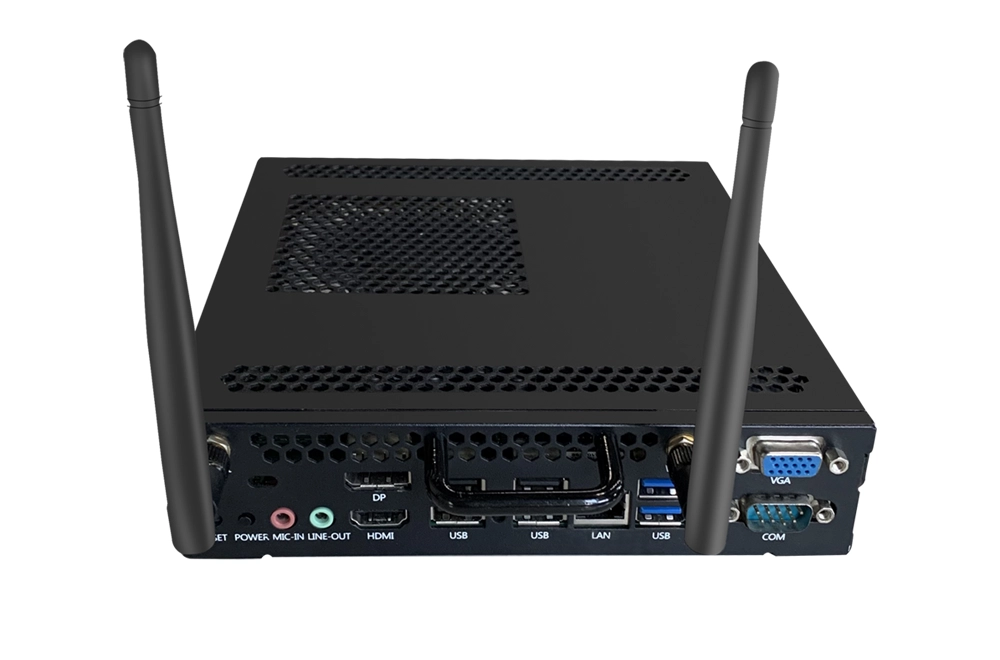
- OPS slot — future-proof for adding a Windows or Android OPS module
7. Audio and Camera: Don't Forget Hybrid Meetings
Built-in speakers matter for classrooms, and a camera: 8MP–48MP with auto-framing is the current standard for hybrid meetings.
8. Certifications, Safety, and Eye Care
- CE / FCC / RoHS — baseline market access (Europe / US / environmental)
- Google EDLA — required for Google apps (Play Store, Meet, Drive)
- Low blue-light and flicker-free modes for all-day classroom use
9. After-Sales Service and OTA Updates
Ask about warranty length and what it covers (panel, mainboard, touch frame), plus OTA system updates and spare parts availability.
10. If You're a Distributor: The OEM Route
Some factories require 500+ unit MOQs; good OEM partners start from 50. Confirm white-labeling, custom firmware, and certification support before committing.
Quick Checklist Before You Order
- ☑ Screen size matched to room and viewing distance
- ☑ 4K UHD, 350+ nits, anti-glare glass
- ☑ Touch tested live: latency, edge writing, palm rejection
- ☑ Android 13+ and Google EDLA certification confirmed
- ☑ Chipset verified (RK3588/RK3576 for AI-ready panels)
- ☑ Software included, license model confirmed in writing
- ☑ OPS slot / Windows option considered
- ☑ Device management (DMS/MDM) plan for multi-panel orders
- ☑ Camera/mic array if hybrid meetings are planned
- ☑ Warranty, OTA updates, and spare parts in writing
Final Word
Buying an IFPD is a long-term investment for your classroom or office. Take the checklist, compare panels side by side, and don't be afraid to ask for live demos and written guarantees.
Customer Case
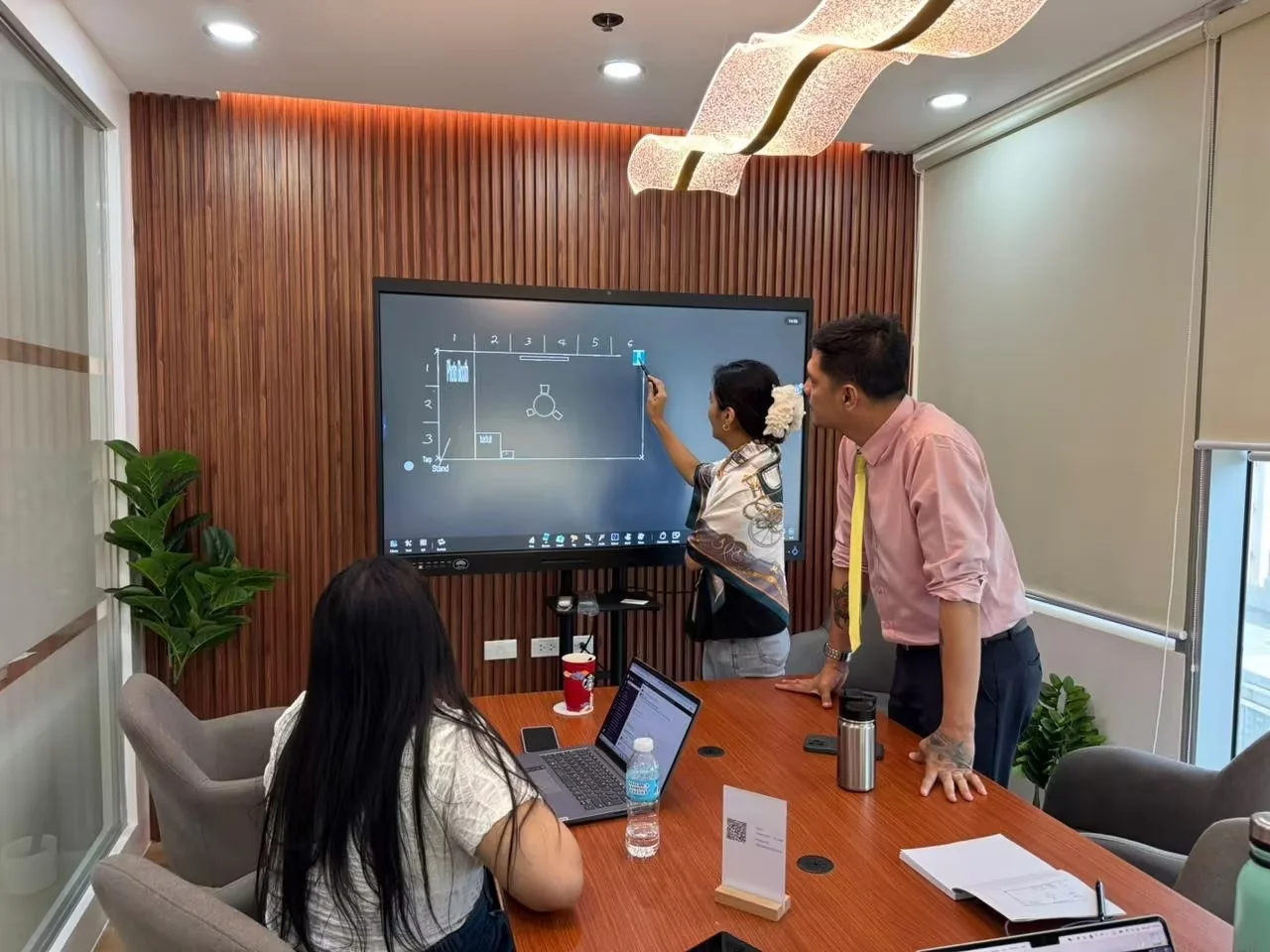
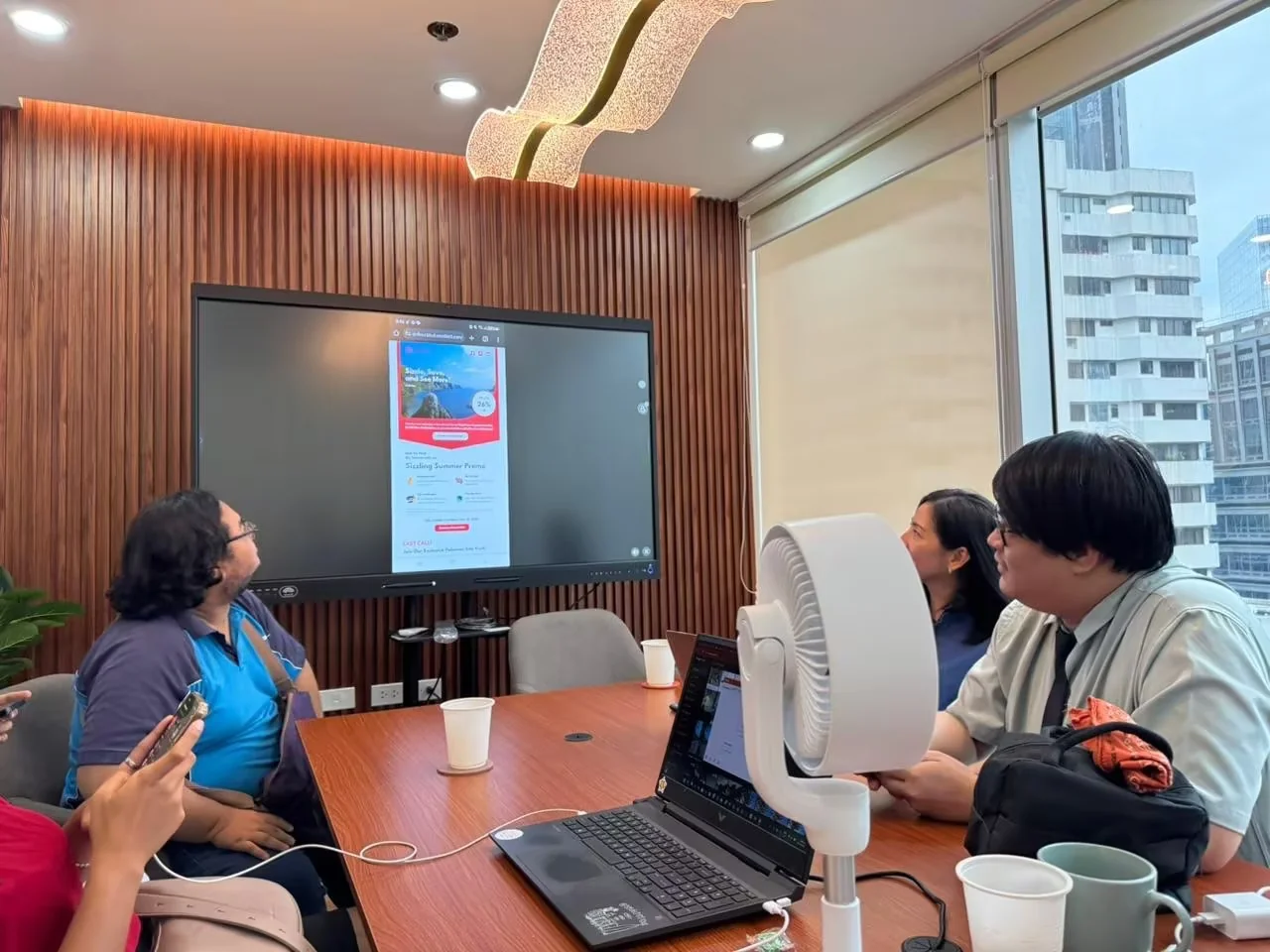
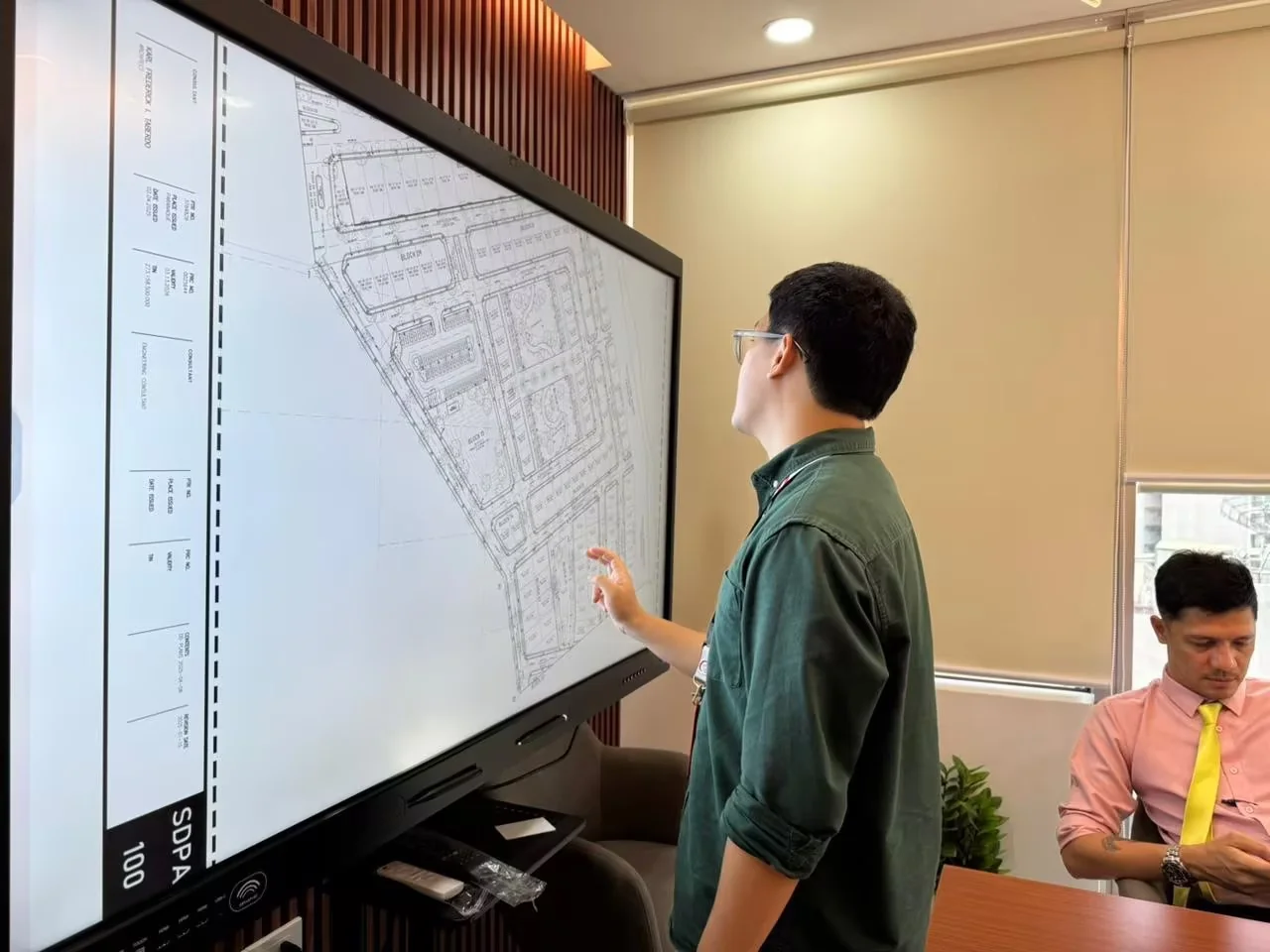
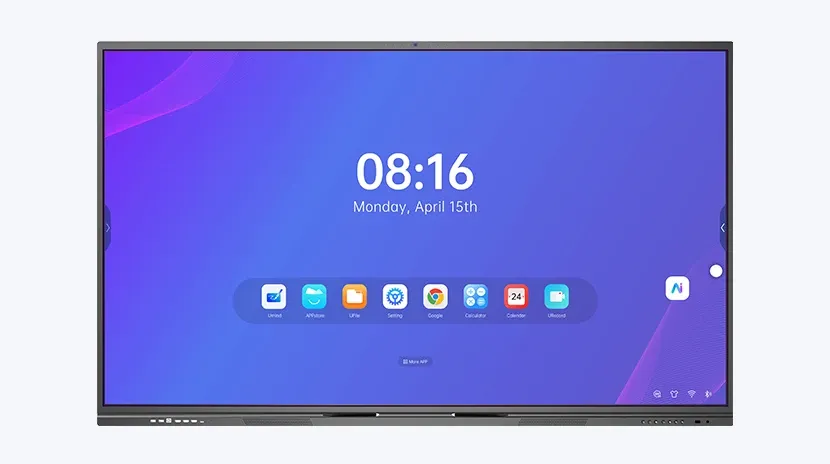
Meeting Room — Riotouch interactive flat panel for video conferencing, presentations & collaboration.
Related Articles
Need a Solution That
Fits Your Project?
Tell us what you're looking for and we'll tailor a quote to your requirements — with pricing, lead time, and expert advice.